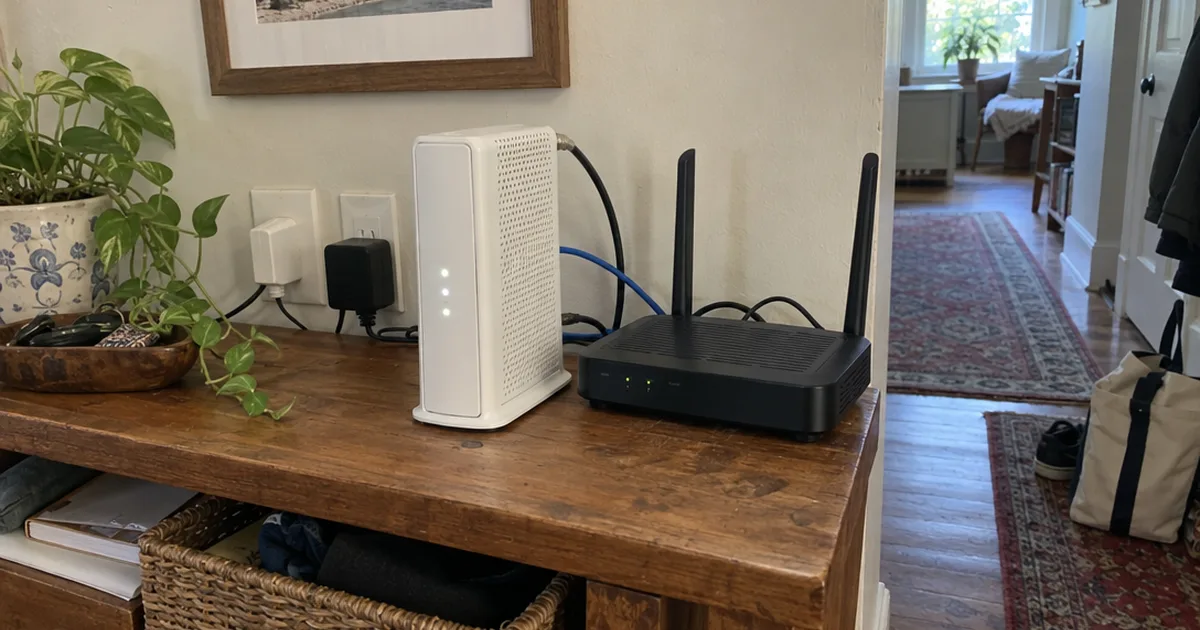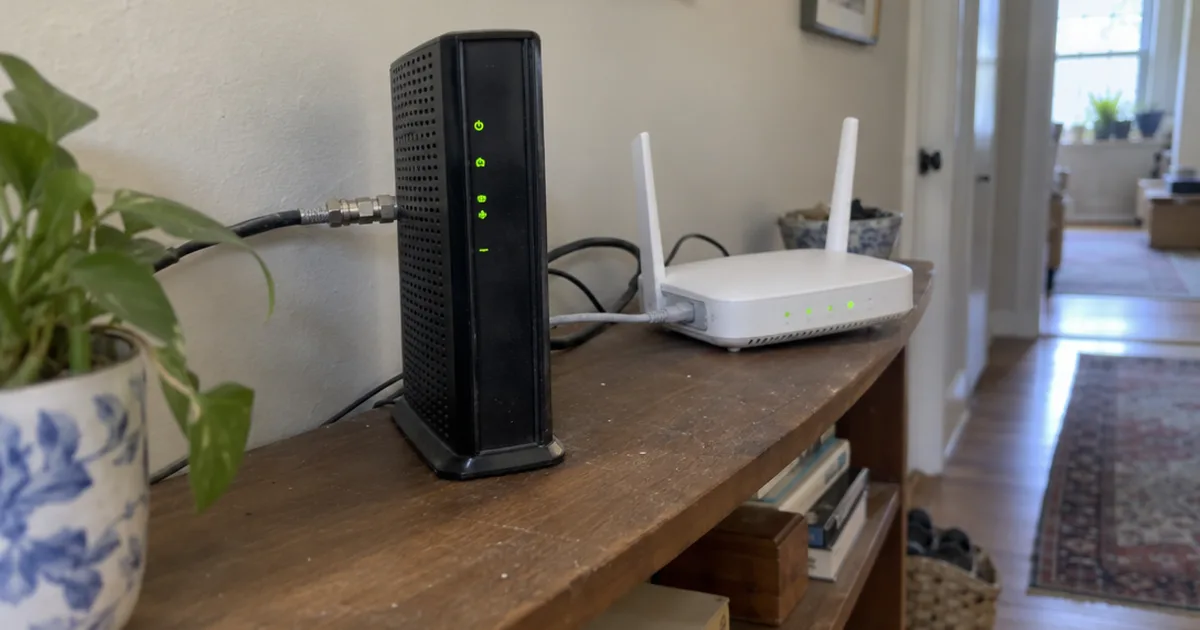

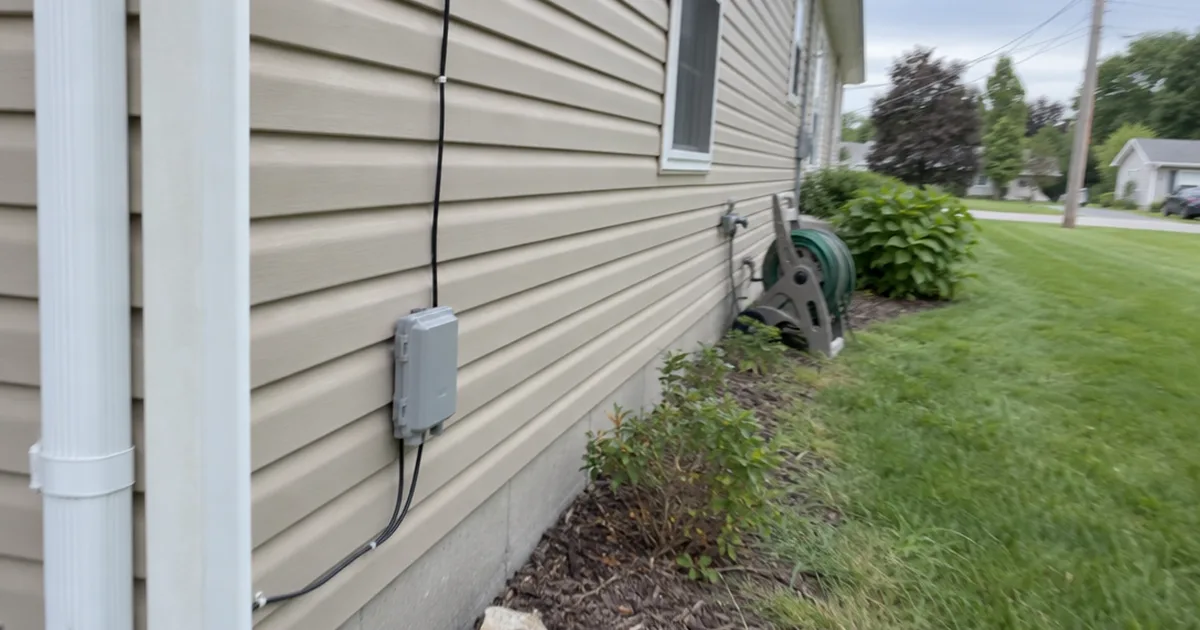
A new AT&T Fiber install can run 6 hours, and the digging may come later.
The AT&T installation page quotes about 4 to 6 hours for a new customer, then says a new line gets buried sometime soon after that visit.
So how is fiber optic internet installed, exactly?
In 2 parts: what happens outside your house, and what happens inside it.
Here’s each step in order, with how long it runs, what you’ll see in your yard and what to do before the truck shows up.
The 7 Steps of a Fiber Internet Installation
Fiber internet installation is 2 big jobs: a crew builds the line to your home, then a technician connects it inside and tests it.
Fiber optic cables use tiny strands of glass to move data at the speed of light, Surf Internet says on its installation page.
It’s a new line added beside the telephone line and coaxial cable most homes already have.
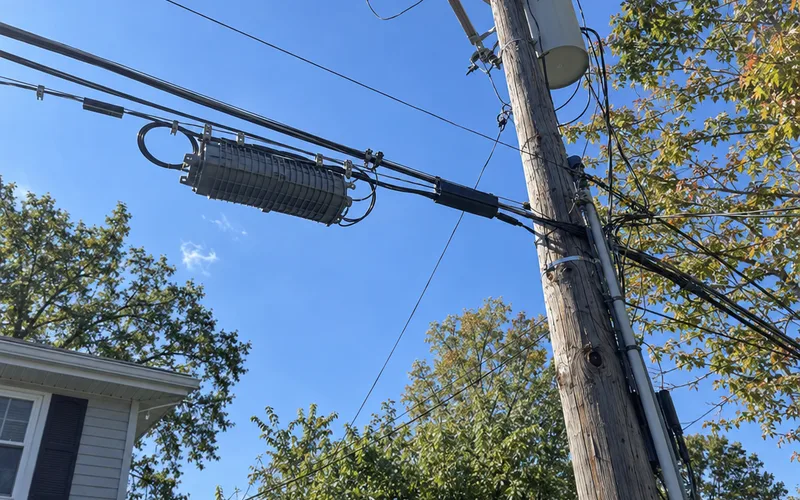
Most installs follow this order:
- Your provider gets permits and plans the route.
- Crews run fiber through the neighborhood.
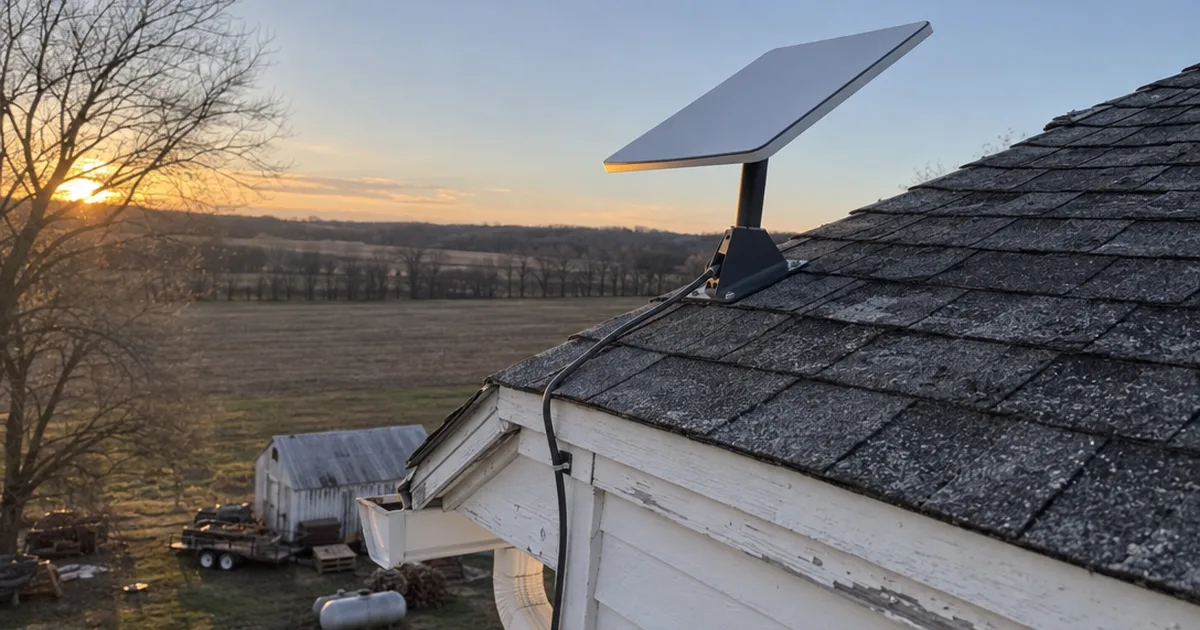
- A small drop line reaches your house.
- The line comes through an outside wall.
- The technician mounts and powers the Optical Network Terminal.
- An Ethernet cable connects it to your router.
- The technician turns it on and tests it.
Your Internet service provider handles nearly all of it, so your job is smaller than it looks.
Steps 1 and 2 build the infrastructure before you ever see a technician, and that’s where most of the waiting lives.
How Fiber Gets to Your Street
Fiber reaches your street before it reaches your house, and that street work is the slowest part of the job. Surf Internet, a provider in Illinois, Indiana and Michigan, lists 4 build phases at 1-5 weeks each.
Why so long?
Permits.
Each plan needs approval from the agency in charge of that route, such as a state highway office, a county, a city or a railroad.
Those permits can take a few days to months, the same page says, depending on their complexity and the utilities already there.
Once permits clear, crews build the new infrastructure. Where utilities hang overhead, the fiber may go on existing poles, and where they’re buried, the cables go underground.
Underground work starts with conduit, a protective pipe the fiber optic cables travel through.
Crews lay it with a plow or a directional boring machine, then add hand holes so technicians can reach the line later.
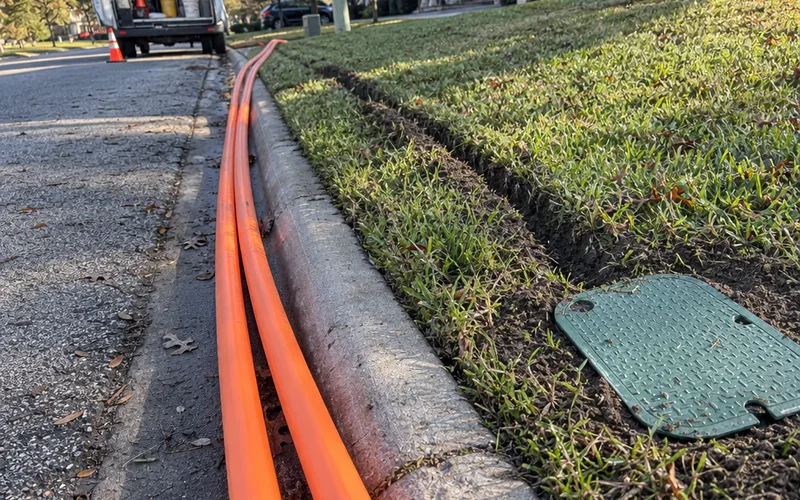
Next, a team runs the fiber through the conduit by hand with a string, or a blowing machine feeds it through.
Then a trained splicer breaks open the cable and joins new fibers to it. Fusion splicing, which welds 2 fibers together with an electric arc, is the most widely used method, the company says.
Finished infrastructure on your street doesn’t mean it’s live yet. Engineers still have to add electronics before anyone can send data over it.
So when you call, ask which phase your street is in. That single answer tells you whether you’re waiting weeks or waiting on a permit.
Why Crews Can Work on Your Property
Crews can work on part of your property because a local government grants providers utility easements and rights-of-way by permit, the same page explains.
An easement is a permanent right to use a strip of land for a set purpose, and it stays with the land if you sell. The provider can use that strip, but it doesn’t own it.
That’s the same access the electric and gas companies have.
What the Flags and Paint in Your Yard Mean
Flags and paint in your yard mark what’s buried there, so crews can dig without hitting it. The same provider lists a color for each type of line:
- Red: electric power lines
- Yellow: natural gas, oil, steam or petroleum
- Orange: communication lines, cables or conduit
- Blue: drinking water
- Green: sewer and drain lines
- White: proposed digging
Leave them where they are until construction ends.
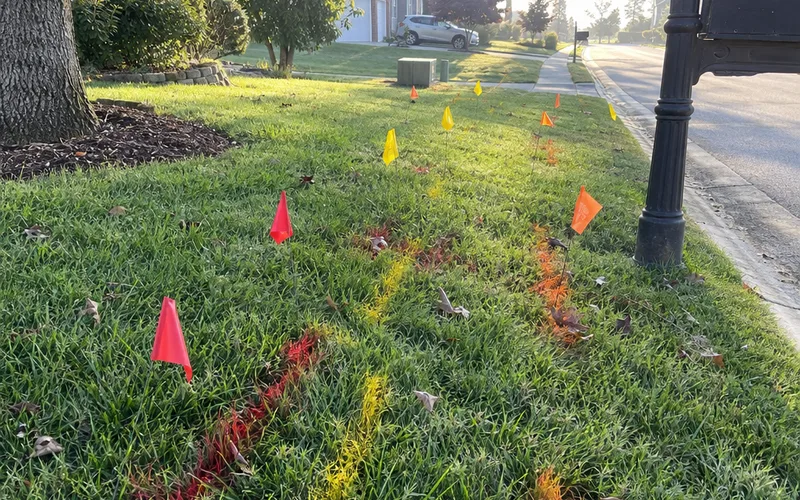
Pulling them out can get a water, gas or electric line hit, and that’s a far bigger problem than a messy lawn.
Those markers cover the utilities on record. Your own buried lines are a separate job, and the prep steps later in this guide cover them.
How the Fiber Line Reaches Your House
A fiber line reaches your house one of 2 ways: overhead from utility poles, or underground from the curb. Pulse, a Northern Colorado internet utility, says in a Broadband Communities guide that your provider confirms which one you get.
This short run is called the drop line, and your street mostly decides which kind you get.
Overhead From Utility Poles
A small fiber line runs from the pole to your house and gets secured near your other utilities. Nothing touches your yard.
Underground From the Curb
Underground takes more work, because the line needs a narrow path or small conduit from the curb to your house.
The same guide says the yard may be disturbed briefly, then restored, and utilities get marked first if digging is involved.
Does Fiber Internet Have to Be Buried in Your Yard?
No, fiber internet doesn’t have to be buried in your yard when your home is served from utility poles. It gets buried when your neighborhood lines run underground.
Timing is what surprises people.
The burial can come after you’re already online, and AT&T says a new line is buried sometime soon after the installation.
The Pulse guide says a crew returns to bury a temporary surface line when the schedule and weather allow.
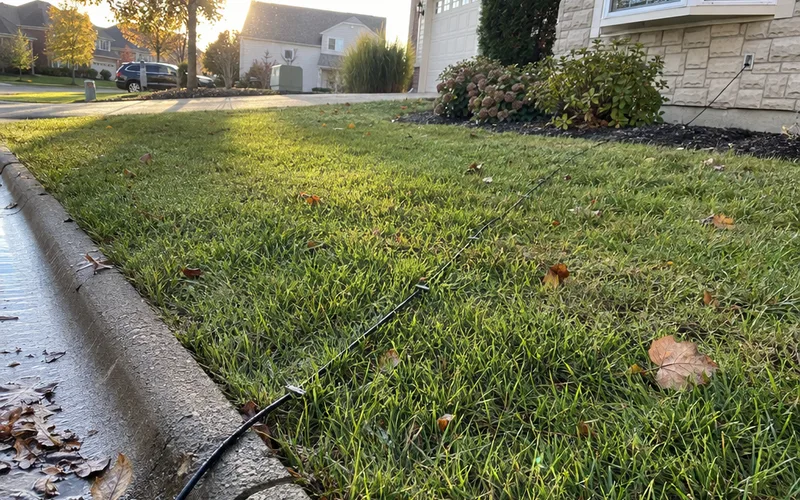
So a cable lying across your lawn the day after your install isn’t necessarily a mistake.
Ask for the burial date before the technician leaves, because that line is easy to catch with a mower.
What Happens to Your Yard Afterward
Yard repair comes last. Surf Internet says it restores lawns within about 2 weeks where digging or plowing happened, weather permitting, by adding dirt, seeding and laying straw.
Other providers set their own schedules, so ask yours how it handles the repair.
How Fiber Gets Inside Your House
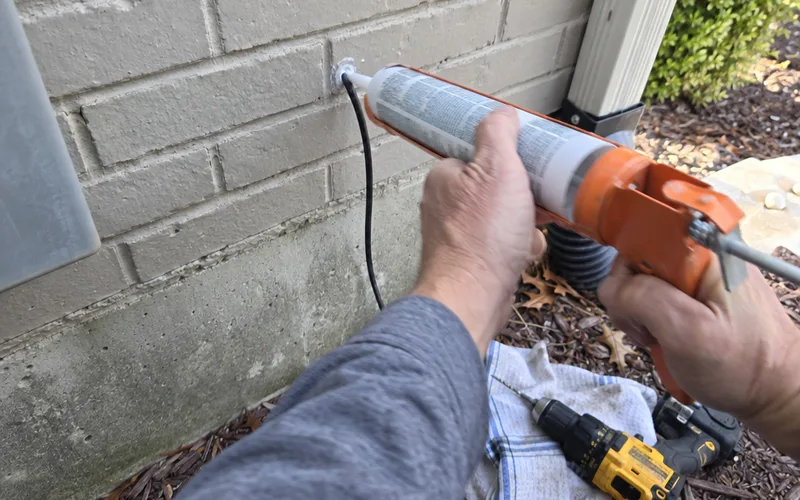
Fiber gets inside through a small hole drilled in an outside wall, and that hole is sealed against the weather, Pulse says.
Before any drilling, the technician has a job to do. On an AT&T Fiber install, the technician first finds the best location for the gateway, then runs fiber inside to reach it.
That means the hole’s location follows the equipment’s location, not the other way around.
Inside, the fiber typically lands in a utility room, garage or low-voltage closet with an outlet, the same guide says.
The technician then connects it to a short, protected tail and coils it neatly so it isn’t bent too tightly.
Here’s what I’d do:
Stand in the room you picked and look for 2 things before the technician arrives: an outlet and a clear wall. If you have neither, pick another room now, because moving the box later can mean another fiber run.
What an ONT Does and Where It Goes
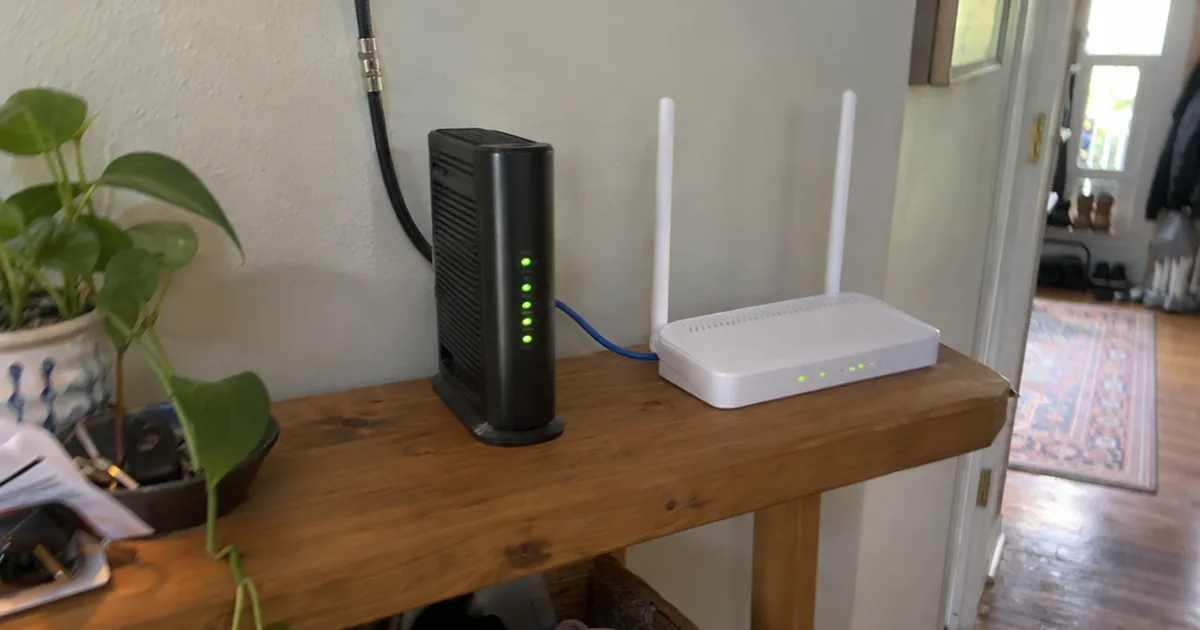
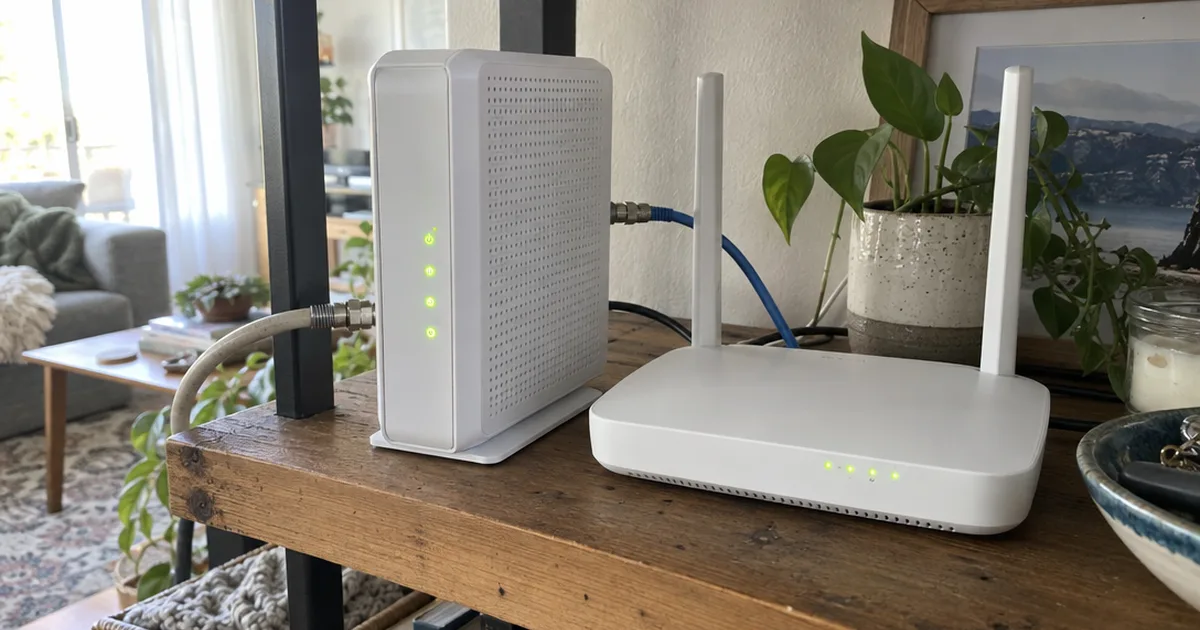
An Optical Network Terminal, or ONT, converts the fiber light signal into Ethernet your router can use. The box goes where the fiber lands inside, near a standard outlet, and Pulse says your provider typically supplies it.
Think of it as the fiber version of a modem. If you’re coming from cable internet, it fills the same spot in your setup, between the line and your router.
For the details on the box, the lights and the ports, there’s more on what an ONT does and how the ONT port on a router fits in.
Some providers require you to use their equipment, and others let you use your own gear.
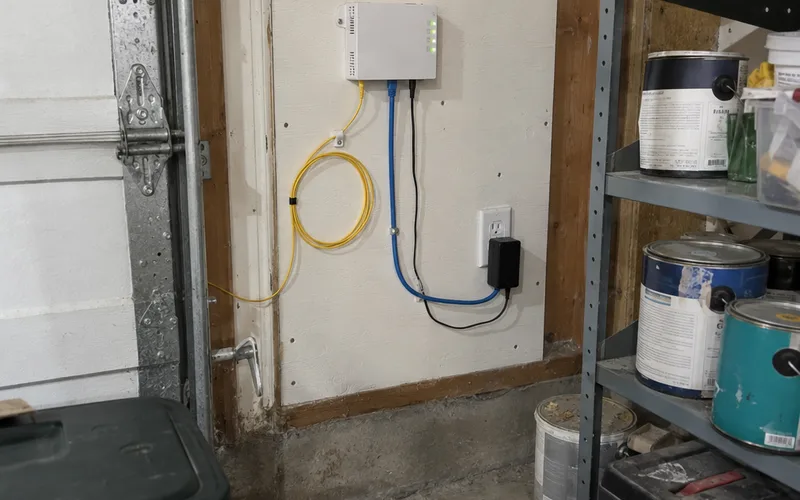
That box needs power, which brings up the part people forget.
When the power goes out, an ONT on a standard outlet goes out too. So if you plan to keep a landline on it, ask about a battery backup, as the guide advises.
And if you work from home, a backup internet connection is worth a look before you need one.
How Your Router Connects to Fiber
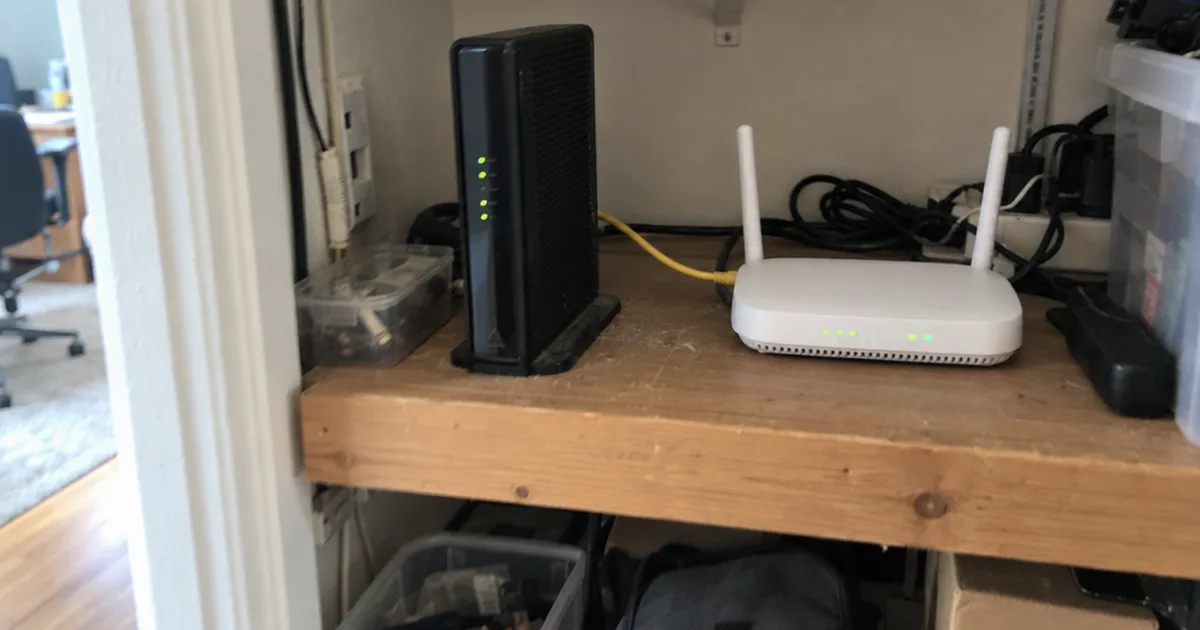
Your router connects to fiber through a standard Ethernet cable from the ONT, and Pulse calls Cat6 a good default. That one cable is the whole link between the fiber network and your home network.
If you’re buying your own, compare the right Ethernet cable for your run before installation day.
Where the Router Should Go
Put the router as central as you can if you rely on Wi-Fi, the guide says. A router tucked in a garage with the ONT will struggle to reach far rooms.
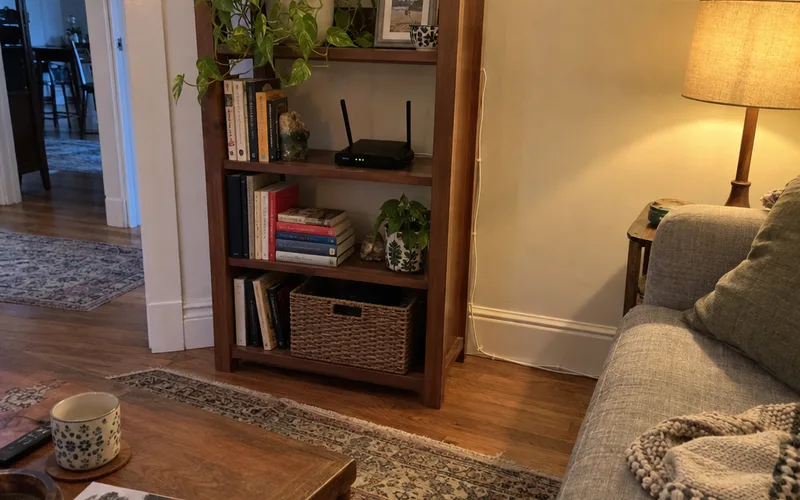
If the ONT has to stay in a corner, run a longer Ethernet cable to a central spot. Larger homes often do better with extra access points, ideally connected by Ethernet, or a mesh Wi-Fi system that covers more rooms.
Do You Need a New Router for Fiber Internet?
You need a new router for fiber internet only if yours can’t keep up with your plan or your provider won’t allow it. The same guide says to check that the router WAN port and firmware can handle gigabit or multi-gig speeds if your plan calls for them.
Some providers hand you one anyway: AT&T says its technician provides a new Wi-Fi gateway if needed, and that gateway combines a modem and a router in one box.
Prefer your own router?
Ask for bridge or pass-through mode, which lets the provider box step aside so your router runs the network.
How the Technician Turns It On and Tests It
A fiber connection goes live when the technician brings the line online and confirms it talks to the neighborhood equipment, according to the Pulse guide. Most homes then just use automatic settings, though some providers need a username and password or a tag the technician sets.
A laptop plugged into the router by Ethernet shows what the line itself can do, because it takes Wi-Fi out of the picture. Wi-Fi speed in the living room tells you about your Wi-Fi, not your fiber.
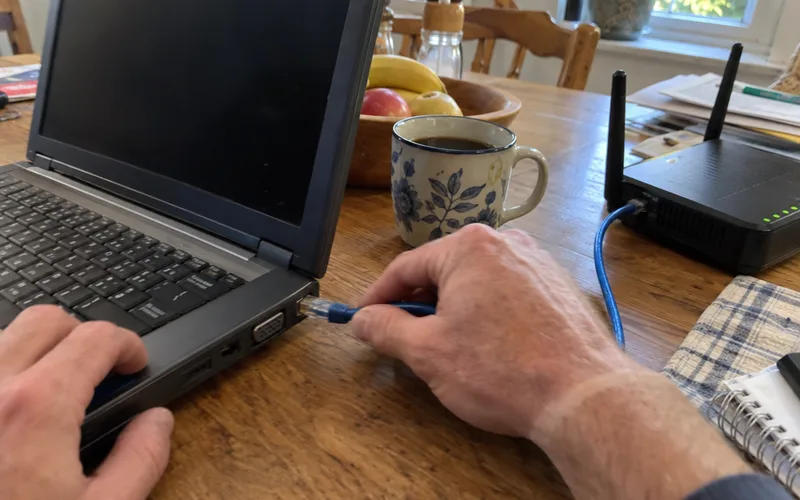
Here’s what to say before the technician packs up:
“Can we run a wired speed test on a laptop before you go? I’d like to see my plan speed on the screen.”
Compare the number to what you pay for, and check it against a good internet speed for how your household uses it.
Then install the provider app or portal, so you get outage alerts and can see your plan details.
If It Stops Working After the Technician Leaves
When fiber stops working after an install, check the simple physical connections first. The guide suggests confirming ONT power, the short fiber tail and the Ethernet cable to the router, then restarting the ONT and router.
Next, test 1 wired device.
If that device works, your line is fine and the problem is in your Wi-Fi. If it still won’t connect, call your provider with the times it failed, your speed test results and whether the problem shows up on wired, wireless or both.
How Long Fiber Installation Takes
A fiber installation visit takes about 4 to 6 hours for a new AT&T Fiber customer. AT&T says a current AT&T Internet customer moving to fiber may need up to 4 hours.
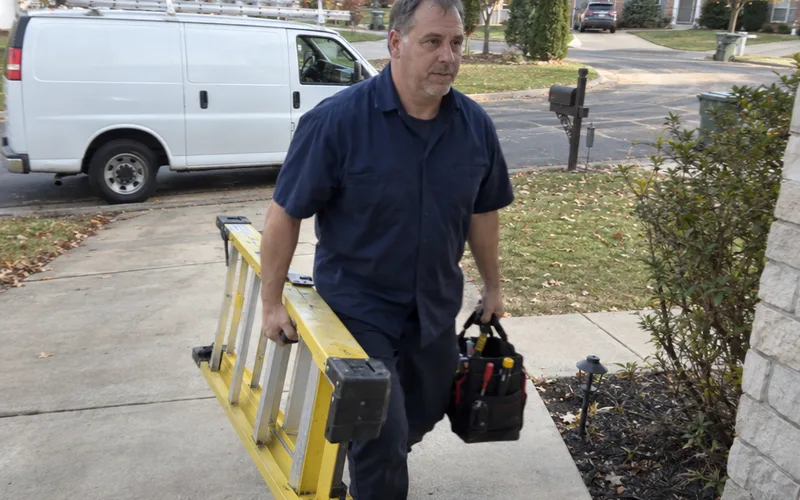
The appointment is only one piece of the wait, though, and your full timeline depends on how far the fiber has already come:
- No fiber on your street: several months, Surf Internet says, depending on location, permits and construction.
- Fiber on your street, new line to your house: one visit, plus a burial trip afterward if your line goes underground.
- Fiber already in the home: the shortest path, since the line work is done.
So block the full window, and ask your provider for its own estimate, since these figures cover only those companies.
Do You Need to Be Home for Fiber Installation?
Yes, someone at least 18 must be home for a new AT&T Fiber install, because the technician may need your backyard and the inside of your house. It doesn’t have to be you, but it should be someone who can decide where the equipment goes.
Street work is different: a provider can build the network first and offer sign-ups later, so crews on your block have no appointment with you.
How to Prepare for a Fiber Internet Installation
Prepare for a fiber internet installation by marking your private underground lines, choosing spots for the ONT and router, and clearing those areas. None of it takes special tools, and it heads off the surprises that hold up an install.
Outside Your House
Surf Internet asks owners to report sprinkler systems, dog fences and sump pumps in advance, then mark them with flags or pink landscape paint.
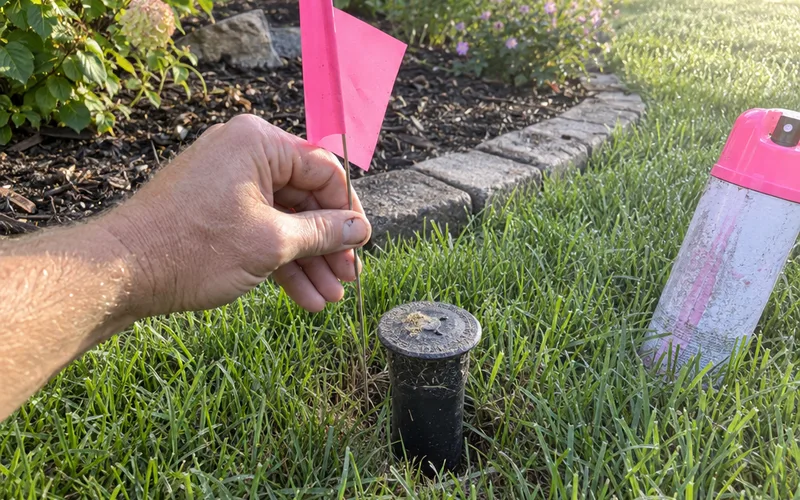
This one matters most, because a crew can’t avoid a line nobody told them about.
Inside Your House
Decide where the inside box will go, which needs power, and where you want the Wi-Fi router, then clear the area.
Move furniture and boxes away from that wall, and clear a path to the spot where the fiber will come in.
What to Ask Your Provider
The pages behind this guide don’t list a fee, so don’t assume yours is free. Here’s what to ask:
“Is my line going overhead or underground? When will a buried line be finished? What do I pay for installation, and are construction costs separate?”
Get the answers in writing. For the money side, there’s a full breakdown of fiber installation costs in the Home Internet section.
Last, keep your current service running until the new line passes that wired speed test. If you’re leaving cable internet, that overlap keeps you online if the install slips, and it’s worth comparing fiber against cable before you cancel anything.
Do You Need to Rewire Your House for Fiber?
No, you usually don’t need to rewire your house for fiber. The fiber stops at the ONT or gateway, and Ethernet or Wi-Fi carries the connection from there.
AT&T describes fiber being extended inside the home to the gateway, so the in-home change is 1 new line to 1 spot.
Your phones, laptops and TVs keep connecting the way they do now.
New wiring only makes sense when you want it. Say your home office sits 2 floors from the router and Wi-Fi struggles there.
An Ethernet run to that room, or to an access point on wired backhaul, fixes that problem, and fiber didn’t create it.
This technology changes what comes into the house, not what’s inside the walls.
The One Thing to Do Before Your Install
Fiber installation is mostly waiting on the street and a few hours at your house.
The part you control is small, and it happens before the truck arrives.
This week, walk your yard and flag anything buried that the utility company wouldn’t know about.
Frequently Asked Questions
How do they connect fiber to your house?
Fiber connects to your house through a small drop line from a pole or from the curb, according to a Pulse guide. A technician brings that line through a sealed hole in an outside wall and connects it to the ONT.
Does fiber internet need to be installed?
Yes, fiber internet needs a technician visit for new AT&T Fiber customers, and AT&T says the same for current AT&T Internet customers moving to fiber. Check your own order, because the visit depends on your provider and your home.
Can I install fiber internet myself?
No, you can’t install a new fiber line yourself on a plan like AT&T Fiber, which requires a technician for new customers. Splicing also takes a well-trained technician, Surf Internet says, so leave the glass alone and handle the router setup.
Is fiber better than Wi-Fi?
Fiber and Wi-Fi do different jobs, so one doesn’t replace the other. Fiber brings the internet to your home, and Wi-Fi from your router shares it with your devices.
How do you connect to fiber optic internet?
You connect to fiber optic internet through your router, either over Wi-Fi or with an Ethernet cable. The router gets its connection from the ONT, so your devices never touch the fiber itself.
How is fiber optic cable installed underground?
Fiber optic cables go underground through conduit that crews install with a plow or a directional boring machine, Surf Internet says. Crews then pull or blow the fiber through that conduit.
Is there a downside to fiber optic internet?
Yes, 2 downsides of fiber optic internet are the construction mess and the power the ONT needs. Surf Internet calls construction a messy process, and Pulse says the ONT needs a standard outlet, so ask about battery backup if you keep a landline on it.