
Andre Thibodeaux
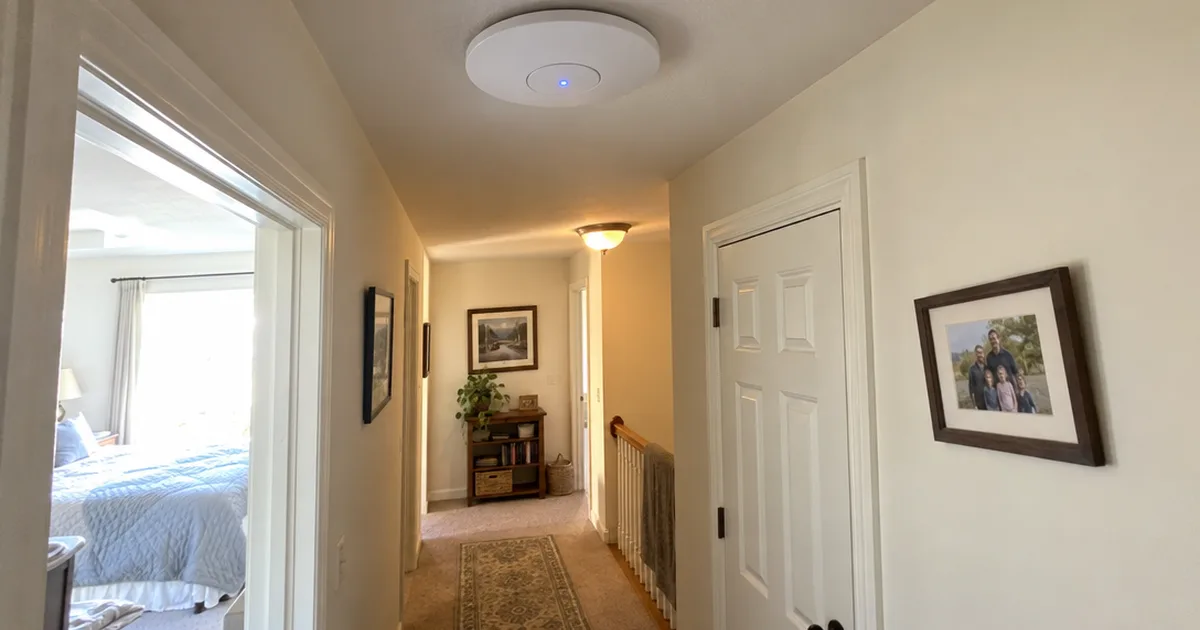
I'm Andre Thibodeaux, and I grew up in Lowell, Massachusetts, where old mill buildings and older houses taught me early that walls rarely hide what you expect. For nine years I worked as a low-voltage installer, pulling Cat6 through finished walls, terminating patch panels and mounting access points in homes and small offices. That work left me with a real soft spot for tidy cable runs, ports with labels on them and access points mounted where the signal can actually reach the rooms people use.
My favorite part of the job was never the hardware. It was the moment a nervous homeowner stood in front of a wall plate, unsure which wire went where, and then finished their first termination and grinned at it. I remember feeling that same uncertainty, so I never want anyone to feel slow for asking a question. If a step is fiddly, I'll say so, and then we'll walk through it in order.
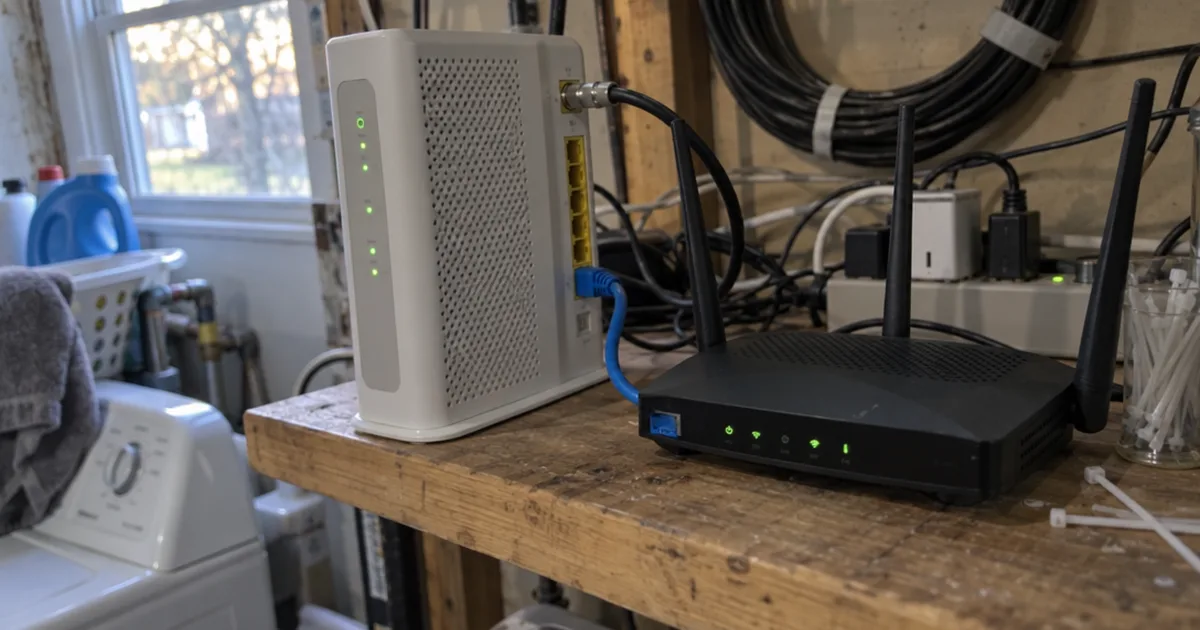
I have opinions, and I'll own them. I like wired backhaul, sensible access point placement and small home labs built from gear people already have in a drawer. I sketch a floor plan before I talk about hardware, because the shape of a house matters more than the number on the box. I'll also nag you to label each end of every cable, and I reach for a cable tester about as often as most people reach for a flashlight. What bugs me is jargon used to make people feel small, product pages that bury the specs and advice that says mesh fixes everything without looking at the layout. I also hold a quiet grudge against the ISP combo box stuck in a closet behind the water heater, which is about the worst seat in the house.
That's why I'm here at Home Network Grid. I want you to stop feeling stuck with whatever equipment your provider handed you. The goal isn't only a better speed test result; it's a home network that feels calmer, steadier and easier to live with. My guides are built from careful research, and I'll always tell you where the evidence ends. Bring your questions, even the ones you think are silly, because those are usually the good ones.
Articles by Andre Thibodeaux
 roundup
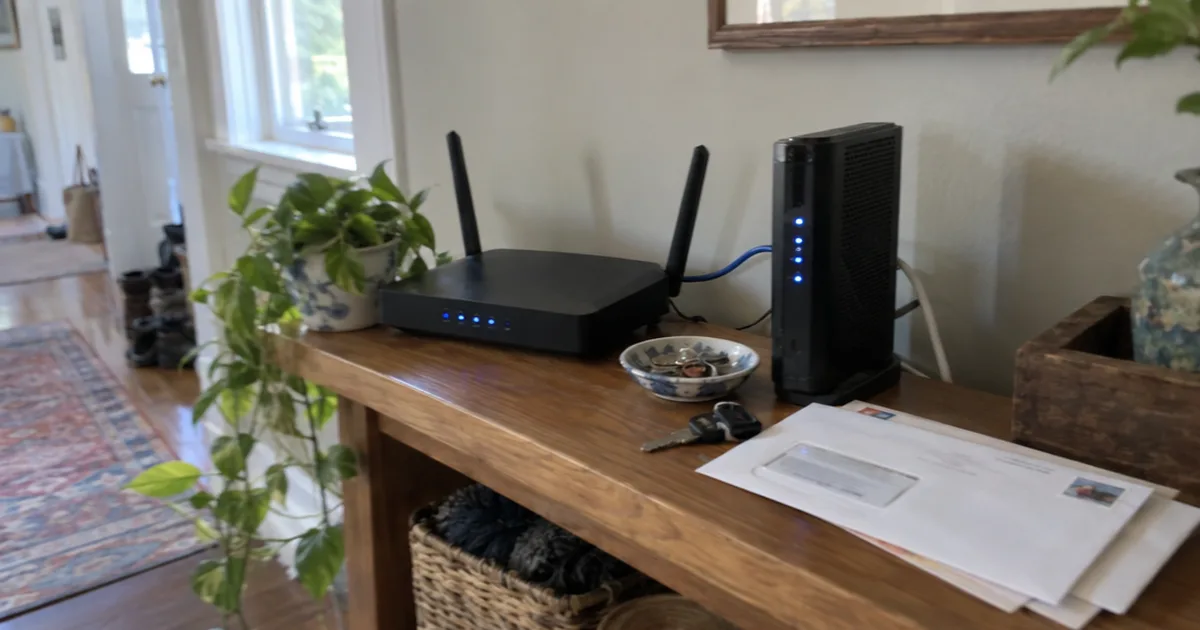
WiFi Router Reviews: The 7 Routers Top Review Sites Agree On
WiFi router reviews boiled down to the 7 routers top review sites agree on, from the Netgear Nighthawk RS700S to budget and mesh Wi-Fi 7 picks.
 comparison
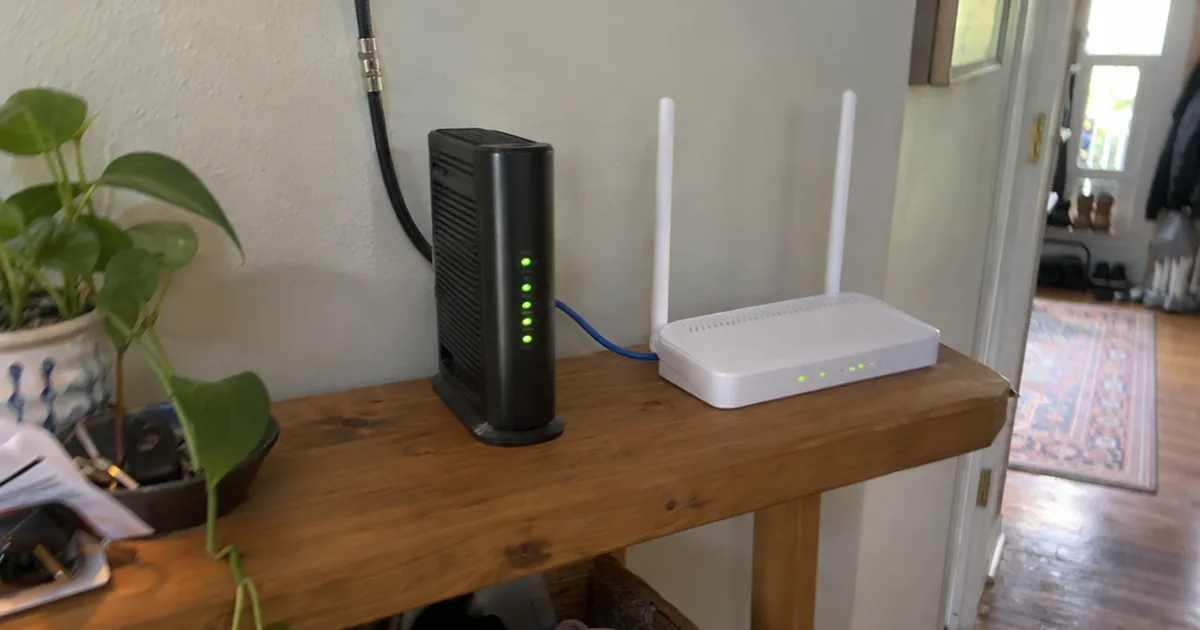
Modem vs Router: How to Tell Them Apart and Which One to Upgrade
Modem vs router, explained: what each box does, how to tell them apart, when you need both and which one to replace for faster WiFi.
 how to
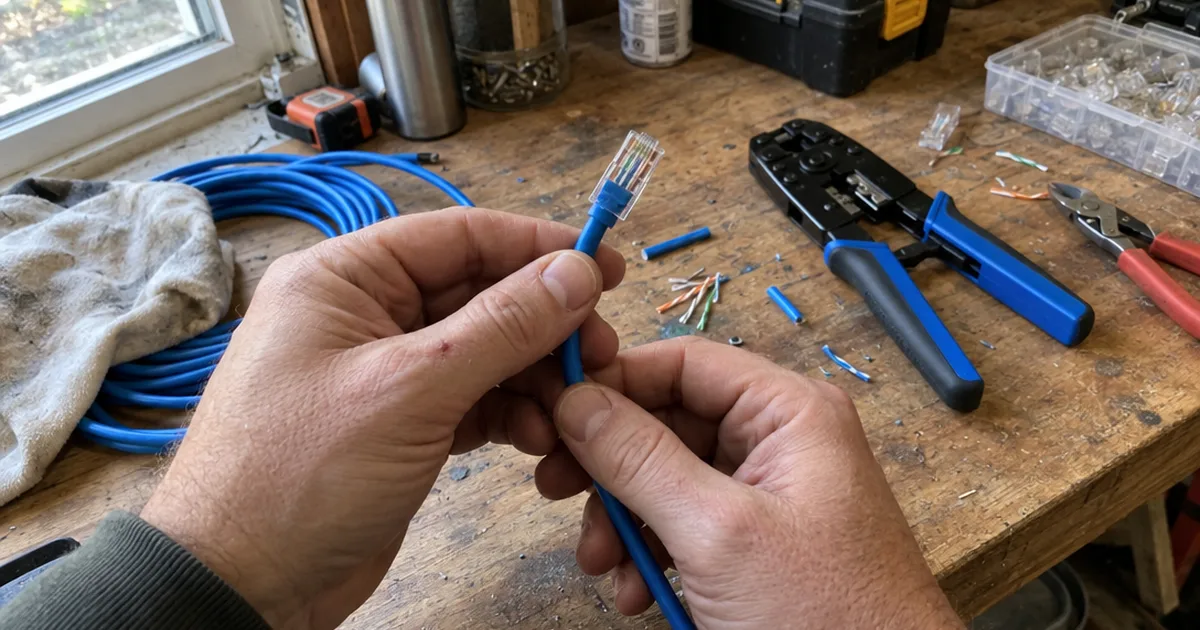
How to Terminate Ethernet Cable: 8 Steps for a Plug, Plus Wall Jacks
How to terminate Ethernet cable with an RJ45 plug, keystone jack or patch panel, with the wire order, tools and common faults.
 guide
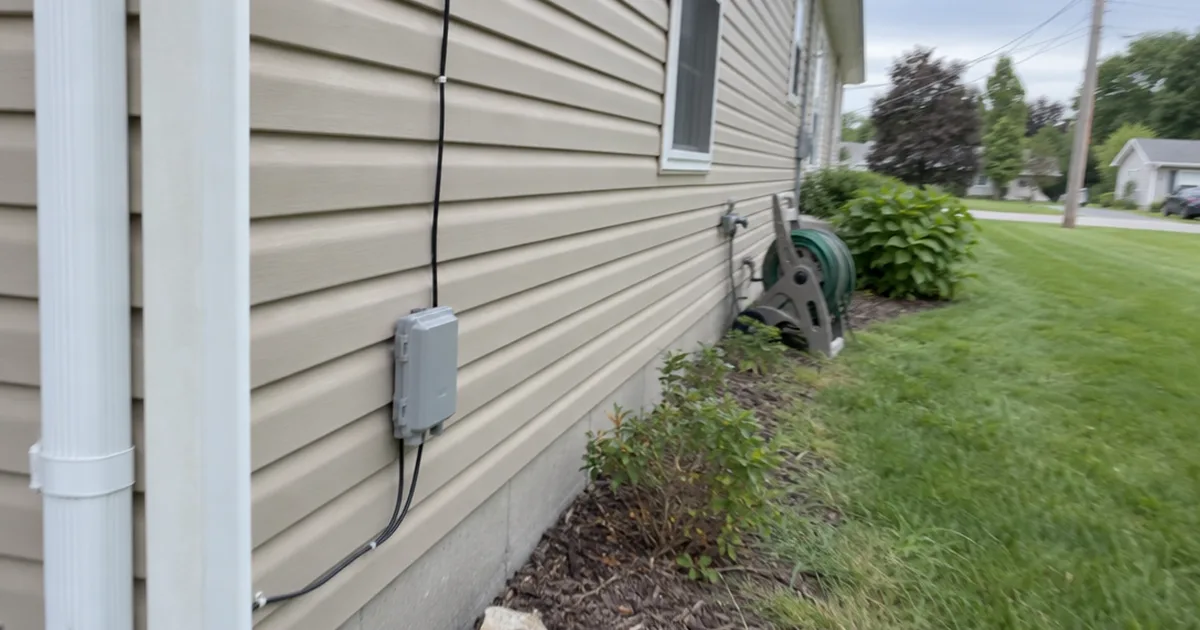
How Is Fiber Optic Internet Installed? Every Step, Start to Finish
How fiber optic internet is installed, step by step: the street work, the drop line, the wall entry, the ONT, your router and how long each part takes.
 guide
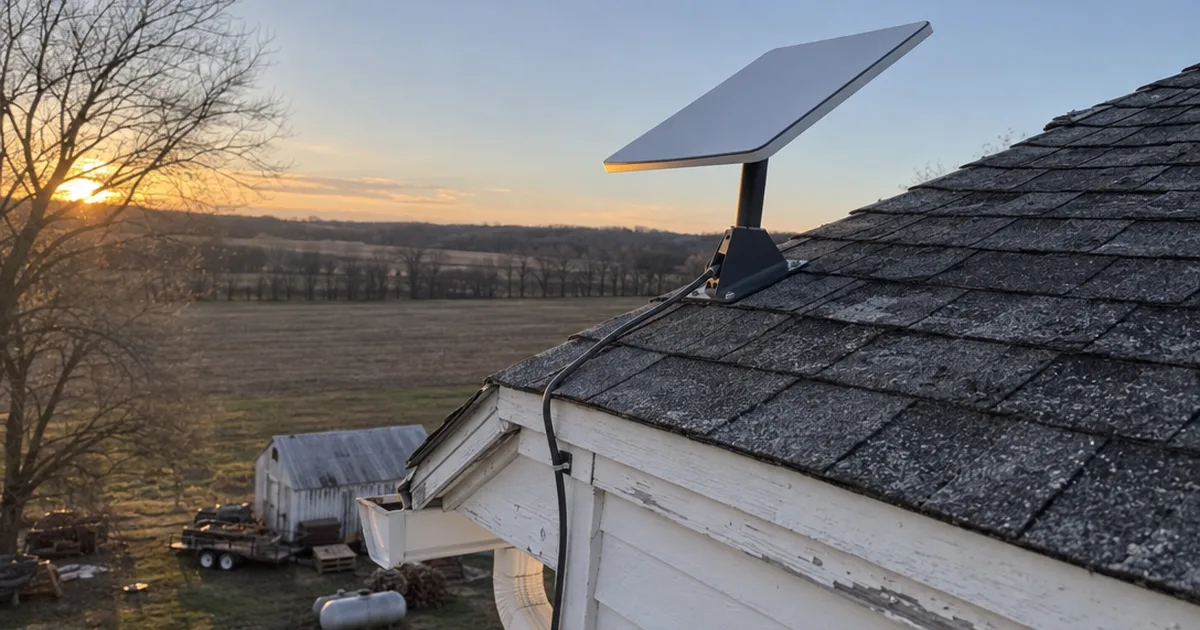
Is Starlink Good for Gaming? Real Ping, Lag Spikes and Fixes
Is Starlink good for gaming? See Starlink's real ping, how Fortnite, Call of Duty and Valorant play, why lag spikes happen and the setup fixes that cut them.
 review
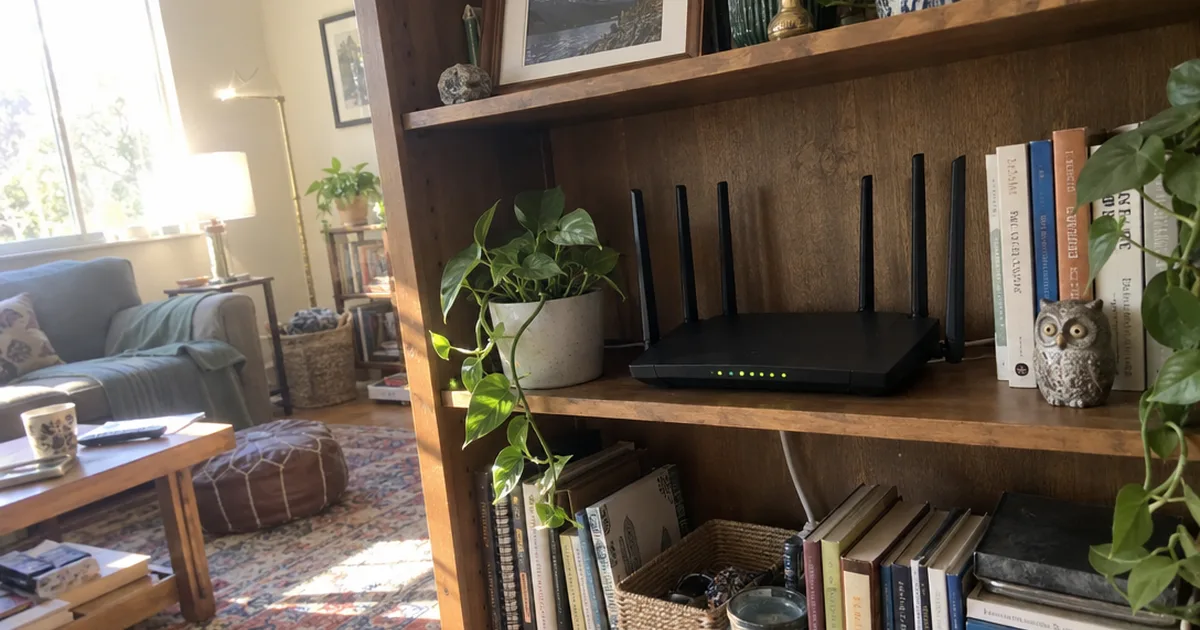
TP-Link AXE5400 Review: Specs, Range and the V2 Port Upgrade
A research-based TP-Link AXE5400 (Archer AXE75) review: real specs, rated range, the V1 vs V2 port change, which HomeShield features cost extra and who should buy it.
 comparison
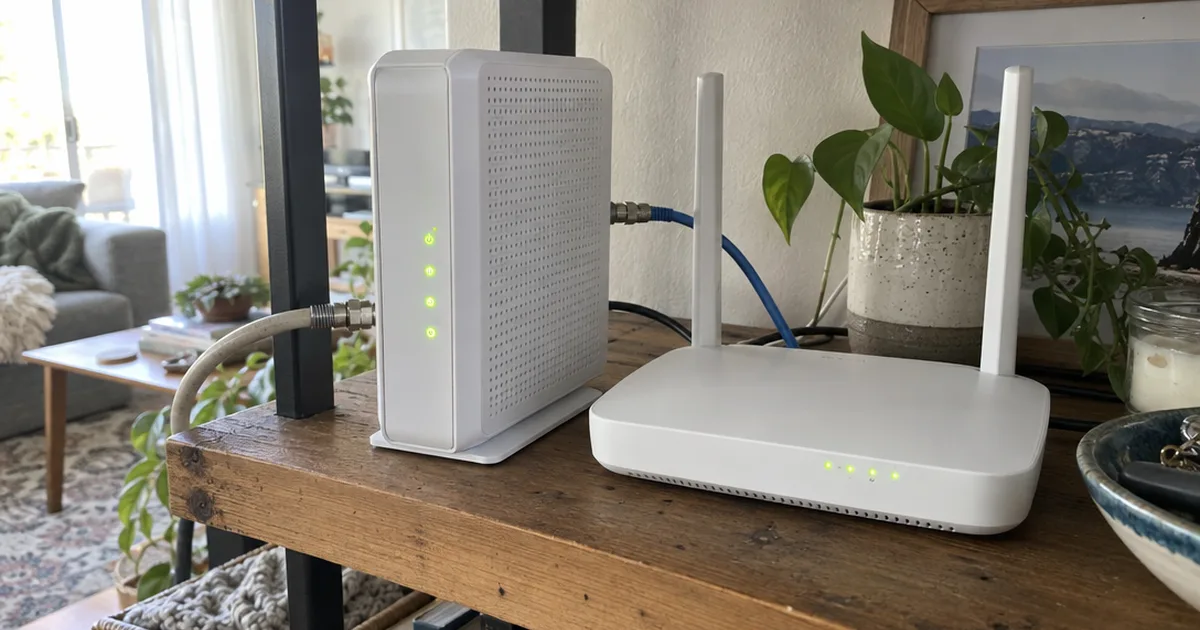
Spectrum Router vs Modem: What Each Does and Which to Replace
Spectrum router vs modem, explained: what each box does, how to tell them apart, what each costs and which one to replace for faster WiFi or a lower bill.
 guide
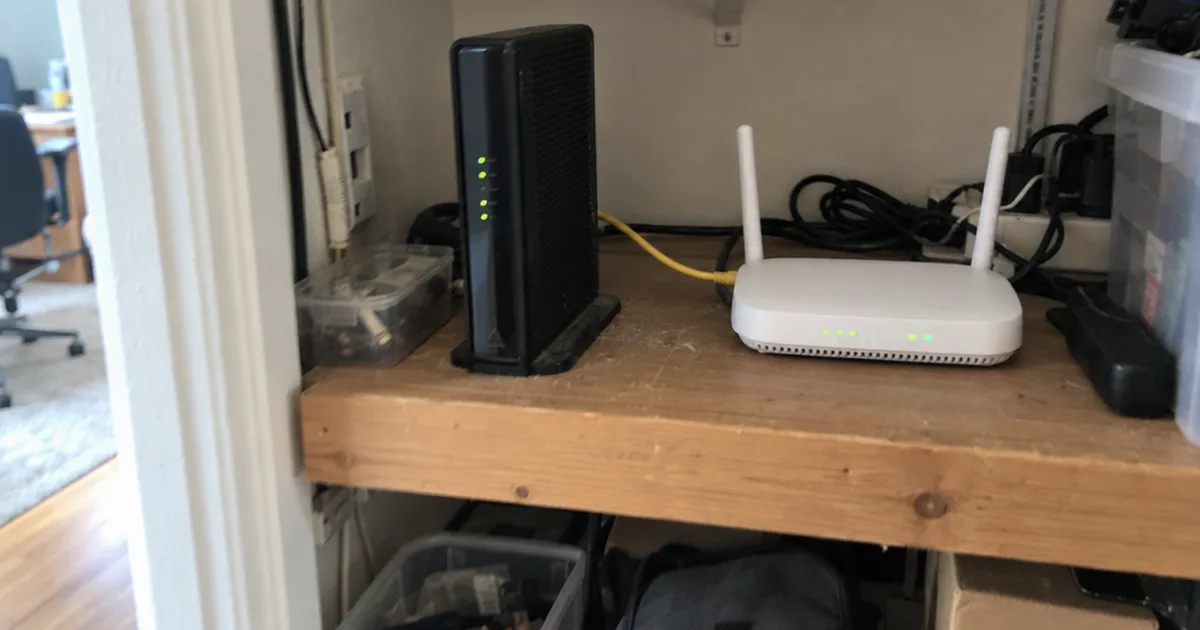
Bridge Mode Explained: When to Turn It On and What You Lose
Bridge mode turns off routing on your ISP gateway so your own router runs the network. See when to use it, how to turn it on and what stops working.
 how to
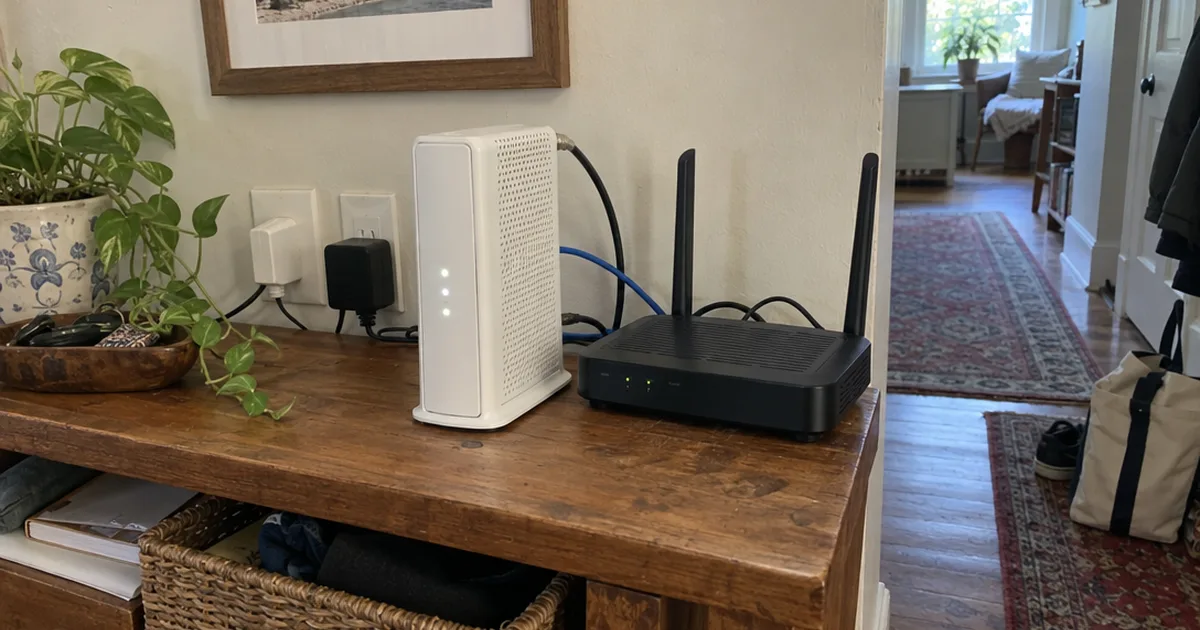
Xfinity Bridge Mode: 4 Steps to Turn It On, Plus the Fixes
Turn on Xfinity bridge mode in 4 steps at 10.0.0.1, connect your own router, see what stops working and fix a missing toggle.
 how to
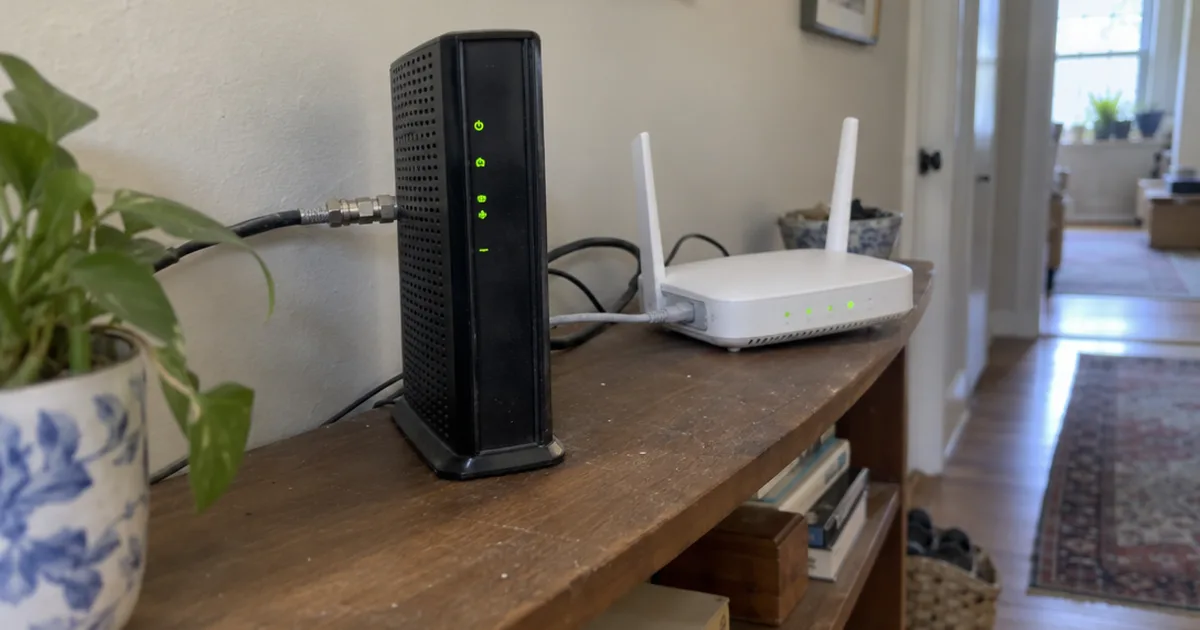
WiFi Connected but No Internet: 8 Fixes in the Right Order
WiFi connected but no internet? Test a second device, check for an outage, restart your modem and router, then fix DNS and IP settings in 8 steps.
 guide
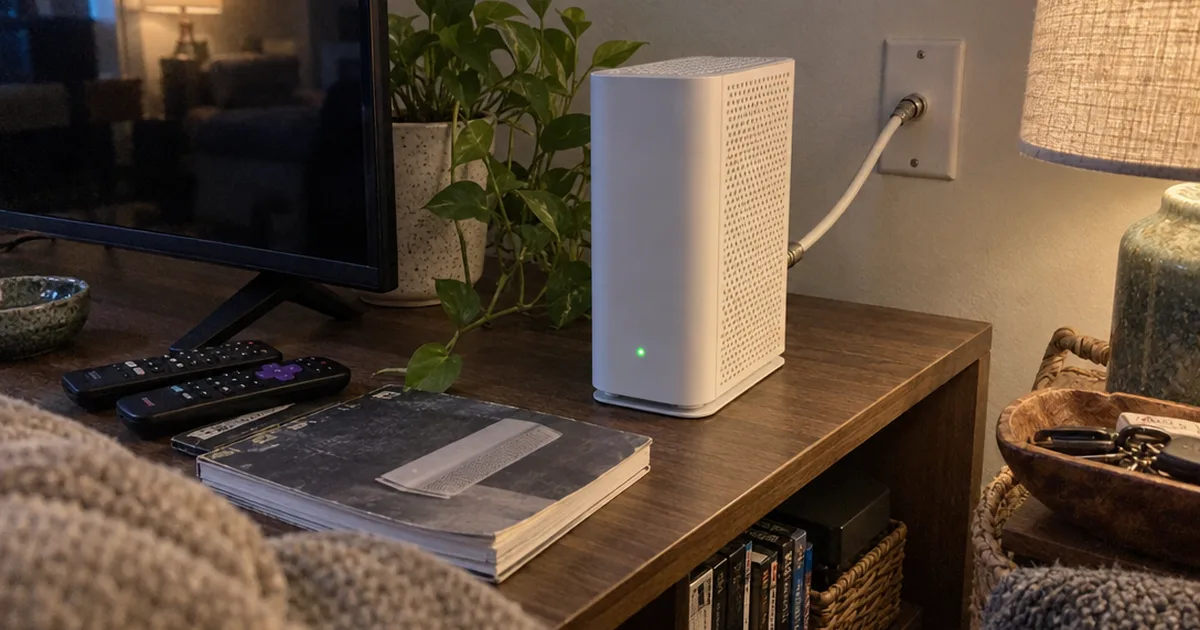
Xfinity Modem Blinking Green: What It Means and How to Fix It
Why your Xfinity modem or xFi Gateway is blinking green, how long to wait, the fixes to try in order and when to call Xfinity.
 review
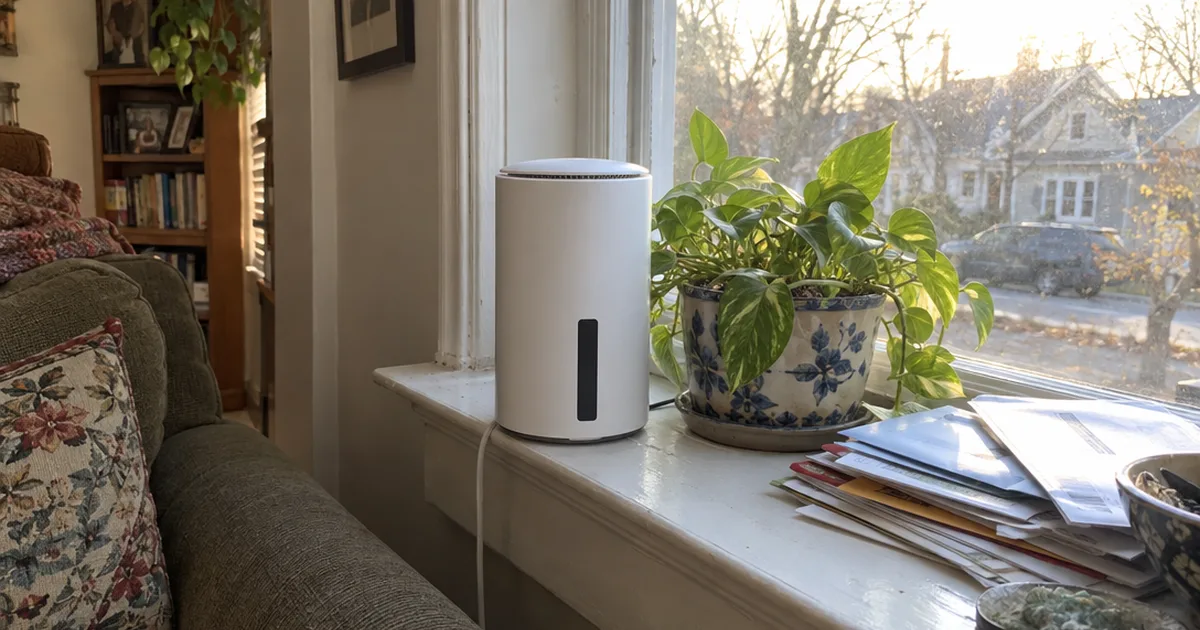
T-Mobile Home Internet Review: Real Speeds, Costs and Catches
A research-based T-Mobile Home Internet review: owner speed logs, what it really costs, the locked gateway, double NAT and who should pick cable or Starlink instead.