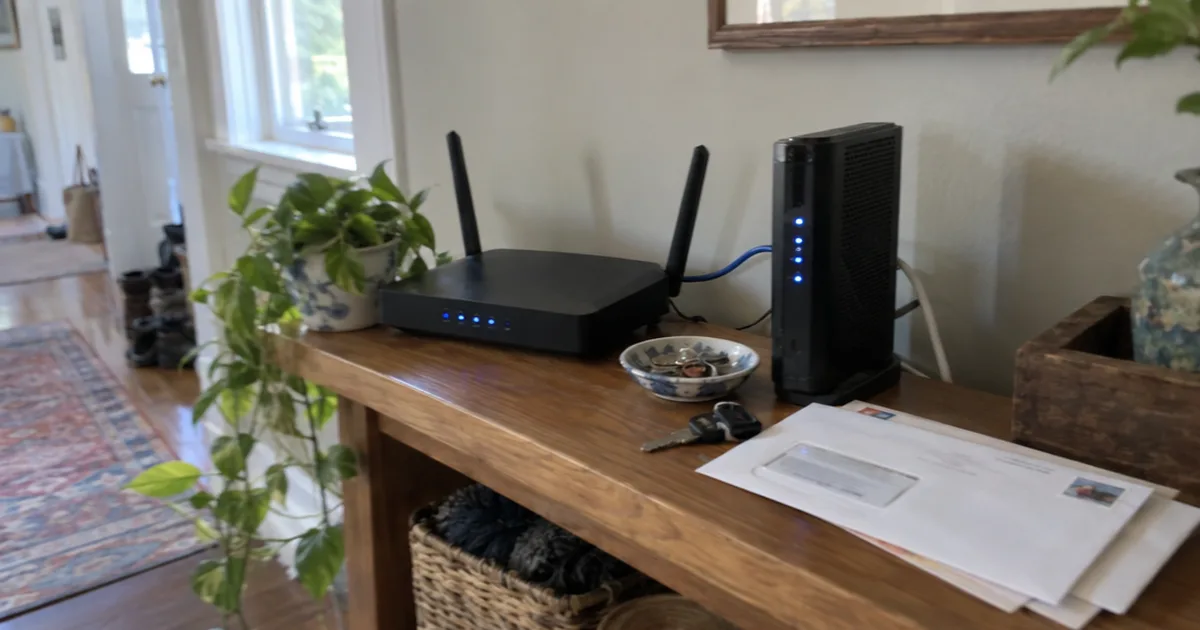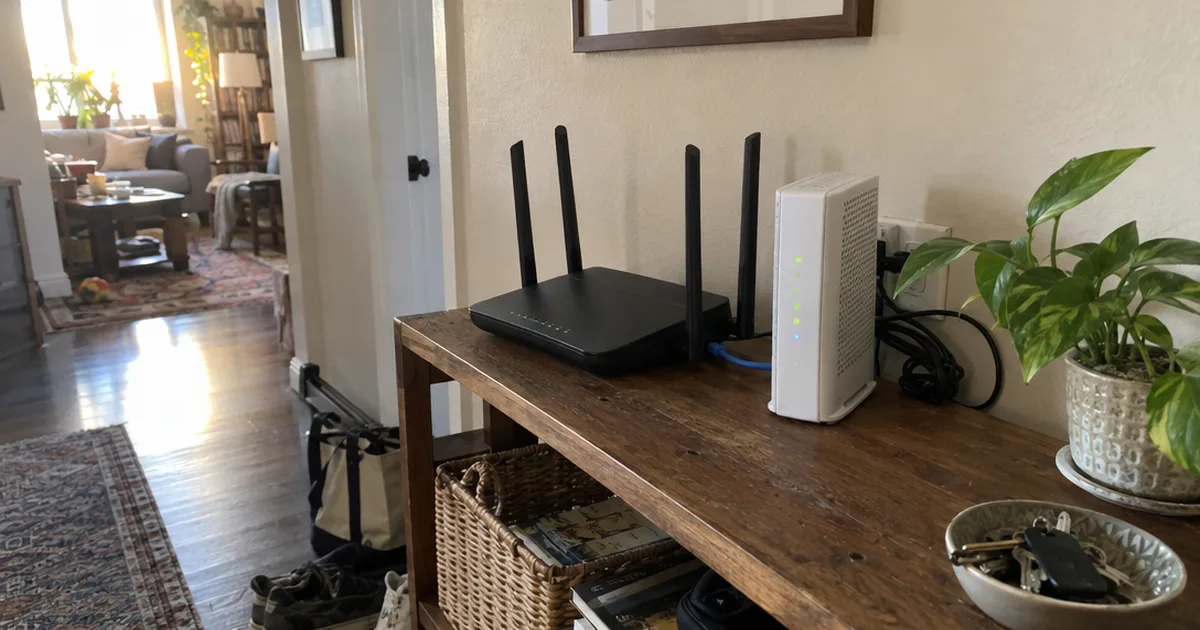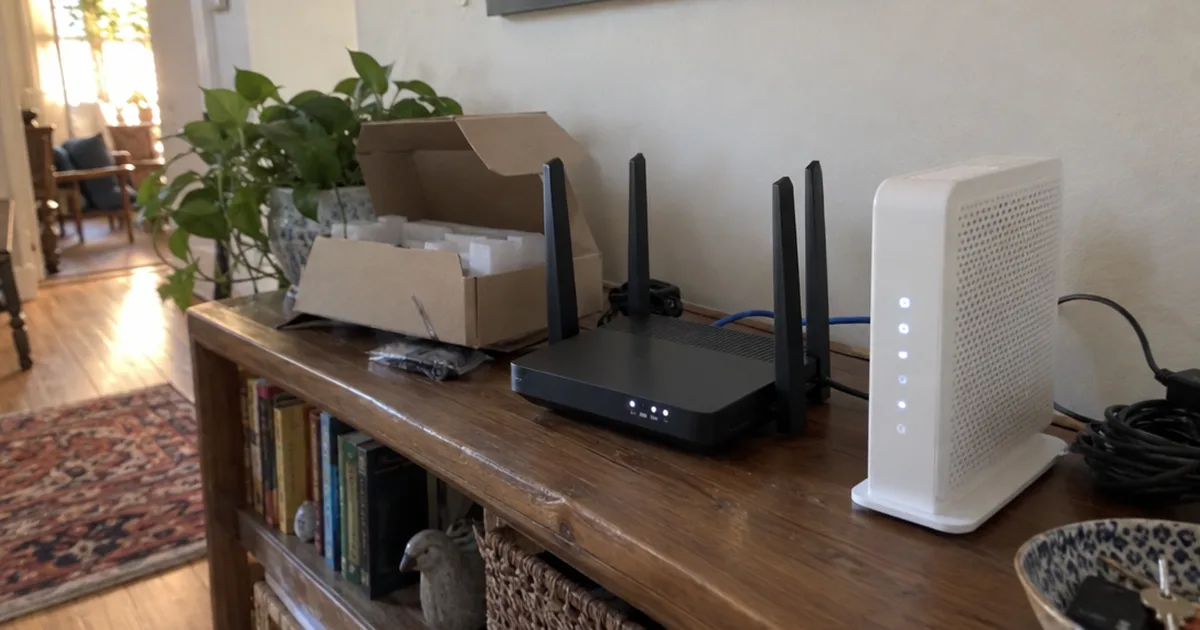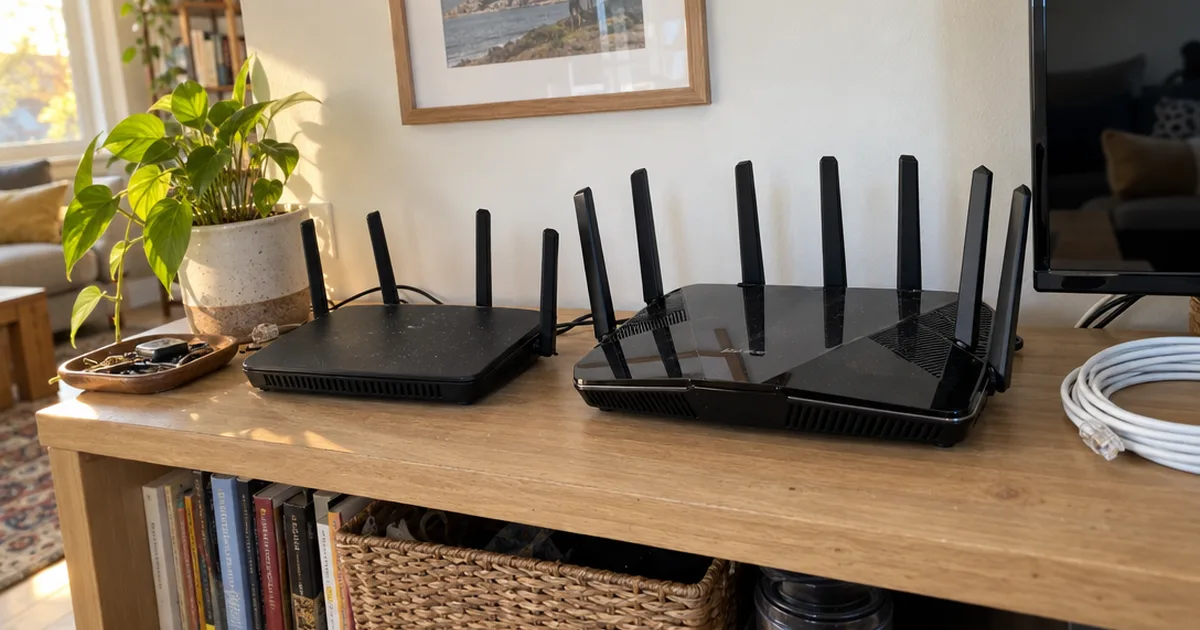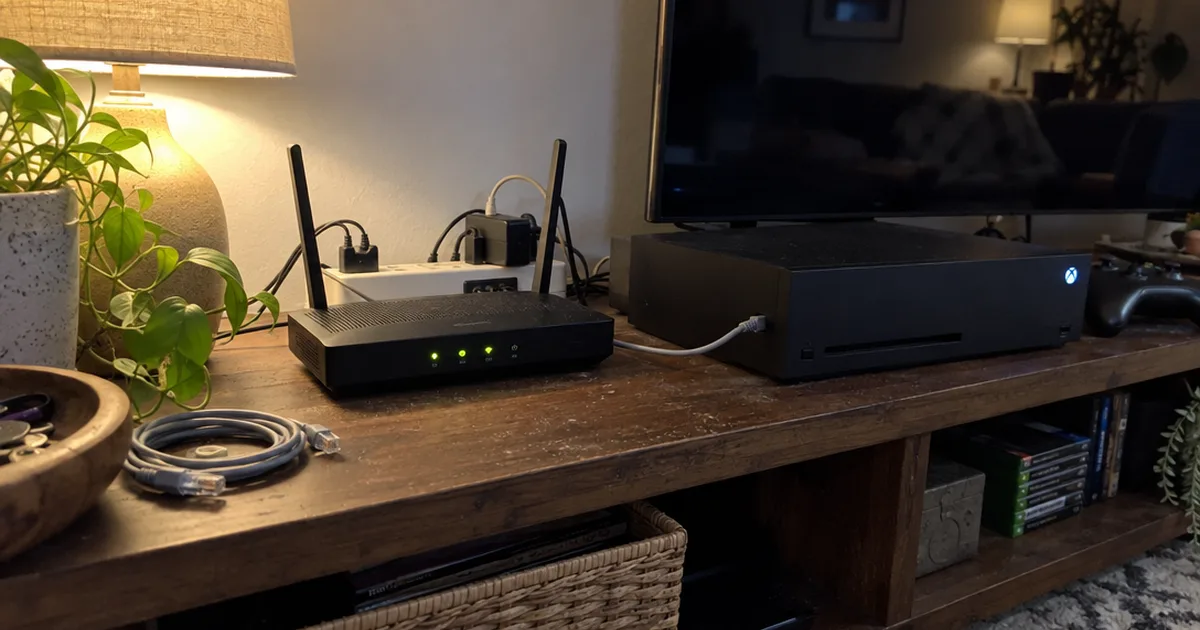

Two versions of the TP-Link AXE5400 ship with different ports.
The newer V2 adds a 2.5 Gbps port, and TP-Link still lists the older V1, so the label on the box matters.
This research-based TP-Link AXE5400 review covers that, its range, what costs extra and who should skip it.

TP-Link Archer AXE75 (AXE5400)
A tri-band Wi-Fi 6E router rated up to 2,402 Mbps on 6 GHz and 5 GHz, with a 2.5 Gbps WAN/LAN port on the V2.
Pros
- 6 GHz band with no older devices crowding it
- Multi-gig port on the V2 for fast plans or a NAS
- OpenVPN server and client built in
Cons
- 6 GHz speed needs Wi-Fi 6E devices
- Advanced HomeShield features cost extra
- Only one multi-gig port, and V1 has none
Key Specifications
The TP-Link AXE5400 is sold as the Archer AXE75, a tri-band Wi-Fi 6E router. These are the V2 specs from the TP-Link spec sheet:
| Spec | Detail |
|---|---|
| 6 GHz speed | Up to 2,402 Mbps |
| 5 GHz speed | Up to 2,402 Mbps |
| 2.4 GHz speed | Up to 574 Mbps |
| Ethernet | 1x 2.5 Gbps WAN/LAN, 1x 1 Gbps WAN/LAN, 3x 1 Gbps LAN |
| USB | 1x USB 2.0 |
| Rated range | 2-3 bedroom houses |
| Capacity | 200+ devices |
| VPN | OpenVPN, PPTP, L2TP |
| Mesh | EasyMesh |
The Ethernet and range rows matter more than the 5,400 Mbps headline.
AXE5400 vs AX5400: Which TP-Link Router Is This?
The TP-Link AXE5400 is the tri-band Wi-Fi 6E Archer AXE75, while the AX5400 name without the “E” belongs to dual-band Wi-Fi 6 routers such as the Archer AX73. The extra letter means a third radio on the 6 GHz band.
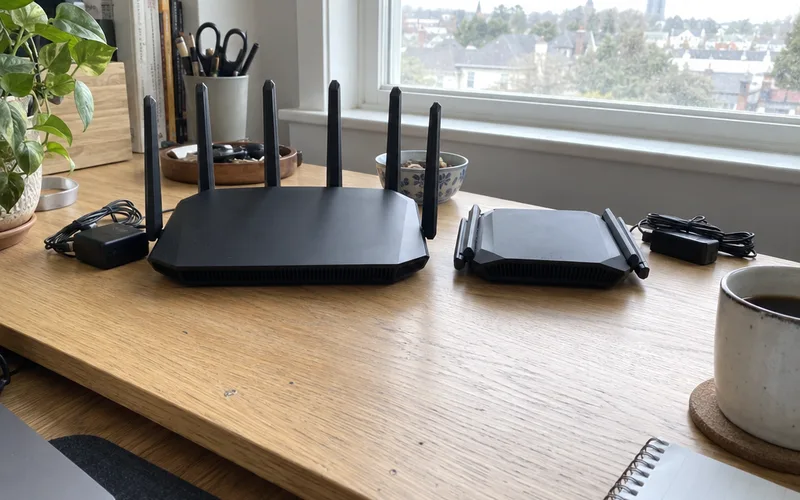
AXE5400 is a speed class: TP-Link adds 2,402 + 2,402 + 574 Mbps for a 5,378 Mbps total and rounds it to 5400.
The label also appears on the Deco XE75 mesh system and on a router sold as the Archer AXE5400. Check for the “E” and the Archer AXE75 name before you trust any spec, and see Wi-Fi 6 vs 6E if the band itself is new to you.
V1 vs V2: Does the TP-Link AXE5400 Have a 2.5 Gbps Port?
The TP-Link AXE5400 V2 has one 2.5 Gbps WAN/LAN port, plus one 1 Gbps WAN/LAN port and three 1 Gbps LAN ports, according to the TP-Link spec sheet. TP-Link also lists an older V1, so check the version on the box or the label under the router.
Why does that port matter?
It’s 2.5 times faster than gigabit, so a fiber plan above 1 Gbps can reach your network. Or flip it to LAN duty for a NAS or a PC with a 2.5G PCIe card.
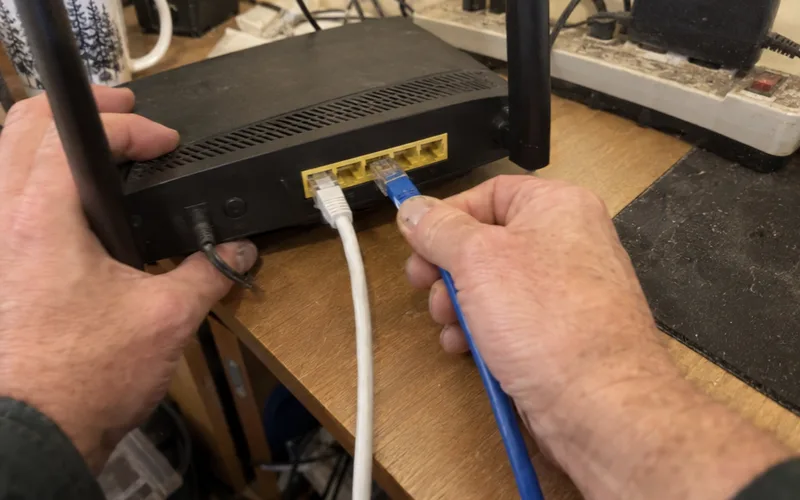
TP-Link notes that 2.5 Gbps internet speeds require compatible service plans and equipment, so a 1 Gbps plan won’t get faster. The USB 2.0 port on the V2 suits a shared drive or Time Machine backups, not fast transfers.
How Fast Is the TP-Link AXE5400?
The TP-Link AXE5400 is rated up to 2,402 Mbps on 6 GHz, 2,402 Mbps on 5 GHz and 574 Mbps on 2.4 GHz. Those are maximum link rates, not speed tests, and TP-Link says real throughput varies with walls, traffic and devices.
The 6 GHz band is the reason to buy it.
No older devices sit on that band, so congestion stays low, and wide 160 MHz channels carry the top rates. OFDMA lets the router serve several Wi-Fi 6 devices at once.
But the TP-Link product page notes that Wi-Fi 6E features require clients to also support the corresponding features. If your phone and laptop are a few years old, you’re buying a fast Wi-Fi 6 router today and a 6E router later.
How Many Square Feet Will a TP-Link AXE5400 Cover?
TP-Link rates the AXE5400 (Archer AXE75) for 2-3 bedroom houses and publishes no square-foot figure for it. Bigger numbers listed under the AXE5400 name usually describe the Deco XE75 mesh system instead.
Six antennas and beamforming help, but walls and placement decide the real reach.
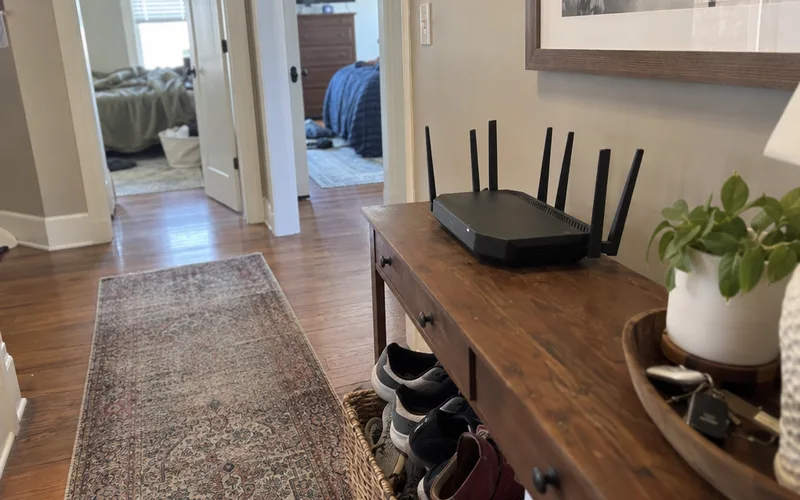
Capacity is the easier number. The TP-Link product page says the Archer AXE75 handles up to 200+ devices, far more than 10 screens and a pile of smart plugs.
For a two-story house, plan on mesh or a wired access point to extend your Wi-Fi range.
HomeShield, VPN and Mesh: What’s Included?
The TP-Link AXE5400 includes WPA3, an SPI firewall, guest networks on all three bands, VPN support, EasyMesh and HomeShield. Basic HomeShield features are free, but TP-Link says its advanced features require a paid subscription.
The TP-Link spec page doesn’t say which HomeShield tools are free, so check the Tether app before you count on one. A private IoT network is there too, for the gear that belongs on an IoT network.
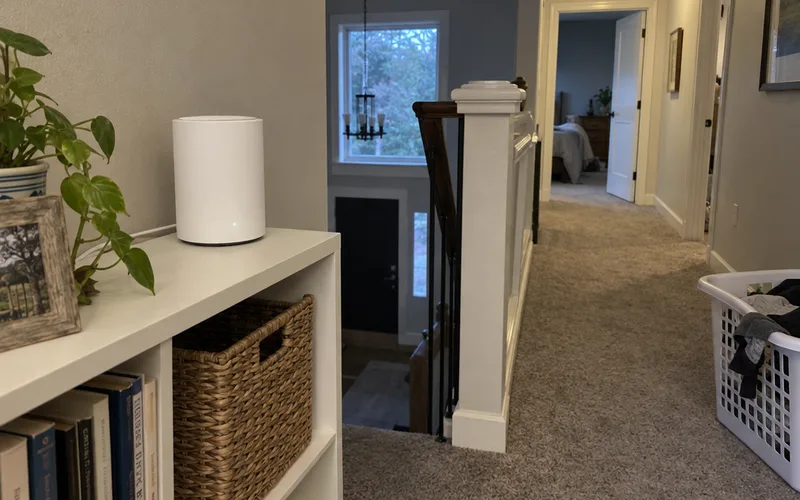
The VPN runs OpenVPN, PPTP and L2TP as server or client, with no WireGuard. That matters if you’ve weighed WireGuard vs OpenVPN and picked WireGuard.
EasyMesh keeps one Wi-Fi name across the house when you add an EasyMesh router or extender. TP-Link warns that mixing brands can fail, so build your mesh Wi-Fi with TP-Link gear.
Is the TP-Link AXE5400 Good for Gaming?
The TP-Link AXE5400 is a solid gaming router for a console or PC close by, with QoS by device, a low-congestion 6 GHz band and the 2.5 Gbps port on the V2. No latency tests back it, so call it an all-rounder.
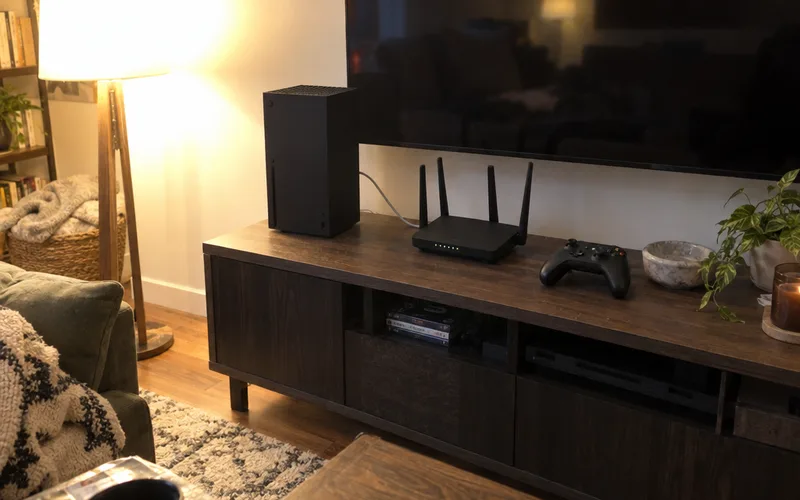
Plug the console into the 2.5 Gbps port and mark it high priority in QoS. If ping still jumps during big downloads, look at routers built for bufferbloat.
Who Should Buy the TP-Link AXE5400?
The TP-Link AXE5400 is a good router for 2-3 bedroom homes with Wi-Fi 6E devices and, on the V2, plans up to 2.5 Gbps. Skip it if you have no 6E devices, need several multi-gig ports or want WireGuard.
Buy it if:
- Your newest phones, laptops or VR headset support Wi-Fi 6E
- You have a multi-gig plan or a NAS, and you can find a V2
- You want VPN, guest networks and parental controls in one box
A large or multi-story home fits the Deco XE75 mesh system better, and the dual-band Archer AX73 covers homes with only Wi-Fi 6 devices. Compare the other routers we’ve reviewed, our Wi-Fi 6E router picks and these router buying basics.
The Bottom Line
The TP-Link AXE5400 is worth it for a mid-size home with Wi-Fi 6E devices, as long as you get the V2.
Check the box for “V2” before you pay, then set it up in the Tether app.
Frequently Asked Questions
Do I need Wi-Fi 6E devices to use the TP-Link AXE5400?
No, the TP-Link AXE5400 works with any Wi-Fi device on its 2.4 GHz and 5 GHz bands. Only Wi-Fi 6E devices can join its 6 GHz band.
Can the TP-Link AXE5400 work as an access point?
Yes, the TP-Link AXE5400 has an Access Point Mode next to its Router Mode. Use it when your ISP’s gateway has to keep routing.
How do you set up the TP-Link AXE5400?
The TP-Link AXE5400 sets up in 3 steps with the Tether app: connect it to your modem and power both on, download the app, then follow its prompts.