Routers
WiFi Router Reviews: The 7 Routers Top Review Sites Agree On
WiFi router reviews boiled down to the 7 routers top review sites agree on, from the Netgear Nighthawk RS700S to budget and mesh Wi-Fi 7 picks.
WiFi router reviews boiled down to the 7 routers top review sites agree on, from the Netgear Nighthawk RS700S to budget and mesh Wi-Fi 7 picks.
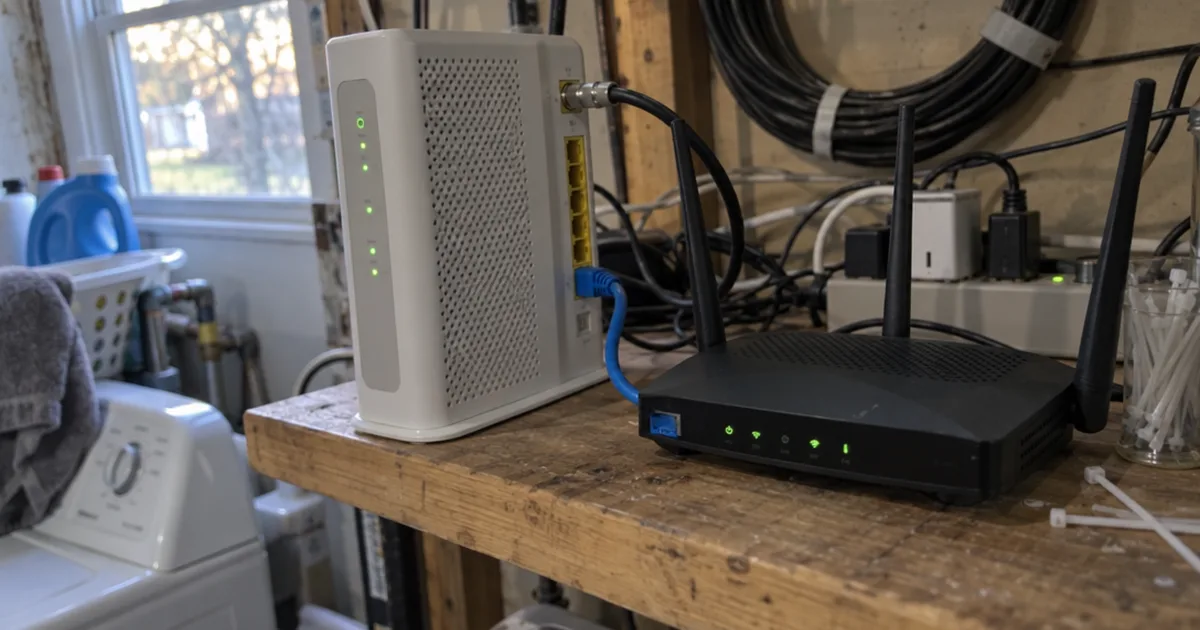
Turn on Xfinity bridge mode in 4 steps at 10.0.0.1, connect your own router, see what stops working and fix a missing toggle.
WiFi connected but no internet? Test a second device, check for an outage, restart your modem and router, then fix DNS and IP settings in 8 steps.
Why your Xfinity modem or xFi Gateway is blinking green, how long to wait, the fixes to try in order and when to call Xfinity.
A research-based T-Mobile Home Internet review: owner speed logs, what it really costs, the locked gateway, double NAT and who should pick cable or Starlink instead.
5G home internet explained: how the gateway works, what plans really cost after the fine print, how fast it runs and when cable or fiber is the better pick.
How to open your router settings from a browser or phone app, find the router's IP address and login, and the value to pick for each key setting.
ASUS router setup in 8 steps: cable the WAN port, run Quick Internet Setup in the app or a browser, pick your connection type and lock down the login.
WiFi 7 (IEEE 802.11be) adds 320 MHz channels, Multi-Link Operation and 4K-QAM. See real device speeds, what works with it and when a Wi-Fi 7 router pays off.
Wi-Fi 7 vs Wi-Fi 6 compared side by side: real speeds on your plan, busy-home performance, range, device support and exactly when each router is the right buy.
Port forwarding sends outside traffic on one port to one device at home. Here's how to set it up in 6 steps, test it, fix it and keep it safe.
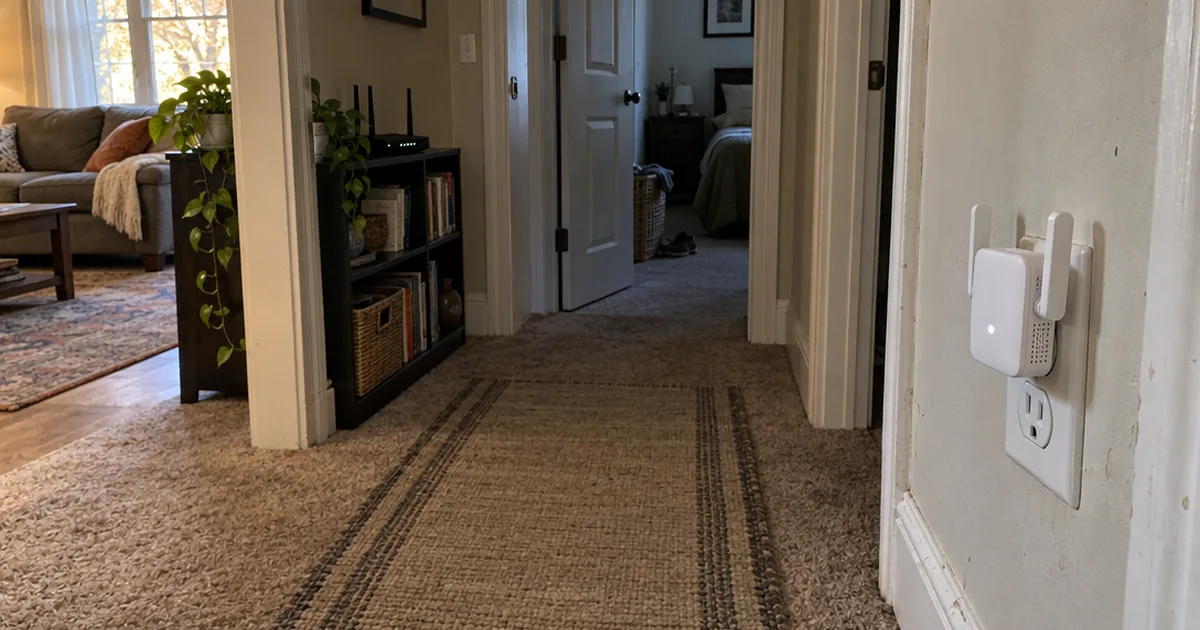
A WiFi extender relays your router's signal in 2 hops. Here's why single-band models lose speed, how far one reaches and where to put it.
Extend WiFi range in 7 steps: find your dead zones, move the router, pick the right band, then choose an extender, mesh, access point or powerline.
Double NAT means two routers translate your traffic. Learn when it matters, how to spot it from your router's WAN IP, and the fix for your ISP gateway.
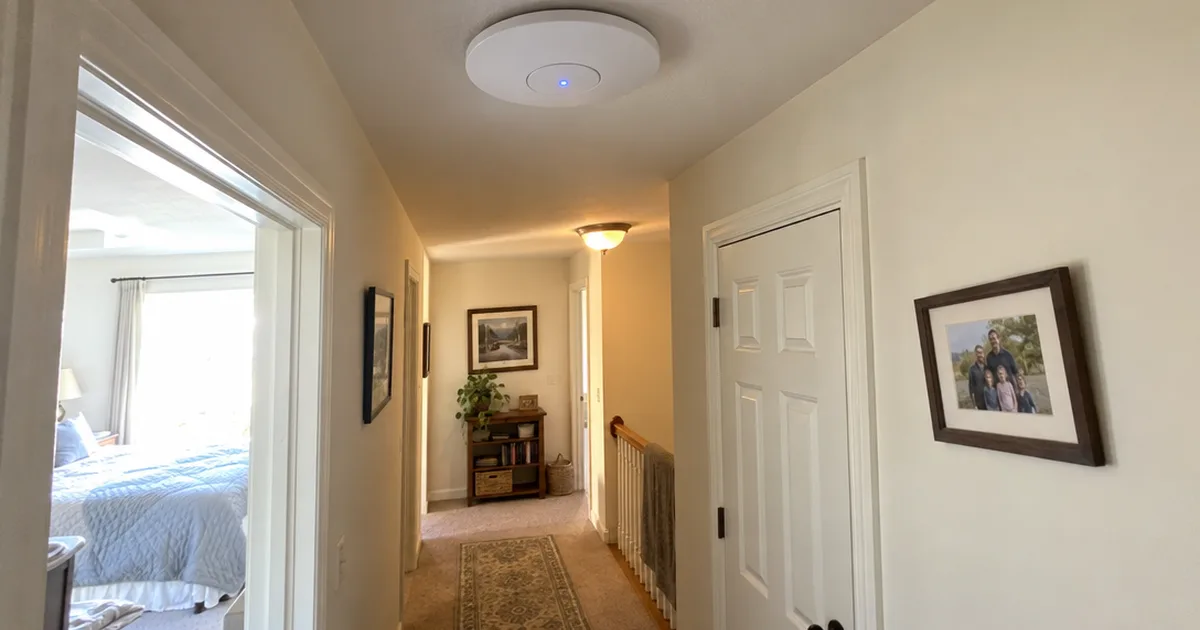
A wireless access point turns a wired Ethernet connection into Wi-Fi. Learn how it works, how it differs from routers, extenders and mesh, and when your home needs one.
Learn what WiFi channel width means, how 20, 40, 80, 160 and 320 MHz trade speed for interference and range, and the best width for each band at home.
An IP address is how data finds your devices. Learn what the numbers mean, public vs. private and IPv4 vs. IPv6, how your router assigns them, and how to stay safe.
Learn how Wi-Fi channels work on 2.4 GHz, 5 GHz and 6 GHz, why 1, 6 and 11 matter, how channel width and DFS change things, and how to pick the best channel.