
269 million Wi-Fi 7 devices shipped in 2024 alone.
That’s the Wi-Fi Alliance’s count, as Network World reported in January 2025.
So the Wi-Fi 7 vs Wi-Fi 6 question isn’t whether the new standard is real. It’s whether your plan, your devices and your house can actually use it.
Here you’ll get both standards side by side, what changes in a real home, and the exact signs that tell you which router to buy.
- New router on the shopping list anyway: Wi-Fi 7.
- Paying for multi-gig fiber or juggling 15+ devices? Wi-Fi 7 earns its price.
- A Wi-Fi 6 router that works fine on a sub-gig plan can stay put.
Wi-Fi 6 vs Wi-Fi 7 at a Glance
Wi-Fi 7 differs from Wi-Fi 6 in 4 ways that matter at home: twice the channel width, denser quadrature amplitude modulation (4096-QAM), Multi-Link Operation across bands and access to the 6 GHz band. Here’s how they line up, using the spec comparison from TP-Link’s Wi-Fi 6 vs Wi-Fi 7 explainer, dated June 2026:
| Category | Wi-Fi 6 | Wi-Fi 7 | Winner |
|---|---|---|---|
| IEEE standard | 802.11ax | 802.11be | Tie |
| Max theoretical speed | 9.6 Gbps | 46 Gbps | Wi-Fi 7 |
| Widest channel | 160 MHz | 320 MHz | Wi-Fi 7 |
| Modulation | 1024-QAM | 4096-QAM | Wi-Fi 7 |
| Multi-Link Operation | No | Yes | Wi-Fi 7 |
| Bands | 2.4 GHz, 5 GHz | 2.4 GHz, 5 GHz, 6 GHz | Wi-Fi 7 |
| Range through walls | Set by band | Set by band | Tie |
| Price | Lower | Higher | Wi-Fi 6 |
| Overall | Best for working setups on sub-gig plans | Best for new routers and busy homes | Wi-Fi 7 |
The spec rows all go to Wi-Fi 7, but price and your current setup can still make Wi-Fi 6 the smarter choice. The sections below show where each row actually shows up in a real home.
What Is Wi-Fi 6?
Wi-Fi 6 is the friendly name for IEEE 802.11ax, introduced in 2019 to be faster and more efficient than Wi-Fi 5, says Kinetic, a US internet provider. Its big job was handling crowded networks, not raw speed.
It did that with 2 pieces of technology that still matter today.
Orthogonal Frequency Division Multiple Access (OFDMA) lets your router deliver data to several devices in one trip. MU-MIMO lets several devices talk to the router at the same time instead of waiting in line.
The provider says those upgrades let a whole family work, stream and game at once without the usual lag complaints. That’s why a router from the last few years can still feel fine.
Wi-Fi 6 also uses 1024-QAM and channels up to 160 MHz on the 2.4 GHz and 5 GHz bands, as the verdict table shows.
Still on an older Wi-Fi 5 or Wi-Fi 4 router? The three-generation comparison shows what either upgrade adds.
If your Wi-Fi 6 router isn’t giving you trouble, it isn’t obsolete.
What Is Wi-Fi 7?
Wi-Fi 7 is the friendly name for IEEE 802.11be, the standard that adds 320 MHz channels, 4096-QAM, Multi-Link Operation and preamble puncturing on top of Wi-Fi 6’s multi-device tricks. The Wi-Fi Alliance introduced its Wi-Fi Certified 7 program in January 2024, according to Network World.
Here’s what each new feature does for you:
- 320 MHz channels: twice the bandwidth of Wi-Fi 6’s widest channel, but only in the 6 GHz band.
- 4096-QAM: packs 12 bits into each signal instead of 10.
- Multi-Link Operation (MLO): lets one device use 2 bands at the same time.
- Preamble puncturing: blocks out a noisy slice of a channel instead of abandoning the whole thing.
Those numbers have a real effect. NETGEAR’s comparison says 4096-QAM gives about a 20% higher theoretical transmission rate than Wi-Fi 6’s 1024-QAM when signal conditions are strong.
The same page describes MLO as the router connecting to a device across 2 bands, so it can steer traffic away from congestion.
Here’s an example from NETGEAR’s own explainer: you’re on a Zoom call and walk from the middle of the house to the backyard. Wi-Fi 7 lets your phone hop from 6 GHz to 5 GHz to 2.4 GHz without dropping the call or buffering.
Want the full feature tour? The deeper explanation of what Wi-Fi 7 changes walks through each feature and the standard’s timeline.
Wi-Fi 7 vs Wi-Fi 6 Speed: Paper vs Real Life
Wi-Fi 7 is up to 5x faster than Wi-Fi 6 on paper, 46 Gbps versus 9.6 Gbps, but TP-Link says reaching that ceiling takes Wi-Fi 7 devices, a multi-gig plan and a strong signal near the router. On standard broadband under 1 Gbps, the company says you won’t notice the raw speed difference day to day.
Why such a gap?
The headline figure is the standard’s theoretical maximum throughput, not what a single phone or laptop gets in your living room.
A fairer comparison keeps the hardware the same. NETGEAR says that with the same radio setup, Wi-Fi 7 is designed to be up to 2.4x faster than Wi-Fi 6.
The company also says a typical Wi-Fi 7 phone can reach up to 5 Gbps.
That phone speed only helps if your internet plan can feed it. Here’s how TP-Link’s thresholds play out by plan:
| Your internet plan | Keep Wi-Fi 6? | Wi-Fi 7 speed gain |
|---|---|---|
| Under 500 Mbps | Yes (6E if crowded) | Not noticeable |
| 500 Mbps to 1 Gbps | Yes | Not noticeable day to day |
| Over 1 Gbps (multi-gig) | Consider upgrading | Full multi-gig possible |
In other words, the plan on your bill decides more than the label on the box. Find your plan’s speed on your ISP bill or account page before you shop.
Not sure what you’re paying for? Call your provider.
Here’s what to say: “What’s the top download speed on my plan, and is the modem or gateway you gave me Wi-Fi 6 or Wi-Fi 7? If I add my own router, can you put your gateway in bridge mode?”
Those 2 answers tell you whether a new router can even show its speed.
Key Takeaway: On a sub-gig plan, don’t buy Wi-Fi 7 for speed alone.
Busy Homes: Latency, Congestion and Device Load
Wi-Fi 7 handles busy networks better than Wi-Fi 6 because Multi-Link Operation and preamble puncturing cut waiting when many devices compete. Kinetic says a Wi-Fi 6 router manages up to 8 simultaneous data paths, while Wi-Fi 7 expands that to up to 16.
Note: those are data paths, not a device limit. Both standards can run wireless networks with dozens of devices.
The difference shows up at rush hour. Picture a hypothetical evening: 2 video calls, 4K streaming, a console download and 20 smart home devices, the IoT gear like cameras and plugs, checking in.

On Wi-Fi 6, each device picks one band and stays there, so network congestion on that band means a slower connection. On Wi-Fi 7, MLO can shift traffic to the other band, and puncturing keeps the clean part of a noisy channel working.
So if evenings feel sluggish while a single speed test looks fine, congestion is the problem Wi-Fi 7 actually solves.
Is Wi-Fi 7 Better Than Wi-Fi 6 for Gaming?
Wi-Fi 7 is better than Wi-Fi 6 for gaming when your console or PC also has Wi-Fi 7, because its gains come from lower latency and steadier links, not speed. NETGEAR says serious gamers will appreciate the standard’s low latency.
Keep expectations straight, though. A Wi-Fi 7 router only speeds up the wireless hop to your console, so lag from your internet connection stays.

A wired Ethernet run skips that hop entirely.
Range and Walls: Does Wi-Fi 7 Reach Farther?
Wi-Fi 7 does not reach farther or go through walls significantly better than Wi-Fi 6, because TP-Link says wall penetration depends on frequency band, not Wi-Fi standard, and both use the same bands. The company says a mesh system will make a bigger difference for dead zones.
The fastest Wi-Fi 7 features even favor short range. Kinetic says 4096-QAM is harder to decode at a distance, so you’ll notice its biggest gains in the same room as your router.
Same story with 6 GHz. That band carries the 320 MHz channels, and the provider notes it offers shorter range and weaker wall penetration.
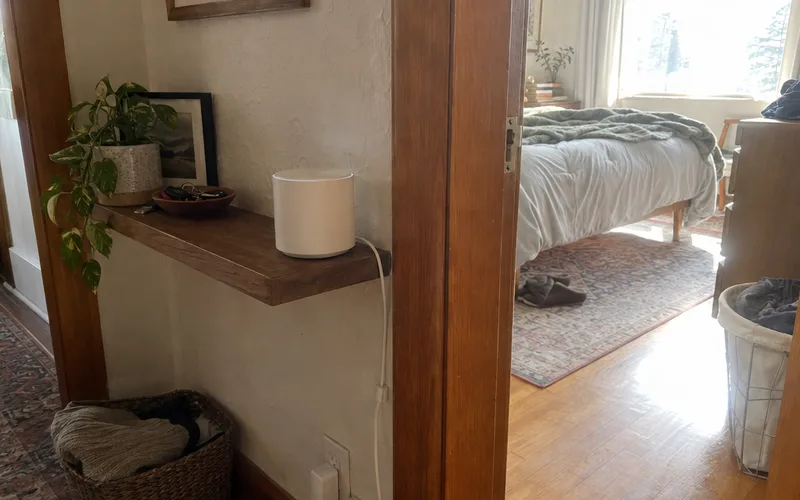
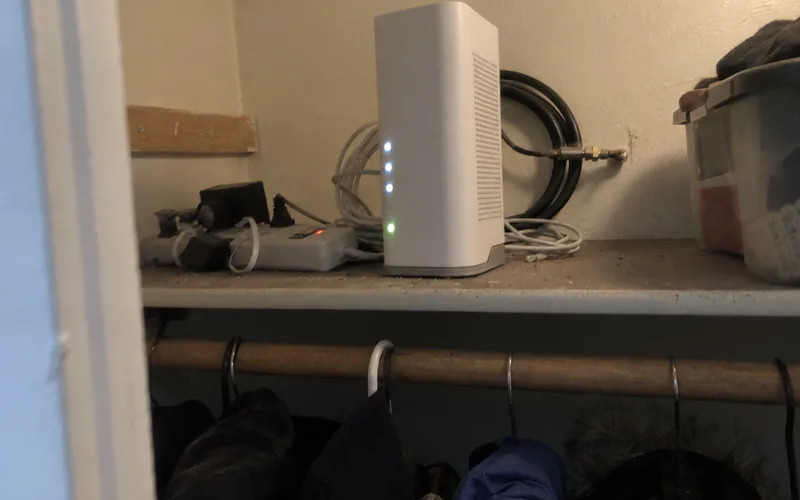
So if your problem is a weak back bedroom, start with placement and coverage, not a new standard. Moving the router out of a closet or adding a mesh Wi-Fi system usually helps more, and you can see how far Wi-Fi 7 reaches in a typical house.
Device Compatibility: Do You Need New Phones and Laptops?
Wi-Fi 7 works with your current devices: Kinetic says it’s backward compatible, so Wi-Fi 6 devices keep working normally after a router upgrade. You only need new devices to get Wi-Fi 7’s own features.
That’s the catch most buyers miss.
NETGEAR says Multi-Link Operation must be supported by both the Wi-Fi 7 router and the Wi-Fi 7 device. A Wi-Fi 6 laptop on a Wi-Fi 7 router still connects as a Wi-Fi 6 laptop.
So which devices qualify? Network World named the Samsung Galaxy S24 Ultra, Google Pixel 9 and Apple iPhone 16 among the big-name phones that support Wi-Fi 7.
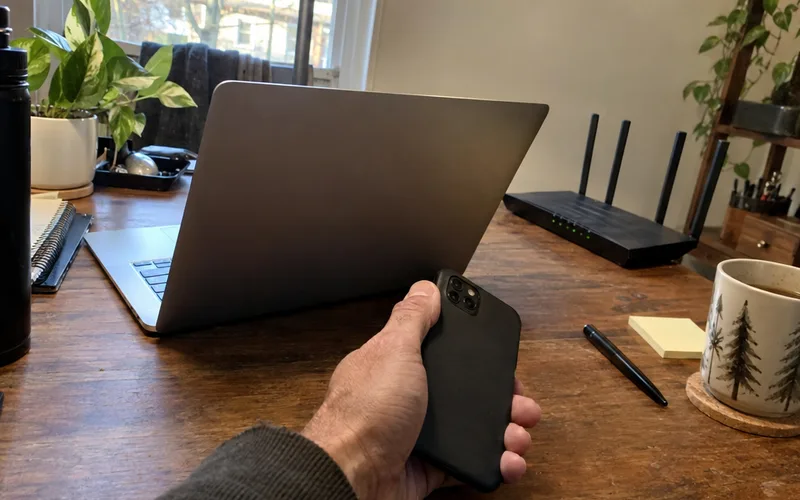
Here’s how to check yours in 2 minutes:
- Open the spec page for your smartphone or computer model.
- Search the page for “802.11be” or “Wi-Fi 7”.
- If you only see “802.11ax”, that device is Wi-Fi 6 or 6E.
Not sure how to find it on Windows, macOS, iOS or Android? Here’s how to check for Wi-Fi 7 on each device.
Why a New Wi-Fi 7 Router Can Feel No Faster
A new Wi-Fi 7 router feels no faster than Wi-Fi 6 when your plan is under 1 Gbps, your devices are Wi-Fi 6 or older, you’re far from the router or your channels are crowded. Each of those caps speed before the router’s extra capacity can help.
Crowding is the sneaky one. Kinetic says that in a crowded environment, the wider channels may not be available because of interference from other devices.
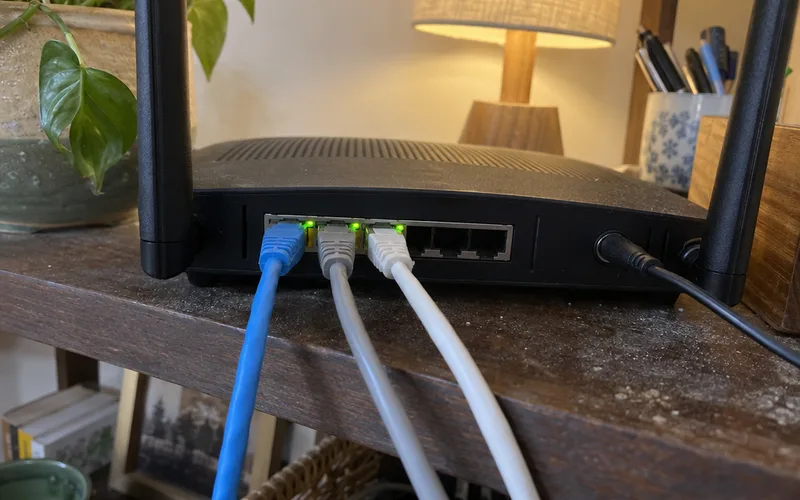
Here’s a quick checklist before you blame the router:
- Run a speed test next to the router, then in the room where it feels slow.
- Confirm your phone or laptop lists 802.11be.
- Check that the 6 GHz band is turned on and your device joined it.
- Look at the channel width setting for each band.
- Install the router’s latest firmware, then test again.
If the test next to the router matches your plan, the router is doing its job. The slowdown is coming from distance, walls or the device itself.
Where Wi-Fi 6E Fits Between Wi-Fi 6 and Wi-Fi 7
Wi-Fi 6E is Wi-Fi 6 extended into the 6 GHz band, so it gets the less crowded spectrum but not Multi-Link Operation or 320 MHz channels, according to TP-Link. The company calls it a solid middle ground for better performance at a lower price than Wi-Fi 7.
That makes 6E a fair pick in one specific case: your Wi-Fi 6 setup works, your plan is under 500 Mbps, and you mainly want relief from a crowded 5 GHz band. A tri-band router such as the TP-Link AXE5400 covers that case with a 6 GHz band and none of the Wi-Fi 7 extras.
Outside that case, the price gap between 6E and 7 buys you MLO and wider channels for years.
Comparing those two directly? See the full Wi-Fi 6E vs Wi-Fi 7 breakdown, or what 6E adds over Wi-Fi 6.
Who Should Choose Wi-Fi 6
Wi-Fi 6 is the right choice for a household whose current Wi-Fi 6 router works on an internet plan under 1 Gbps, because a Wi-Fi 7 router adds little you’d notice there. It’s also the cheaper standard when budget matters more than future-proofing.
Stick with Wi-Fi 6 if most of these sound like your home:
- Nothing feels slow on your current router
- Your plan isn’t multi-gig
- Most of your phones, tablets and TVs are Wi-Fi 5 or Wi-Fi 6
- Only a handful of devices are busy at the same time
In that situation, spend the money on placement or a mesh node first.
Who Should Choose Wi-Fi 7
Wi-Fi 7 is worth upgrading to from Wi-Fi 6 if you’re buying a new router and have congestion, multi-gig internet or 15 or more active devices, the thresholds TP-Link gives. Those are the homes where Multi-Link Operation and wider channels actually get used.
Go with Wi-Fi 7 if any of these fit:
- You’re replacing a router anyway and want it to last
- You pay for multi-gig fiber
- Your newest phones and laptops already list 802.11be
- You play online, try cloud gaming or VR, or stream 4K on several screens and want steadier connections
Ready to shop? Start with the best Wi-Fi 7 routers, or browse every home Wi-Fi router topic first.
Wi-Fi 7 wins on every spec, but Wi-Fi 6 is still enough for a working setup on a sub-gig plan. Buy Wi-Fi 7 when you need a new router, have multi-gig internet or run 15 or more active devices.
Frequently Asked Questions
Is it worth getting Wi-Fi 7 over Wi-Fi 6?
Wi-Fi 7 is worth it over Wi-Fi 6 if you’re buying a new router and have congestion, 15 or more active devices or multi-gig internet, according to TP-Link’s FAQ. If your Wi-Fi 6 router works well on a plan under 500 Mbps, keep it.
Does Wi-Fi 7 go through walls better than Wi-Fi 6?
No, Wi-Fi 7 doesn’t go through walls significantly better than Wi-Fi 6, because wall penetration depends on the frequency band and both use the same bands, TP-Link says. For a dead zone, add a mesh node or a wireless access point wired back to your router instead.
Is Wi-Fi 7 backwards compatible with Wi-Fi 6 devices?
Yes, Wi-Fi 7 routers are backward compatible with Wi-Fi 6 and Wi-Fi 5 devices, according to TP-Link. Those devices connect normally but miss Wi-Fi 7 features like Multi-Link Operation.
Is Wi-Fi 7 overkill?
Wi-Fi 7 is overkill for a home on a plan under 1 Gbps with a handful of devices, because TP-Link says the raw speed difference won’t be noticeable day to day there. It stops being overkill once you have multi-gig internet or 15 or more active devices.
How much more does a Wi-Fi 7 router cost than a Wi-Fi 6 router?
A Wi-Fi 7 router costs more than a comparable Wi-Fi 6 model, and TP-Link even pitches Wi-Fi 6E as a way to get the 6 GHz band without the Wi-Fi 7 price premium. To see the gap today, compare one brand’s Wi-Fi 6, 6E and 7 models with the same number of bands at the same store.
Is Wi-Fi 6E worth the upgrade?
Wi-Fi 6E is worth it if your Wi-Fi 6 setup works but feels crowded and your plan is under 500 Mbps, since TP-Link calls it a solid middle step that adds the 6 GHz band. If you want Multi-Link Operation or 320 MHz channels, skip 6E and buy Wi-Fi 7.
Should I choose a Wi-Fi 7 mesh system or a Wi-Fi 6 mesh system?
Choose a Wi-Fi 7 mesh system if you’re buying new, because NETGEAR says mesh benefits especially from Multi-Link Operation, letting the router and a satellite transmit across two bands at once. A Wi-Fi 6 mesh system still makes sense if it covers your home well today.
Final Thoughts
For a new router, Wi-Fi 7 is the better buy. For a Wi-Fi 6 router that already works on a plan under 1 Gbps, waiting costs you almost nothing.
Tonight, check 2 things: your plan’s speed on your ISP bill and whether your phone and laptop list Wi-Fi 7 (802.11be).
If both point to Wi-Fi 7, buy it. If not, keep your Wi-Fi 6 router and revisit when you replace your devices.