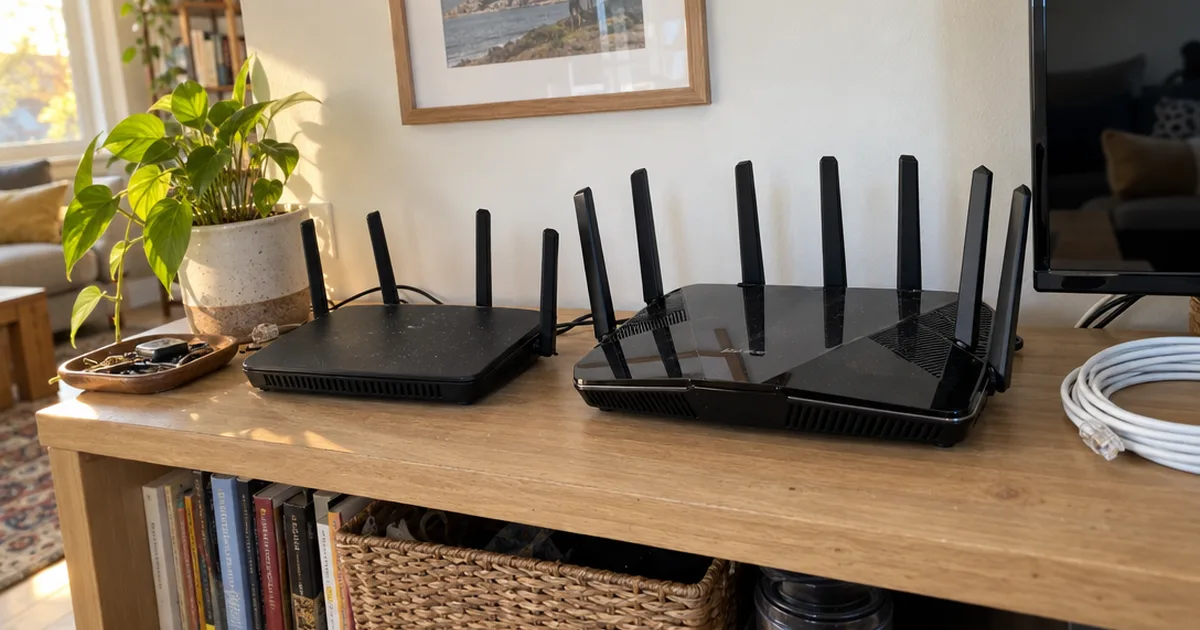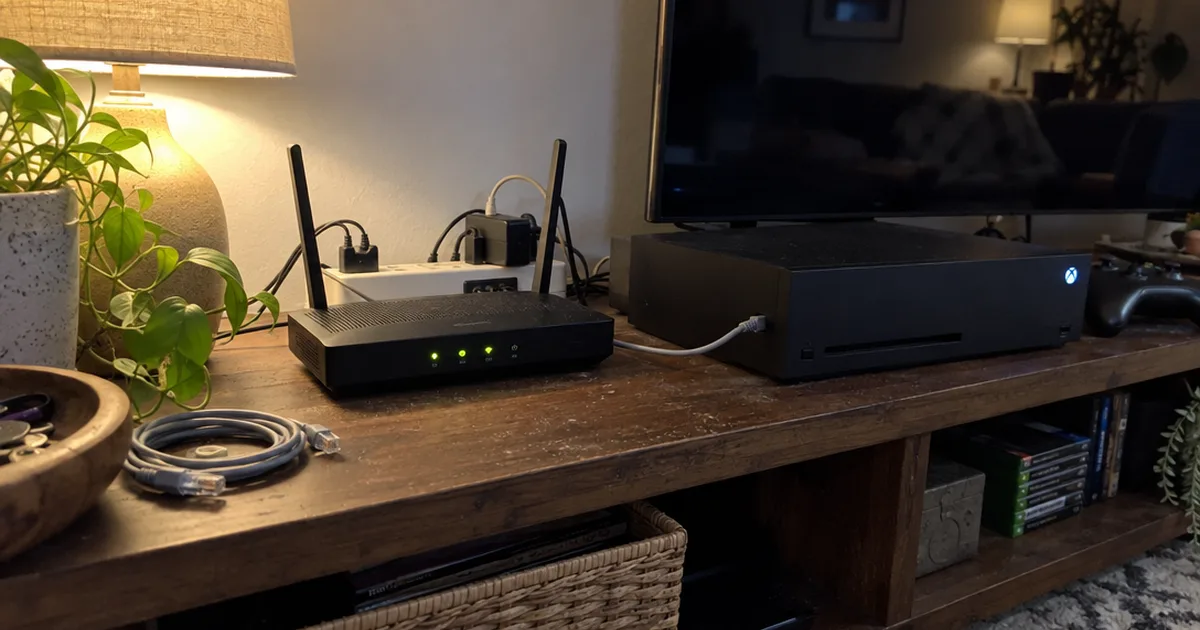

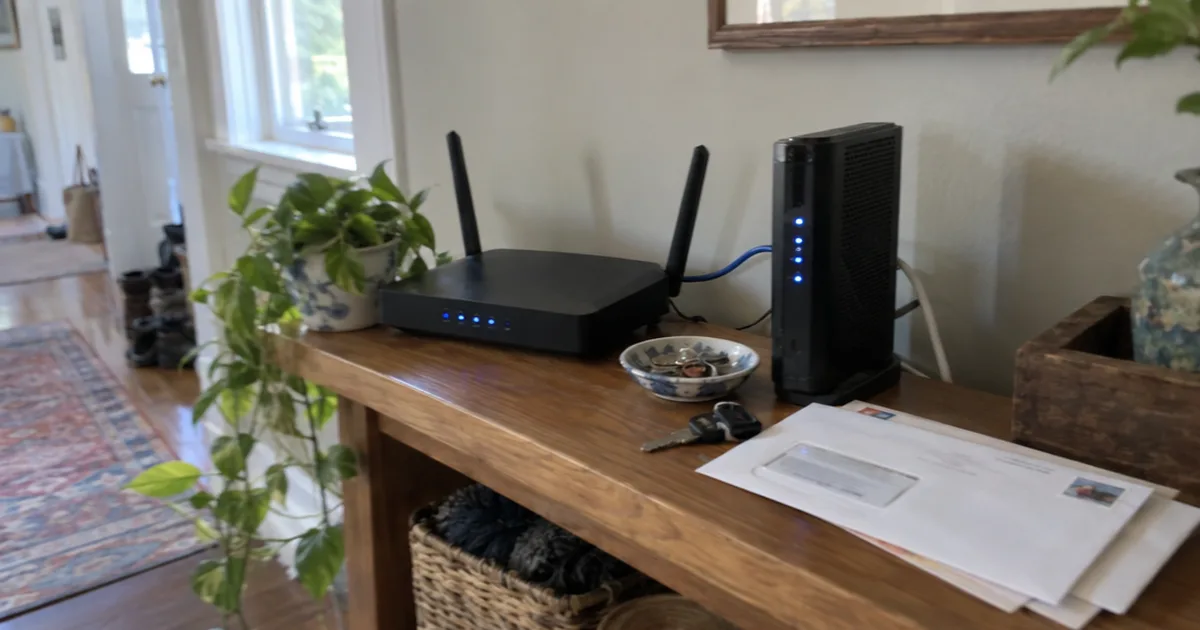
Consumer Reports now rates more than 100 Wi-Fi routers.
Yet the three top-ranked WiFi router reviews on Google each crown a different winner. Expert Reviews picks the TP-Link Archer BE550, HighSpeedInternet the ASUS RT-BE96U and Popular Mechanics the Netgear Nighthawk RS200.
So I lined up every router those three lists recommend and counted where they overlap.
Below are 7 routers ranked by how many of the lists pick each one, then by how many homes each one fits. Each comes with its key specs from its Amazon listing, who it suits and the catch.
Here’s the short version:
- A small apartment on a plan of 1 Gbps or less is covered by #2, with no third band you’d never use.
- Phones and laptops with Wi-Fi 6E or Wi-Fi 7 get their 6 GHz band from #3.
- A house over 2,000 square feet, or one with several floors, belongs on mesh, so look at #5 first.
- Multi-gig fiber feeding a wired gaming PC or NAS calls for the 10G ports on #6.
Quick Comparison Chart
| # | Product | Our Rating | |
|---|---|---|---|
| 1 | Netgear Nighthawk RS700S | ★★★★★ | Check Price |
| 2 | TP-Link Archer BE230 | ★★★★☆ | Check Price |
| 3 | TP-Link Archer BE550 | ★★★★☆ | Check Price |
| 4 | Netgear Nighthawk RS200 | ★★★★☆ | Check Price |
| 5 | eero 7 Mesh Wi-Fi 7 System (2-Pack) | ★★★★☆ | Check Price |
| 6 | ASUS RT-BE96U | ★★★★☆ | Check Price |
| 7 | ASUS ZenWiFi BQ16 Pro (2-Pack) | ★★★★☆ | Check Price |
Best WiFi Routers, Ranked by Reviewer Agreement
I ranked these wireless routers by how many of the three top review roundups pick them, then by how many homes each one suits. The specs come from each router’s Amazon listing, and these are research-based picks, not hands-on lab tests:
- How many of the 3 review lists pick it
- Bands: dual-band versus tri-band or quad-band with 6 GHz
- Coverage and device limits from each listing
- Wired ports, from 1 Gbps up to 10 Gbps
- Security and parental controls, and whether they need a subscription
Three of the routers those lists recommend aren’t sold on Amazon in the US right now, so they didn’t make the cut.
1. Netgear Nighthawk RS700S
Netgear Nighthawk RS700S
A tri-band Wi-Fi 7 router rated for up to 19 Gbps across the 2.4, 5 and 6 GHz bands, with a 12-stream design covering up to 3,500 sq ft and 200 devices.
Pros
- Third high-speed band for demanding devices
- 12 streams for stronger reach
- Handles up to 200 connected devices
- Guided setup in the Nighthawk app
- Works with cable, fiber, DSL and satellite
Cons
- Overkill for a small home on a slow plan
- Big multi-story homes may still need mesh
The Netgear Nighthawk RS700S is the one router all three review roundups recommend: Expert Reviews, HighSpeedInternet and Popular Mechanics each put it on their list. It’s built for busy homes with fast internet plans and a lot of devices, across the 3,500 sq ft its listing claims.
Best for: households of 4 or more people streaming, gaming and working at the same time. Skip it if you live in a small apartment on a plan under 1 Gbps, where #2 or #4 covers you.
What sets it apart is the third band. A tri-band wireless router adds a second fast radio, so a gaming PC or Wi-Fi 7 laptop can sit on 6 GHz while phones and smart plugs share the other two bands.
Netgear rates it for up to 19 Gbps across the 2.4, 5 and 6 GHz bands, which the listing says is 2.4x faster than Wi-Fi 6. Real speeds stop at whatever your internet plan delivers, so treat 19 Gbps as headroom, not a promise.
Its 12-stream design is what lets it handle up to 200 devices at once. MU-MIMO and OFDMA, two Wi-Fi tricks for talking to several devices in the same moment, keep cameras, TVs and laptops from fighting for airtime.
That device count is why the RS700S also leads the routers for multiple devices we compare for crowded homes.
Here’s an example of where it shines. Say two kids game online upstairs while you’re on a 4K video call and a smart doorbell uploads clips.
A dual-band router squeezes all of that onto two radios. The RS700S spreads it across three, so the video call doesn’t stall when a game download starts.
How does it compare with #6, the ASUS RT-BE96U? Both are tri-band Wi-Fi 7 flagships.
The Netgear wins on reviewer agreement and guided setup in the Nighthawk app. The ASUS bundles free lifetime security.
The catch? One box still has limits.
Netgear itself says walls, floors and interference can reduce range, and that larger or multi-story homes may do better with an Orbi mesh system.
Setup is the easy part: it pairs with your existing modem or gateway over Ethernet, and the free Nighthawk app walks you through it.
The same app runs speed tests, pauses devices and turns on a guest network from your phone.
Before you buy it, check 3 things:
- Your plan runs at 1 Gbps or faster, or will soon.
- Your home fits inside the 3,500 sq ft it covers.
- You own, or plan to buy, Wi-Fi 6E or Wi-Fi 7 devices that can use 6 GHz.
If all 3 are true, the RS700S is worth the extra hardware. In other words, put it in the middle of your home, not in a closet by the front door.
2. TP-Link Archer BE230
TP-Link Archer BE230
A dual-band BE3600 Wi-Fi 7 router with two 2.5 Gbps ports, three 1 Gbps LAN ports and EasyMesh support, covering up to 2,000 sq ft and 60 devices.
Pros
- Multi-Link Operation and 4K-QAM on two bands
- Two 2.5 Gbps ports for multi-gig plans
- EasyMesh lets you add units later
- HomeShield security and parental controls
- Simple setup in the Tether app
Cons
- No 6 GHz band
- 60-device limit suits smaller homes
The TP-Link Archer BE230 is the best budget Wi-Fi 7 router here, and the only pick besides #1 that shows up on more than one of the three review lists. HighSpeedInternet names it its budget pick, and Popular Mechanics recommends the same router under its BE3600 name.
Best for: apartments and homes up to 2,000 sq ft with up to 60 devices. Skip it if you own several Wi-Fi 6E or Wi-Fi 7 devices that could use a 6 GHz band.
That naming trips people up. BE3600 is the speed class printed on the box and Archer BE230 is the model, so a listing that says “BE3600 Wi-Fi 7 Router” can be this exact router.
It’s dual-band, which means 2.4 GHz and 5 GHz only. TP-Link rates it at up to 2,882 Mbps on 5 GHz and 688 Mbps on 2.4 GHz, and it still brings Wi-Fi 7 features like Multi-Link Operation and 4K-QAM to both bands.
The wired side is where it punches above its class:
- One 2.5 Gbps WAN/LAN port for a multi-gig internet plan
- A second 2.5 Gbps LAN port for a gaming PC or NAS
- Three 1 Gbps LAN ports for TVs and consoles
So if your provider sells a 2 Gbps plan, this router can carry it without a 1 Gbps bottleneck at the wall.
TP-Link is upfront about the limits, too. Its listing notes that real speeds can’t exceed your internet plan, and that distance and walls cut performance.
Compared with #4, the Netgear Nighthawk RS200, it covers a bit less ground, 2,000 sq ft versus 2,500, but matches it port for port. Against #3, it gives up the 6 GHz band but keeps the same 5 GHz speed rating.
EasyMesh support also means you can add EasyMesh routers or extenders later instead of replacing it.
Here’s a hypothetical: you start in a two-bedroom apartment, then move to a two-story house. You keep the BE230 as the main router and add an EasyMesh extender upstairs, and nothing gets thrown out.
Its 2.0 GHz quad-core processor handles that traffic, and 4 internal antennas with beamforming aim the signal toward the devices that need it. Setup and firmware updates run through the free Tether app.
The budget Wi-Fi 7 routers we track show how it stacks up against other low-cost models.
Key Takeaway: For most small homes on a plan of 1 Gbps or less, the BE230 is the router I’d start with.
3. TP-Link Archer BE550
TP-Link Archer BE550
A BE9300 tri-band Wi-Fi 7 router with 320 MHz channels, one 2.5G WAN port plus four 2.5G LAN ports, and EasyMesh, VPN and private IoT network support.
Pros
- Up to 5,760 Mbps on the 6 GHz band
- Every wired port runs at 2.5 Gbps
- Separate Wi-Fi network for smart devices
- Built-in VPN client and server
- Six antennas with beamforming
Cons
- No port faster than 2.5 Gbps
- 6 GHz speed needs newer devices
The TP-Link Archer BE550 is the tri-band pick for homes that already own Wi-Fi 6E or Wi-Fi 7 devices, and Expert Reviews names it its best router overall. It adds the 6 GHz band that #2 leaves out.
Best for: medium homes with newer phones and laptops, plus wired gear that can use 2.5 Gbps. Skip it if all your devices are a few years old, since older gear can’t use its fastest band.
TP-Link rates the BE550 at up to 5,760 Mbps on 6 GHz, 2,880 Mbps on 5 GHz and 574 Mbps on 2.4 GHz. The 6 GHz band uses 320 MHz channels.
Compare that 5 GHz figure with #2: both routers top out near 2,880 Mbps there. The BE550 earns its spot with the extra 6 GHz band, which more than doubles its fastest rated speed.
Why does 320 MHz matter? A wider channel works like a wider highway lane, so a device that supports it can move more data at once.
Its ports are the other standout. All five run at 2.5 Gbps: one WAN port for your modem and four LAN ports for a desktop, a NAS or a wired access point.
Say you own a Wi-Fi 7 phone, a Wi-Fi 6E laptop and a desktop wired to a NAS. The phone and laptop share the 6 GHz band, the desktop talks to the NAS at 2.5 Gbps, and older gadgets stay on 2.4 GHz.
It also packs features that make a home network safer and more flexible. Here’s how to put them to work on day one:
- Set up the private IoT network for smart plugs and cameras, protected with WPA3, so a hacked gadget sits apart from your laptop.
- Turn on the built-in VPN server to reach your home network from a hotel or coffee shop.
- Use the VPN client to send every device through a VPN service without installing an app on each one.
The limit to know is that no port goes past 2.5 Gbps. If you’re on a 5 Gbps or 10 Gbps fiber plan, #6 or #7 with 10G ports will carry it, while the BE550 tops out at 2.5 Gbps on the wire.
Six antennas with beamforming push the signal toward your devices. If one corner stays weak, EasyMesh lets you add compatible routers, extenders or wireless powerline adapters.
TP-Link isn’t the only maker at this level, and the best Wi-Fi 7 routers for different homes include tri-band models from other brands.
4. Netgear Nighthawk RS200
Netgear Nighthawk RS200
A dual-band Wi-Fi 7 router rated for up to 6.5 Gbps, with a 2.5 Gig WAN port, a second 2.5 Gig LAN port and coverage for up to 2,500 sq ft and 80 devices.
Pros
- Covers more space than the Archer BE230
- Multi-gig WAN port for faster plans
- Automatic firmware updates
- Security features on out of the box
- Same Nighthawk app as the RS700S
Cons
- No 6 GHz band
- Netgear Armor needs a subscription after 30 days
The Netgear Nighthawk RS200 is the dual-band Wi-Fi 7 router for medium to large homes that don’t need a 6 GHz band, and Popular Mechanics names it its best overall pick. It covers up to 2,500 sq ft and 80 devices.
Best for: homes up to 2,500 sq ft on a gigabit or multi-gig plan. Skip it if you want a 6 GHz band for new Wi-Fi 7 laptops, which points to #3.
Netgear rates it for up to 6.5 Gbps across 2.4 GHz and 5 GHz, which the listing calls 1.2x faster than Wi-Fi 6. That’s a much smaller jump than the 2.4x Netgear claims for the RS700S, because the RS200 skips the third band.
So why pick it over #2? Mostly reach and device count.
Here’s the side-by-side:
- Coverage: up to 2,500 sq ft versus 2,000 sq ft
- Devices: up to 80 versus 60
- Ports: both have a 2.5 Gig WAN port, a second 2.5 Gig LAN port and three 1 Gig LAN ports
- Updates: Netgear lists automatic firmware updates and security features switched on out of the box
That last point matters more than it sounds. Consumer Reports checks whether each router model updates its firmware automatically when it rates routers, because those updates help keep you and your data safe.
Netgear also lists its exclusive Advanced Router Protection on the RS200, aimed at the router itself rather than each device.
Note: Netgear Armor, the add-on protection against malware and identity theft, starts as a 30-day free trial and needs a separate subscription after that.
The RS200 also shares the RS700S setup story. It pairs with your modem or gateway over Ethernet, works with most cable, fiber, DSL and satellite providers, and runs on the same free Nighthawk app.
Against #1, the RS200 gives up the third band and 1,000 sq ft of coverage, but keeps the same app and the same 2.5 Gig WAN port for most multi-gig plans.
In other words, the RS200 is the step up from #2 when your home is a little bigger or a little busier.
5. eero 7 Mesh Wi-Fi 7 System (2-Pack)
eero 7 Mesh Wi-Fi 7 System (2-Pack)
A dual-band Wi-Fi 7 mesh system whose two units cover up to 4,000 sq ft and 120+ devices, supporting internet plans up to 2.5 Gbps with two 2.5 GbE ports each.
Pros
- Two units cover up to 4,000 sq ft
- Works with every older eero
- Wireless speeds up to 1.8 Gbps
- Add units later to grow coverage
- Two 2.5 GbE ports per unit
Cons
- Tops out at 2.5 Gbps internet plans
- Extra security tools need eero Plus
The eero 7 two-pack is the simplest mesh Wi-Fi 7 system on this list, and Popular Mechanics picks it as its best mesh network. According to its Amazon listing, two units cover up to 4,000 sq ft and more than 120 devices.
Best for: multi-story homes or long layouts with dead zones, on internet plans up to 2.5 Gbps. Skip it if your home is under 2,000 sq ft and one router already reaches every room.
Mesh means several units share one network name, so your phone hands off to the nearest unit as you walk around. That’s different from a range extender, which repeats a signal that’s already weaker.
Each eero 7 has two auto-sensing 2.5 GbE ports and wireless speeds up to 1.8 Gbps. The patented TrueMesh software, working with TrueRoam and TrueChannel, picks the best path between units for you.
Here’s how setup usually goes:
- Plug the first unit into your modem or gateway with Ethernet, and it takes over as your router.
- Place the second unit about halfway between the first one and your dead zone.
- Add more units later if a corner still struggles, since eero 7 works with every older eero.
Bigger homes have room to grow, too. Amazon also sells eero 7 as a 3-pack covering up to 6,000 sq ft and a 4-pack covering up to 8,000 sq ft.
The catch comes in two parts. The system supports internet plans up to 2.5 Gbps, so it caps faster fiber.
And Advanced Security, ad blocking and parental controls sit behind the optional eero Plus subscription.
One more plus: eero 7 works with eero Built-in on select Amazon Echo devices, so some Echo speakers can join the same network.
Compared with #7, the ASUS ZenWiFi BQ16 Pro, the eero 7 trades raw speed and 10G ports for easy setup. For most two-story homes on a gigabit plan, that’s the right trade.
If neither fits your floor plan, compare other Wi-Fi 7 mesh systems by coverage per unit before you buy.
6. ASUS RT-BE96U
ASUS RT-BE96U
A BE19000 tri-band Wi-Fi 7 router with two 10 Gbps WAN/LAN ports, 320 MHz channels, AiMesh support and subscription-free AiProtection Pro security.
Pros
- Two 10 Gbps ports for multi-gig fiber
- AiProtection Pro with no subscription
- 320 MHz channels and 4096-QAM
- Multi-link operation for steadier links
- AiMesh adds ASUS units later
Cons
- More router than a 1 Gbps plan needs
- Mesh expansion means ASUS AiMesh units
The ASUS RT-BE96U is the router for multi-gig fiber homes that want strong security tools without a monthly fee, and HighSpeedInternet names it its best router overall. Its two 10 Gbps ports are the headline.
Best for: multi-gig fiber plans and wired gear such as a NAS or gaming PC with 10G networking. Skip it if your plan is 1 Gbps or less, because you’d be buying ports you never use.
ASUS says those 10G ports give you up to 10x faster wired transfers, which matters when you move big video files to a NAS. It also claims 2.4x higher speed with lower latency than Wi-Fi 6, thanks to 320 MHz channels on 6 GHz.
On the wireless side, it’s a BE19000 tri-band router with 4096-QAM and multi-link operation, which links a device to more than one band at the same time.
The other reason to buy it is AiProtection Pro. ASUS includes this commercial-grade security, powered by Trend Micro, with no subscription.
You also get a one-tap security scan and Safe Browsing.
That’s a real difference from #4 and #5, where the extra protection needs a subscription.
Here’s a worked example, with hypothetical numbers. Say your fiber plan delivers 5 Gbps and you own a NAS with a 10G port.
Plug the fiber box into one 10G port and the NAS into the other. Neither link drops to 1 Gbps or 2.5 Gbps along the way.
Compared with #1, it’s the same tri-band Wi-Fi 7 class. The Netgear has wider reviewer agreement, while the ASUS adds the free security suite.
On a 1 Gbps plan, by contrast, those 10G ports sit idle, and #3 gives you the same 6 GHz band with 2.5G ports that already outrun your plan.
It also supports AiMesh, so you can add ASUS units later if your home outgrows one router.
7. ASUS ZenWiFi BQ16 Pro (2-Pack)
ASUS ZenWiFi BQ16 Pro (2-Pack)
A quad-band Wi-Fi 7 mesh system rated for up to 30 Gbps, with two 10G ports on each unit, coverage up to 8,000 sq ft and subscription-free security.
Pros
- Quad-band design with two 10G ports per unit
- 2-pack covers up to 8,000 sq ft
- Security with no subscription
- VPN and parental controls built in
- Multi-SSID setup for smart home gear
Cons
- Far more system than an apartment needs
- Top speeds need Wi-Fi 7 devices
The ASUS ZenWiFi BQ16 Pro is the premium mesh pick for large homes on multi-gig plans, and HighSpeedInternet names it its best mesh system. ASUS rates the two-pack at up to 30 Gbps of quad-band Wi-Fi 7 across up to 8,000 sq ft.
Best for: big, multi-story homes with fast fiber and lots of newer devices. Skip it for an apartment or a small house, where #2 or #5 covers you.
Quad-band means a fourth radio on top of the usual three. That extra radio gives the system more room to carry traffic between its units and your devices at once.
Each unit has two 10G ports, so if your home has Ethernet between rooms, you can link the units with cable and keep the wireless bands free for your devices.
Like the RT-BE96U, it includes security with no subscription, plus VPN and parental controls. A Smart Home Master feature sets up separate network names (multi-SSID) so smart home gear stays on its own network.
Each unit covers up to 4,000 sq ft on its own, according to the one-pack listing, so you can start with one and add a second later. A 3-pack stretches that to 12,000 sq ft for very large homes.
The catch is that it’s far more system than most homes need. The eero 7 already covers 4,000 sq ft in a two-pack, which is plenty for many two-story houses.
Next to #6, think of the BQ16 Pro as the same ASUS idea spread across several units: 10G ports, free security and AiMesh, but built for whole-home coverage.
So the BQ16 Pro earns its spot when you need both lots of space and multi-gig speed, and the routers for large homes we track line up more picks by size.
How Reviewers Test Wi-Fi Routers
Reviewers test Wi-Fi routers by measuring throughput, the real data speed, at set distances from the router, then weighing features, setup and security. Consumer Reports, for example, measures every model it rates at 3 distances: 8 feet, 20 feet and 55 feet.
That method explains why the review lists in this roundup disagree so often. Each outlet tests in its own space, on its own internet plan, so a router that wins at long range in one home can finish second in another.
It’s also why I weight agreement so heavily. A router that makes several lists did well under several different test setups, which is a better sign than one big win.
Here’s how much the three lists overlap. Between them they recommend 14 different routers, yet only the Netgear Nighthawk RS700S appears on all three and only the TP-Link Archer BE230 appears on two.
The other 12 show up once, which is why the three “best overall” badges point to three different routers. Three of those single picks aren’t on Amazon in the US, and one more, the MSI RadiX GRAXE66, turned up only as power adapters when we searched.
Here’s how to read any router review in 3 checks:
- Find the result at the distance closest to your farthest room, not the top speed at close range.
- Compare the listed square footage and device count with your own home.
- Look for models that appear on more than one list, which is how this roundup ranks them.
Do those 3 checks before you trust any single “best overall” badge.
Which Router Fits Your Internet Plan?
Match the router to your internet plan first: a plan of 1 Gbps or less runs fine on any pick here, while a multi-gig plan needs a 2.5G or 10G WAN port to reach your home at full speed. The port your modem plugs into sets the ceiling for every device behind it.
Here’s how the picks line up by plan speed:
- Up to 1 Gbps: any router on this list works, and #2 is plenty for most homes.
- 2 Gbps to 2.5 Gbps: you need a 2.5G WAN port, which #2, #3 and #4 have, and each eero 7 unit has two.
- 5 Gbps and up: only the 10G ports on #6 and #7 carry the full speed.
Not sure what your plan is? Check your provider’s app or your last bill for the plan name, then run a speed test from a computer wired to the modem.
Wi-Fi speed ratings are a separate number, and they trip up a lot of shoppers. They add up every band at once, while one phone uses only part of that total.
The figures TP-Link gives for #2 show how it works. Its 2,882 Mbps on 5 GHz plus 688 Mbps on 2.4 GHz adds up to about 3,600 Mbps, which is where the BE3600 name comes from.
So a router rated at 19 Gbps, like #1, won’t give one laptop 19 Gbps. It gives a busy home more room before the network slows down.
Key Takeaway: Buy for your plan speed and your home size, then treat the big speed number on the box as headroom.
Which Routers Charge for Security Features?
The two ASUS picks, the RT-BE96U and the ZenWiFi BQ16 Pro, are the only ones whose listings promise security with no subscription; Netgear Armor on the RS200 is a 30-day trial, and eero Plus on the eero 7 is an optional paid plan. That ongoing cost is easy to miss when you compare boxes.
Here’s how the rest of the list breaks down:
- TP-Link lists HomeShield network protection, parental controls and IoT security on the Archer BE230 and Archer BE550, so check in the Tether app which parts your model includes.
- Netgear lists security features switched on out of the box and automatic firmware updates on the RS200, with Armor as the add-on.
- eero Plus adds Advanced Security, ad blocking, parental controls, Malwarebytes, 1Password and a VPN to the eero 7.
What should you do with that? If parental controls are the reason you’re upgrading, the ASUS models give you them on day one with no renewal to track.
If you only need the basics, skip the add-on trials and keep the firmware current. Netgear updates the RS200 automatically, and TP-Link delivers updates through the Tether app.
Is a Wi-Fi 7 Router Worth It With Wi-Fi 6 Devices?
A Wi-Fi 7 router usually isn’t worth it for speed alone if your devices only support Wi-Fi 6, because Consumer Reports says they probably won’t see a major boost from a new router by itself. The gains arrive once you add Wi-Fi 7 phones or laptops.
Wi-Fi 7, introduced in 2024, lets a device send data across the 2.4GHz, 5GHz and 6GHz bands at the same time, according to Consumer Reports. That trick is called Multi-Link Operation, and both the router and the device need to support it.
Your Wi-Fi 6 gear keeps working on a Wi-Fi 7 router. It just connects the old way, without the new features.
Here’s a hypothetical to make it concrete. Say every phone and laptop in your home is Wi-Fi 6 and your plan is 500 Mbps.
A Wi-Fi 7 router won’t make those devices faster, because the plan and the devices are the bottleneck. But if your old router keeps dropping connections, the new one can still fix that.
So when does a Wi-Fi 7 router make sense with older devices?
- Your current router no longer gets firmware updates.
- You’re buying new phones or laptops in the next year or two.
- Your plan runs faster than 1 Gbps and you need 2.5G ports, like those on #2 and #4.
That’s why every router on this list is Wi-Fi 7. You lose nothing today and gain room for the devices you buy next.
The full Wi-Fi 7 vs Wi-Fi 6 comparison goes feature by feature if you want the details before you upgrade.
Mesh Wi-Fi System or a Single Router?
Choose a mesh Wi-Fi system if your home is larger than 2,000 square feet or spans multiple floors, and a single router if it’s smaller: that’s the line Consumer Reports draws for consistent Wi-Fi. For a large home, the best picks here are the eero 7 (#5) for up to 4,000 sq ft and the ZenWiFi BQ16 Pro (#7) for up to 8,000 sq ft.
A single router is simpler to set up and manage, and in a compact home it’s usually all you need. For smaller spaces, the routers for apartments we compare focus on reach through a few walls rather than whole-house coverage.
Here’s a quick way to decide:
- Under 2,000 sq ft on one floor: start with #2 or #3.
- Up to 4,000 sq ft or two floors: an eero 7 two-pack (#5).
- Over 4,000 sq ft, or multi-gig fiber in a big house: the BQ16 Pro two-pack (#7).
Not sure whether you have a coverage problem?
Run a speed test on your phone next to the router, then again in your farthest room. If the far room drops to a small share of the near result, or loses signal entirely, you’re a mesh candidate.
You don’t have to decide forever today, either. The Archer BE230 and Archer BE550 support EasyMesh and the RT-BE96U supports AiMesh, so each one can grow into a mesh system later.
How mesh units talk to each other, called backhaul, decides real-world mesh speed, and the mesh Wi-Fi basics page explains wired and wireless setups.
Can You Still Buy TP-Link and Other Imported Routers?
Yes, you can keep using a TP-Link router you already own, since Consumer Reports says nothing changes for current owners under the FCC ban. The Federal Communications Commission effectively banned the sale of new foreign-made routers in March 2026.
The rule covers where new routers are made, not one brand.
What does that mean for this list? Every router here was listed on Amazon when we checked in November 2026, so buying one today isn’t affected by the ban.
Safety is a separate question. This roundup’s evidence doesn’t include a security audit of any brand, so focus on what you control.
Here’s the deal: keep the firmware current.
TP-Link updates the Archer BE230 through its free Tether app. Netgear lists automatic firmware updates on the RS200, and ASUS bundles AiProtection Pro on the RT-BE96U at no extra charge.
Key Takeaway: Turn on automatic updates the day you set up any new router, whatever the brand.
Do You Need a Separate Modem?
Yes, a Wi-Fi router needs a modem, or your provider’s gateway, to reach the internet: TP-Link states on the Archer BE230 listing that all Wi-Fi routers require a separate modem. The router then shares that internet access with your devices.
Every router on this list plugs into the modem or gateway with an Ethernet cable, which is how it gets internet access. Netgear says the RS700S and RS200 work with most cable, fiber, DSL and satellite providers, with no coax needed.
If you’re still fuzzy on which box does what, the modem vs router breakdown sorts out the roles in a few minutes.
The one snag is a gateway, a modem and router in one box. Netgear notes that some gateways and modem-router combos need bridge mode, which turns off the gateway’s own router so your new one does the job alone.
Skip that step and you can end up with double NAT, two routers stacked on one line, which can break gaming and video calls.
Here’s what to say when you call your provider: “I’m adding my own router. Can you put my gateway in bridge mode, or tell me how to do it in your app?”
The bridge mode setup walkthrough shows what you gain and lose before you flip the switch.
More Router Reviews by Home and Need
Router Reviews is the hub for every deeper router roundup on Home Network Grid, so you can jump straight to your situation:
- Picking for a typical house: the best wireless routers for home, ranked for everyday use.
- Range above all: long-range routers for far rooms, back patios and big lots.
- 6 GHz without Wi-Fi 7: Wi-Fi 6E routers still worth buying.
- Spectrum internet: routers that work with Spectrum.
- Lag during calls and games: routers that fix bufferbloat, the slowdown when someone else is uploading.
- Open-source firmware: OpenWrt routers for tinkerers who want full control of their settings.
- Wi-Fi for a garage or second building: routers with wireless bridge mode.
Single-model deep dives cover the TP-Link AXE5400, the UniFi Dream Router 7, the Gryphon router and the Synology RT6600ax. For setup, settings and every other router topic, the Routers section collects it all.
Frequently Asked Questions
What is the best Wi-Fi router in 2026 according to reviews?
The Netgear Nighthawk RS700S is the best-reviewed Wi-Fi router of 2026 by agreement, because it is the only model on all three top-ranked review roundups for this search. Each list still names its own winner, so match the pick to your home size and plan.
If your home is small, start with the TP-Link Archer BE230 instead.
What is a good Wi-Fi router for home use?
The TP-Link Archer BE230 is a good Wi-Fi router for most homes up to 2,000 sq ft, with Wi-Fi 7, two 2.5 Gbps ports and room for 60 devices. Step up to the TP-Link Archer BE550 if you own Wi-Fi 6E or Wi-Fi 7 devices that can use its 6 GHz band.
Measure your home first, then compare it with each listing’s coverage.
Which Wi-Fi 7 mesh router is the best?
The ASUS ZenWiFi BQ16 Pro is the best Wi-Fi 7 mesh router on this list for large homes and multi-gig plans, covering up to 8,000 sq ft as a two-pack with two 10G ports per unit. The eero 7 two-pack is the simpler choice for homes up to 4,000 sq ft.
Pick by square footage and plan speed, not by the highest speed rating.
What is mesh WiFi?
Mesh WiFi is a system of two or more units that share one network name, so your phone or laptop hops to the nearest unit as you move around the home. Consumer Reports says it’s the best bet for consistent WiFi in homes over 2,000 square feet or spread across several floors.
Start with a two-pack and add units only where a dead zone remains.
Does Wi-Fi 7 penetrate walls better?
No, Wi-Fi 7 doesn’t add a longer-reaching band: it sends data across the same 2.4GHz, 5GHz and 6GHz bands that Consumer Reports describes for the standard. Netgear also notes on its RS700S listing that walls, floors and interference reduce range.
For rooms behind thick walls, a mesh system or a better router spot helps more than a newer standard.
How often should you replace your router?
Replace your router when it stops getting firmware updates, can’t carry your internet plan’s speed or leaves dead zones, rather than on a fixed number of years. Consumer Reports checks whether each model updates its firmware automatically, because those updates help keep your data safe.
Check your router’s app for its last update date today.
What is the advantage of a Wi-Fi router?
A Wi-Fi router’s main advantage is that it shares one internet connection with every device in your home, over Wi-Fi and Ethernet, while the modem only brings internet access into the home. A better router adds range, more devices at once and features like guest networks and parental controls.
If your provider’s gateway struggles, a separate router is the usual upgrade.
Will a new router work with my internet provider?
Yes, a new router works with most providers because it plugs into your existing modem or gateway with Ethernet: Netgear lists cable, fiber, DSL and satellite support for its Nighthawk models. Some gateways and modem-router combos need bridge mode first.
Ask your provider to put the gateway in bridge mode before you set up the new router.
Final Thoughts
Review sites rarely agree on one winner, so the routers worth trusting are the ones that keep showing up.
The Netgear Nighthawk RS700S made all three top lists and the TP-Link Archer BE230 made two, which is why they lead this roundup.
This week, measure your home and check your plan speed, then match both to the coverage and ports of the pick that fits.