
In 2013, CableLabs and 2 cable ISPs reported what a second NAT layer breaks.
Video gaming, video streaming and peer-to-peer file sharing all took a hit, according to the IETF’s RFC 7021.
Yet most homes running double NAT never notice it.
So you’ll learn how to confirm double NAT from one number on your router, when it matters, and which fix suits your ISP box.
What Is Double NAT?
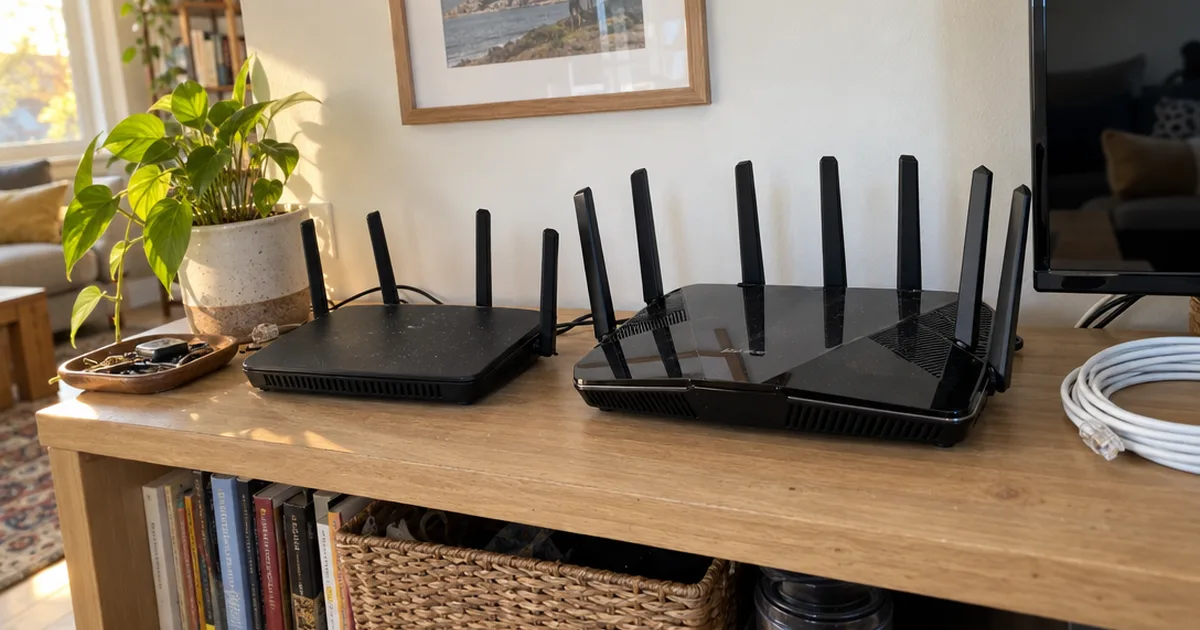
Double NAT is when your internet traffic passes through 2 routers that each run Network Address Translation (NAT) before it reaches the internet.
NAT lets every device in your home share the 1 public IP address your ISP gives you. Inside your local area network (LAN), DHCP gives each device a private address instead.
Those private addresses come from 3 blocks that RFC 1918 reserved in February 1996: 10.0.0.0 to 10.255.255.255, 172.16.0.0 to 172.31.255.255 and 192.168.0.0 to 192.168.255.255. ISPs never hand those blocks out as public addresses.
Now add a second router behind the first.
Each router builds its own private network, so you end up with 2 subnets and your data gets translated twice. That split between public and private IP addresses is the whole story behind double NAT.
What Causes Double NAT?
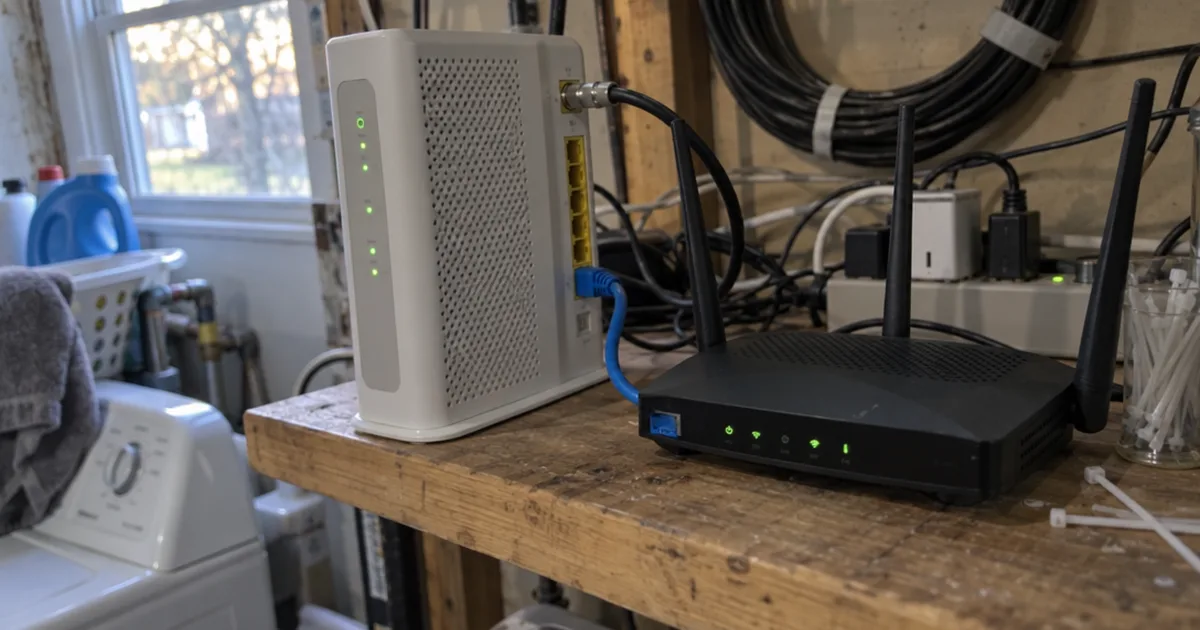
Double NAT is caused by plugging a second router into an ISP gateway or router that still performs NAT.
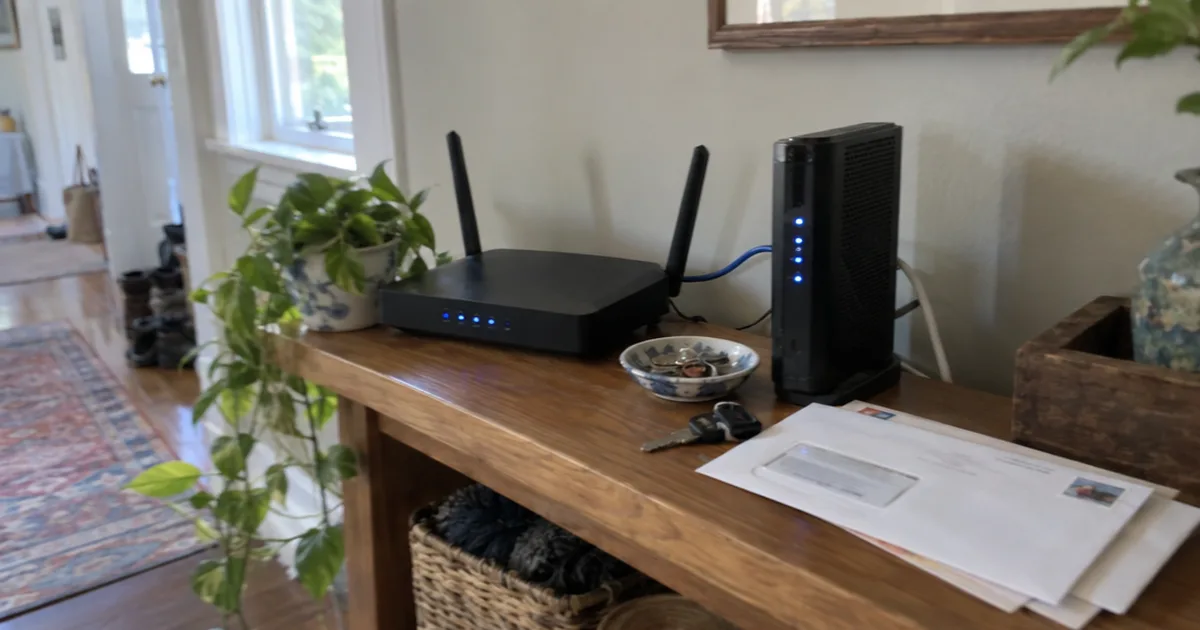
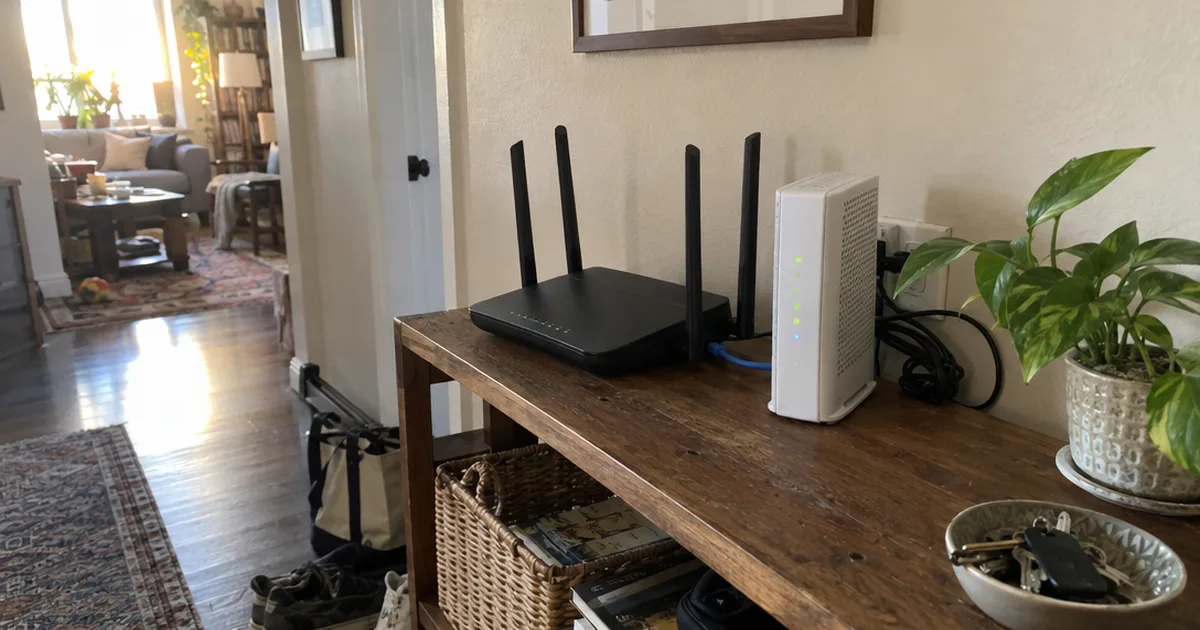
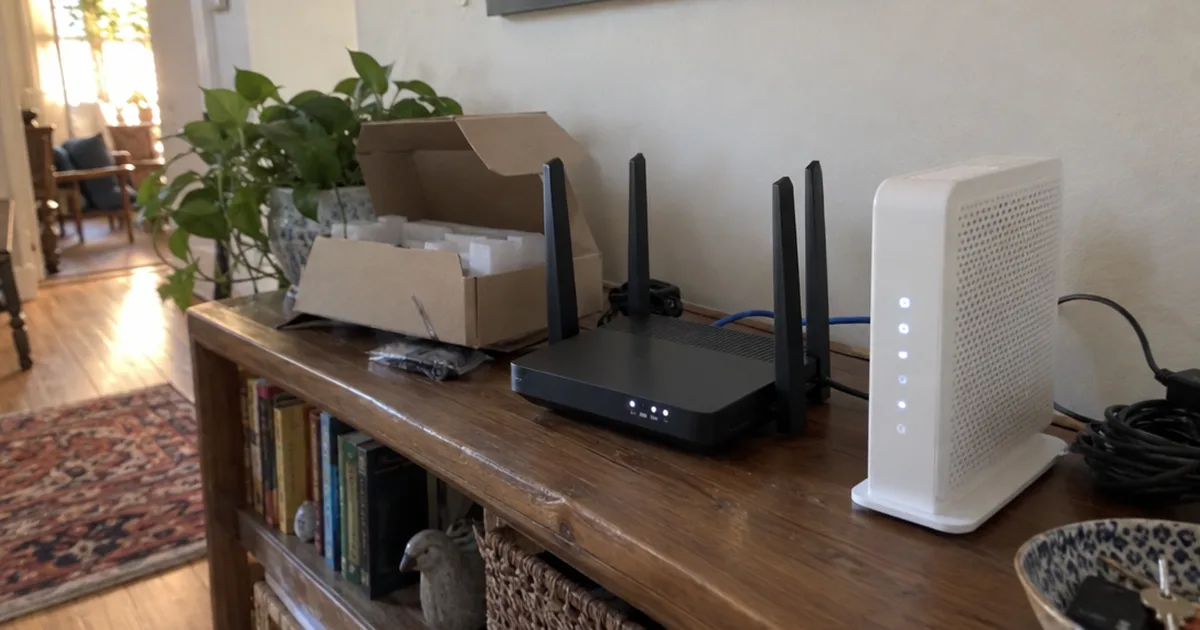
Google’s Nest help notes that many ISP gateways, a modem and router in one box, are set up to do NAT. Add your own and you’ve stacked a second layer.
These 3 setups cause it most often:
- Your router behind an ISP gateway that still routes, including gateways with no bridge mode, such as T-Mobile’s 5G gateway.
- An old router added for coverage but left in router mode.
- A mesh Wi-Fi system in its default mode. eero even offers double NAT as a quick setup option.
NETGEAR adds a tip: for more coverage or Ethernet ports, an extender, mesh system or unmanaged switch avoids a second NAT.
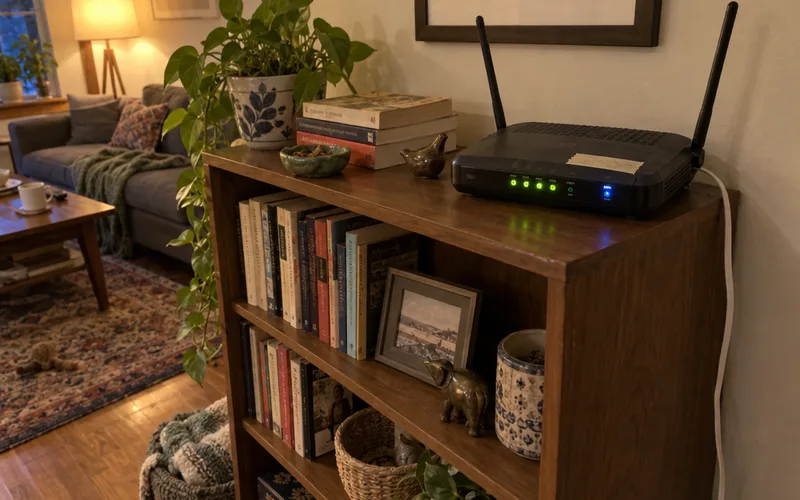
Knowing the modem, router and gateway roles shows where the extra NAT lives.
Is Double NAT Bad?
Double NAT is usually harmless for browsing and streaming. Google’s Nest help says most people notice no effect, and the extra delay is in milliseconds.
The trouble starts with connections that come in from the internet, such as a game session or a home server. Google names online games, port forwarding rules and Universal Plug and Play (UPnP) as the weak spots.
Why? Your router can open ports on itself, but the gateway in front never hears about it.
Devices can also lose sight of each other, including smart home gear. In Google’s example, a computer on one network can’t print to a printer on the other.
Calls can suffer too. Nextiva’s VoIP help center, updated July 7, 2025, lists one-way audio and phone deregistration as symptoms.
So fix double NAT if you game online, run a server or Network Attached Storage (NAS), or use internet calling. If you only browse and stream, you can leave it alone.
Double NAT on Xbox and Other Game Consoles
Double NAT on an Xbox shows up as a “Double NAT detected” error. Microsoft’s Xbox support says your NAT type needs to be Open, with no such error.
Microsoft describes the symptoms as not hearing friends in a game or party, or not being able to host or join multiplayer games.
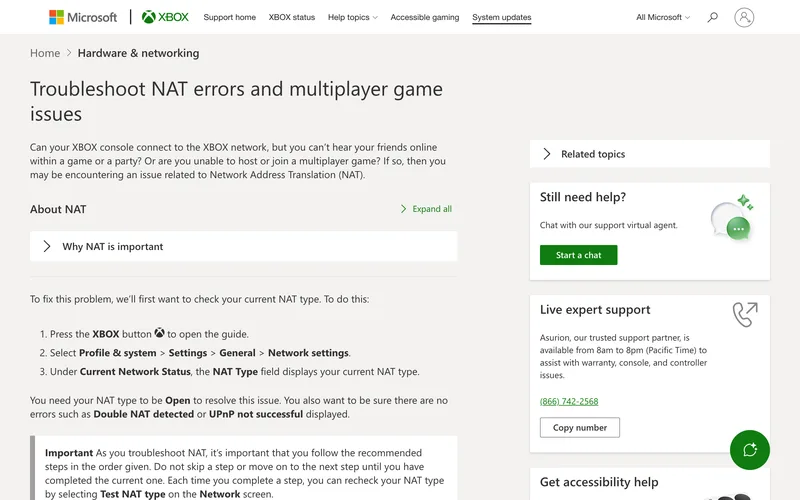
Port forwarding happens on your network gear, never on the console itself. With double NAT, every port on Microsoft’s list, such as 3074, must be opened on both routers.
So remove one NAT layer first, and the usual Xbox port forwarding steps work as written.
How to Tell If You Have Double NAT
The quickest way to tell if you have double NAT is to read your router’s WAN (internet) IP address. A private address such as 192.168.x.x or 10.x.x.x means another router upstream is also doing NAT.
Here’s how to check:
- Open your router’s app or admin page and find the WAN or Internet IP.
- If it starts with 10., 172.16 to 172.31, or 192.168. (the RFC 1918 private blocks), you have double NAT.
- If it starts with 100.64 through 100.127 (RFC 6598’s shared space), you’re behind carrier-grade NAT instead.
- Anything else is public, so your router talks straight to the modem.
You can also run traceroute (tracert on Windows) to any public site. If the first 2 hops show private addresses, your traffic crosses 2 NAT layers.
Double NAT vs. CGNAT
Double NAT happens inside your home, so you can fix it. Carrier-grade NAT (CGNAT) is a second NAT your ISP runs in its own network, and no home setting removes it.
Carrier-Grade NAT exists because IPv4 addresses ran short. RFC 6598 reserved the 100.64.0.0/10 block in April 2012 for these ISP devices.
Fix your own layer first, then ask your ISP for a public IPv4 address. If that’s not offered, port forwarding alternatives like tunnels remain.
How to Fix Double NAT
The best fix for double NAT is removing one NAT layer. Put the ISP gateway in bridge mode, use IP Passthrough on AT&T, or switch your second router to access point mode.
NETGEAR’s fix guide recommends bridging the ISP gateway for the best network performance, and Google agrees.
Put the ISP Gateway in Bridge Mode
Bridge mode turns off the gateway’s routing and NAT and keeps only the modem running. Your own router then does all the NAT.
Xfinity’s bridge mode article shows what changes. The gateway warns that its router functions and private WiFi network will turn off, and only one device can connect to it.
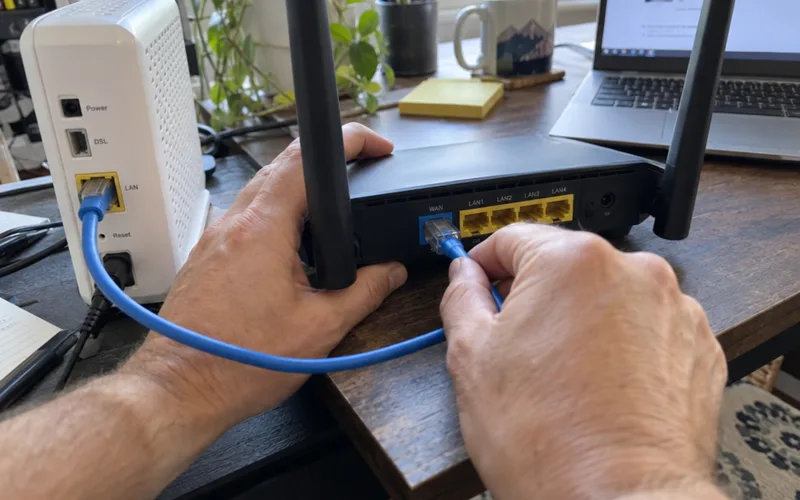
Make that device your router, using the Xfinity bridge mode steps. Afterward, its WAN IP should be public.
Use IP Passthrough on AT&T Gateways
IP Passthrough is AT&T’s alternative to bridge mode. The gateway shares its WAN IP address with a single device, normally your router.
AT&T’s support page notes that only one device can use passthrough, and it loses the gateway’s firewall protection. Your own firewall takes over.
The setting lives at 192.168.1.254 under Firewall, then IP Passthrough, and bridge mode vs. passthrough compares the two.
Switch Your Second Router to Access Point Mode
Access point (AP) mode turns your second router into a plain Wi-Fi access point with no NAT of its own. Use it when the ISP box can’t be bridged.
NETGEAR says to turn the gateway’s WiFi off first, and warns that some router features are disabled in AP mode. For an old coverage router, access point vs. router mode is the real choice.
Bridge the ISP Box, Not Your Mesh
Bridging your mesh system instead of the ISP gateway usually costs you features.
Google says Nest Wifi bridge mode works only with a single Wifi device and disables many security protections. eero’s bridge mode page lists eero Plus features that stop working, including Ad Blocking and Content Filters.
Both companies say the same thing: bridge the modem/router combo and let the mesh handle routing.
How to Fix Double NAT Without Bridge Mode
You can fix double NAT without bridge mode by turning off the ISP gateway’s Wi-Fi and running your router or mesh in access point mode. eero gives the same advice for its systems.
If you need both boxes, use the gateway’s DMZ, or DMZ host, setting for your router. All unsolicited traffic then goes straight to it, and its firewall decides what gets through.
Of the workarounds, the last resort is forwarding every port on both routers. Follow how to port forward safely, and keep the port forwarding and NAT basics handy.
When Double NAT Is Fine to Keep
Double NAT is fine to keep when nothing on your network needs incoming connections. eero even supports it, as long as each network has its own name and password.
Your first step this week: read your router’s WAN IP. That one number tells you whether you have double NAT, CGNAT or nothing to fix.
Frequently Asked Questions
What does double NAT stand for?
Double NAT stands for double Network Address Translation. Your traffic’s address gets translated by 2 routers instead of 1 before it reaches the internet.
Can I have a modem and router at the same time?
Yes, a separate modem and router is the normal setup and doesn’t cause double NAT. Trouble starts only when the ISP box is a gateway that also routes, so bridge it first.
Does double NAT slow down your internet speed?
Double NAT barely affects internet speed: Google’s Nest help says the second translation might add a very small delay, of the order of milliseconds. If your connection feels slow, check Wi-Fi coverage or your plan first.
Does double NAT affect VoIP phone calls?
Yes, double NAT can cause intermittent VoIP problems such as one-way audio and phone deregistration, according to Nextiva’s help center. Nextiva also notes that a gateway in passthrough mode won’t cause double NAT.