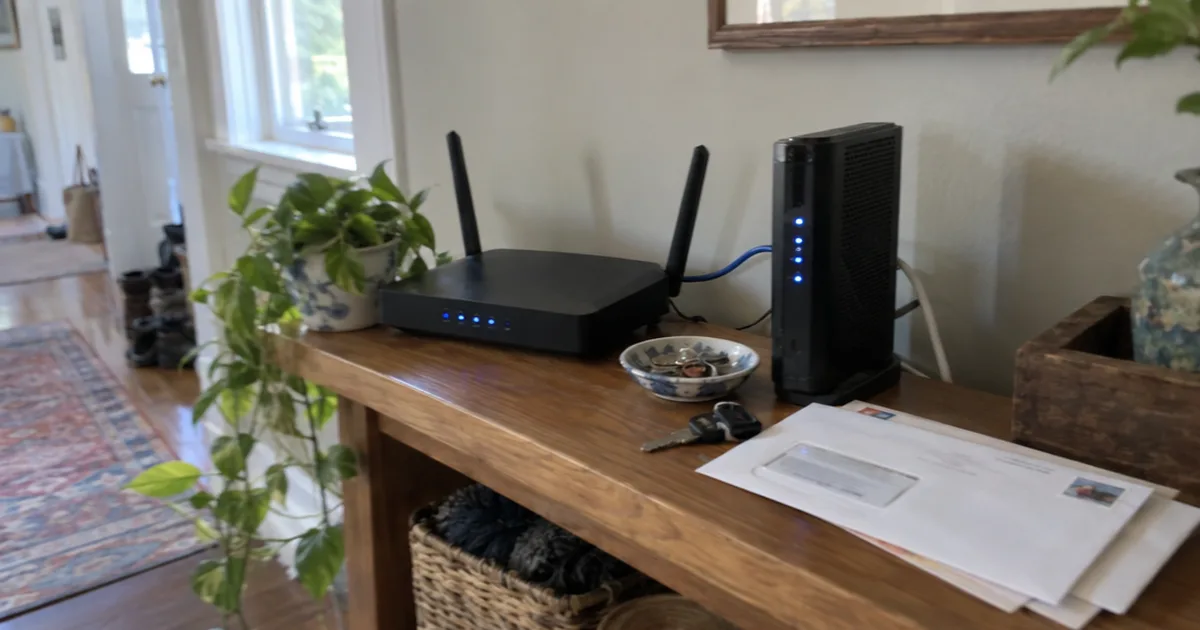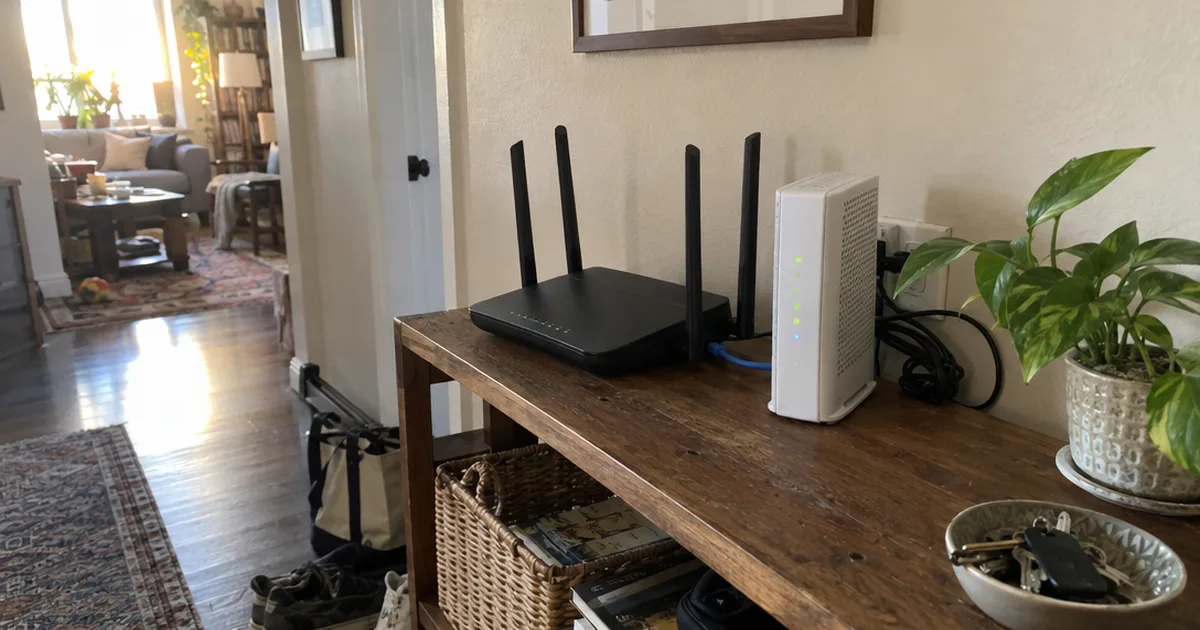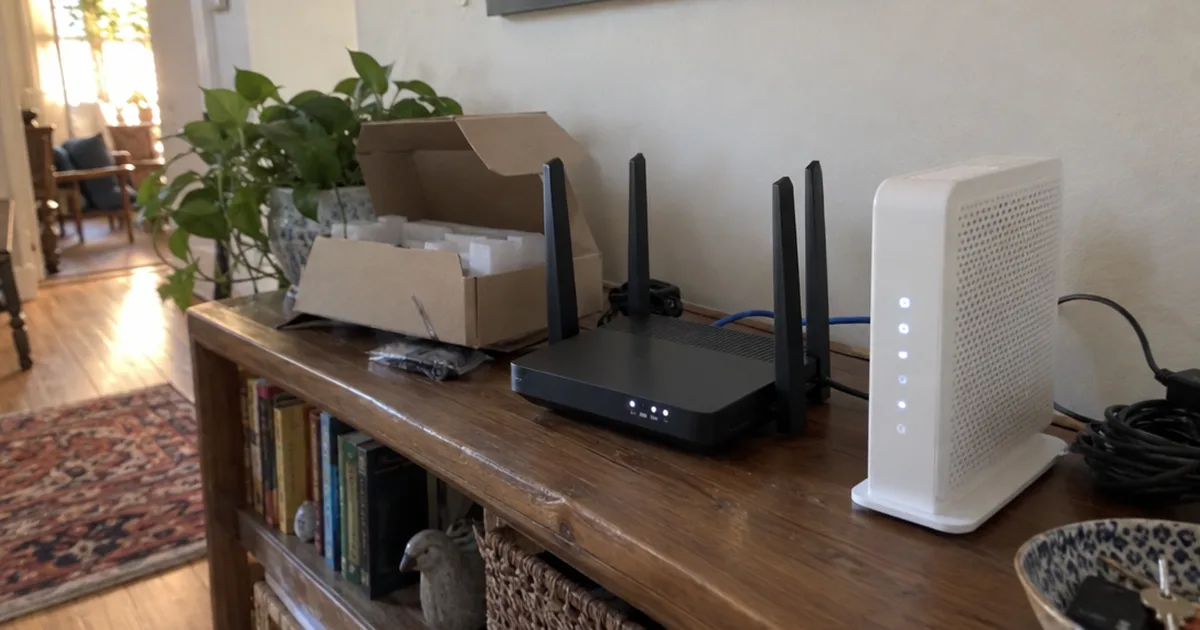

A traditional Wi-Fi extender typically cuts your available bandwidth in half.
NETGEAR, a company that sells extenders, says so on its own blog.
That cost comes from the relay itself. Once you see how a wifi extender works, you can pick one that dodges it, or skip it.
Here’s the trip your data takes, and what it means for speed, range and placement.
How Does a WiFi Extender Work?
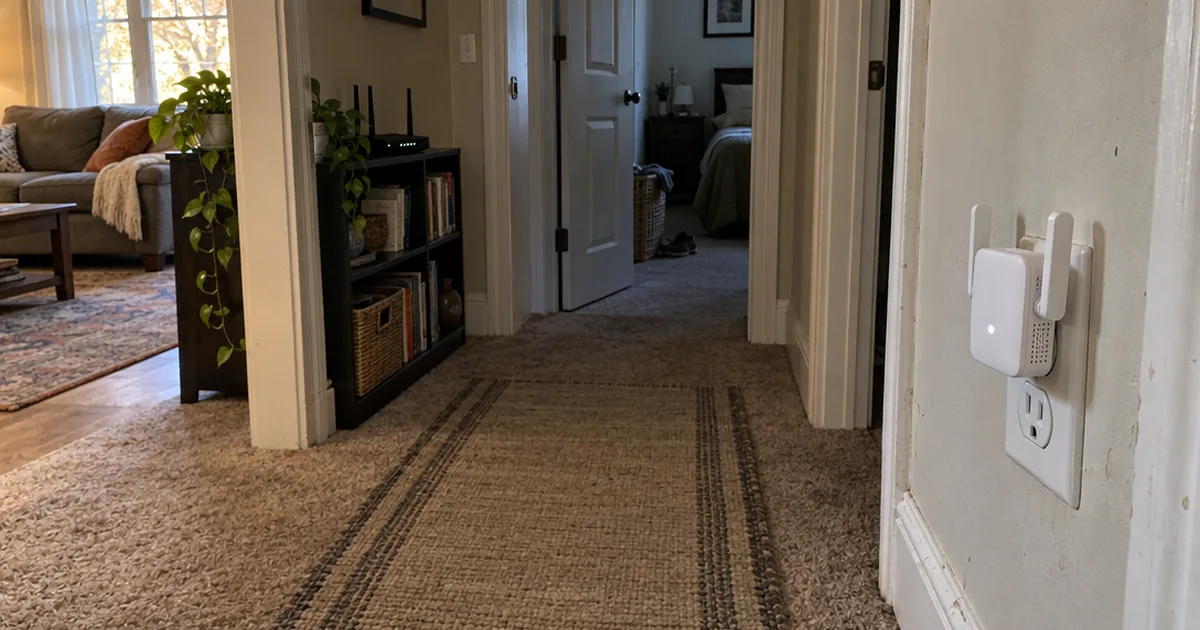
A Wi-Fi extender works as a relay: it joins your router’s Wi-Fi the way a phone would, then rebroadcasts that signal from its own radio into the weak area.
TP-Link’s explainer, dated September 21, 2026, says an extender creates two connections instead of one: router to extender, then extender to your device.
Your laptop never talks to the router directly while it’s on the extender. Everything goes through the box in the hallway.
What Happens to Your Data, Hop by Hop
Here’s the round trip when your laptop loads a page through an extender:
- Setup: During first-time setup, the extender finds your router’s network name, locks onto it and remembers it.
- Router to extender: The router sends your data over Wi-Fi to the extender, as it would to any device.
- Extender to device: The extender sends that data from its own radio to your laptop.
- The return trip: Everything your laptop sends goes back the same way.
So every packet that reaches the back bedroom makes 2 wireless trips instead of 1.
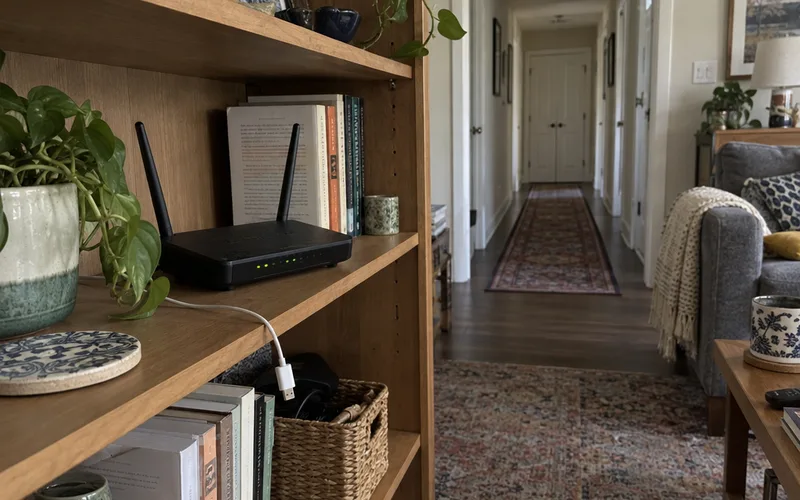
That second trip is where the speed and delay costs come from.
Why an Extender Can’t Fix a Weak Signal
A Wi-Fi extender can only pass on the signal it receives, so a weak signal at the extender stays weak in the room it covers.
Many product pages say extenders “amplify” Wi-Fi, but the relay doesn’t work that way. TP-Link puts it plainly: placing the extender too far away weakens the signal it has to rebroadcast.
In other words, the extender needs a good signal to repeat, which makes placement the part you control most.
Do WiFi Extenders Slow Down Your Internet?
A single-band Wi-Fi extender usually slows the connection it relays, because one radio takes turns talking to the router and your devices. NETGEAR’s guide, updated September 10, 2025, says such extenders typically cut available bandwidth in half and add latency.
Latency is the delay before data starts moving, and each extra hop adds some.
NETGEAR says that delay is most frustrating on video calls and in games. If you game in the far room, weigh latency over raw speed when you shop for a gaming extender.
Why One Radio Means Half the Speed
TP-Link describes the same problem: a single-band extender uses one wireless connection to do two jobs, talking to your router and to your devices.
That one connection has to split its time between both jobs.
Here’s an example with made-up numbers. Say the extender’s spot gets 200 Mbps; if the radio spends half its airtime receiving and half sending, your phone sees about 100 Mbps.
How Tri-Band Extenders Get Around It
Some tri-band extenders give the router link its own extra band, TP-Link says, which cuts the cost of repeating traffic on one band.
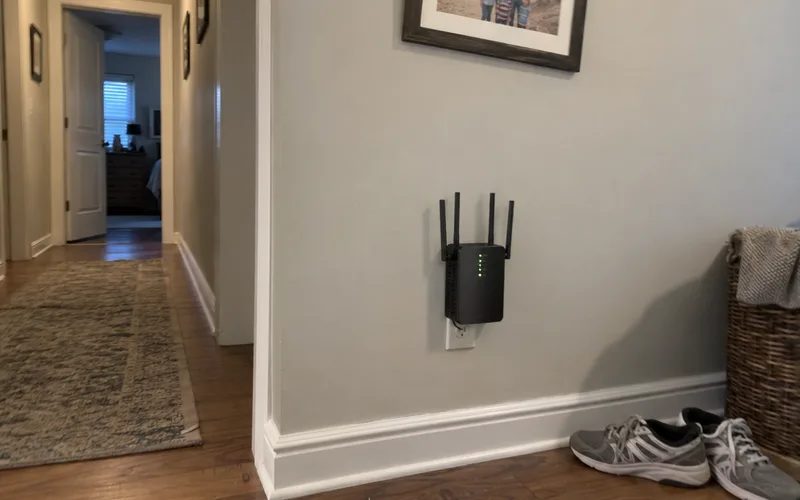
Its RE653BE, for example, keeps its 6 GHz band for the link back to the router.
That way, the router link and your devices stop fighting over the same airtime. If speed matters in the far room, look for a band reserved for the router link when you compare the best Wi-Fi extenders.
Do WiFi Boosters Increase Internet Speed?
No, a Wi-Fi booster or extender can’t raise your internet plan’s speed, because it only relays the connection your router already has. TP-Link and NETGEAR both say an extender improves reach, not the speed of your internet plan.
Speed in a dead room can still go up, though. If your phone barely connects there, a solid relayed signal will feel much faster.
Here’s how to get your own numbers in a few minutes:
- Run a speed test next to your router.
- Run it again in the weak room without the extender.
- Run it a third time in that room on the extender.
If the third number is well below the first, the extender is paying the relay cost. If it’s below the second, move the extender closer to the router.
How Far Does a WiFi Extender Work?
A Wi-Fi extender works best a room or two from the router, usually on the same floor, according to TP-Link, because it must sit where the router’s signal is still strong. How far it then reaches depends on your walls and floors.
TP-Link’s FAQ says the extender should be close enough to receive a strong signal, typically the same floor or a room or two away.
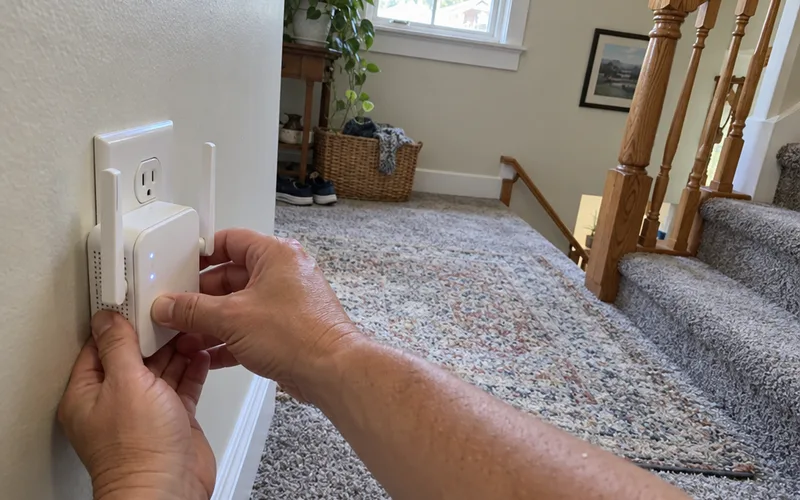
So with the router in the basement and a weak bedroom 2 floors up, the extender may belong on the stairs.
Where to Put Your WiFi Extender
Start roughly halfway between the router and the dead zone, the same FAQ suggests, then adjust.
Too close and it adds little reach. Too far and it repeats a signal that’s already weak.
To find the spot, walk from the router toward the dead zone with your phone. Stop at the last place where a speed test still looks close to the one by the router.
Pro Tip: Use an outlet in the open, not behind a couch or a TV.
Does a WiFi Extender Go Through Walls?
Yes, an extender’s signal passes through walls just like your router’s, and every wall it crosses weakens it.
So give the extender a clear path back to the router, and let its own signal cross the thick wall into the dead room.
If walls are the whole problem, try these fixes for signal through walls before you buy hardware.
WiFi Extender vs Repeater vs Booster: Is There a Difference?
A Wi-Fi extender, a wireless repeater and a booster are largely the same device sold under different names, according to TP-Link. NETGEAR calls “booster” a broad marketing term that can even cover mesh systems.
So ignore pages that say an extender is wired and a repeater is wireless. Judge a product by what it does, not the word on the box.
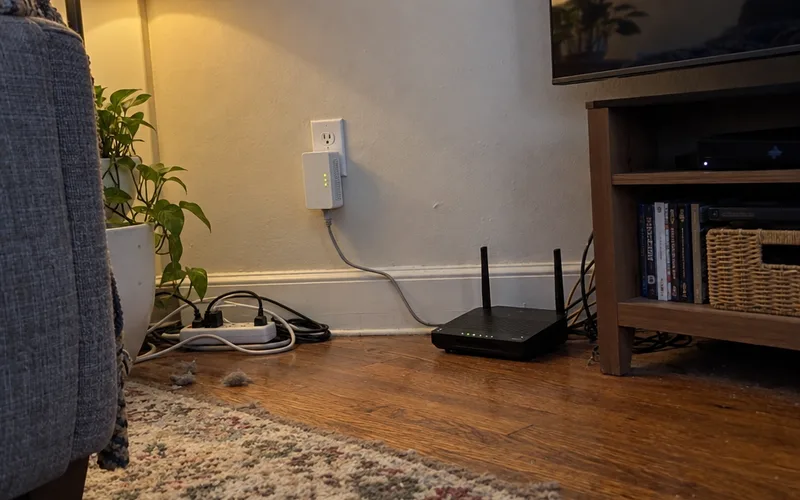
One real exception is a powerline extender, sometimes sold as HomePlug. NETGEAR explains that power-line adapters send data through your home’s electrical wiring, so the Wi-Fi only starts at the far end.
That skips the wireless hop to the router, which is why powerline adapters vs extenders is a real choice in homes with thick walls.
Does a WiFi Extender Create a Separate Network?
A Wi-Fi extender either copies your router’s network name or creates a second one, depending on the model. NETGEAR says some extenders broadcast the same network name for seamless roaming, while others create a new one.
Your network name, or SSID, is the label your phone shows in its Wi-Fi list.
With 2 names, you switch by hand as you move between rooms.
Even with 1 shared name, TP-Link notes that your phone or laptop decides when to switch. So a device can cling to the farther signal for a while.
TP-Link’s OneMesh and the EasyMesh standard let a matching extender join the router under one Wi-Fi name. If you want one name through the whole house, check that your router and extender share one of those features.
How Does a WiFi Extender Work With Ethernet?
A Wi-Fi extender works with Ethernet in 2 ways. Its Ethernet port can connect a wired device like a TV, or a cable from the router can replace its wireless link to the router.
That second setup removes the slow wireless hop. At that point, the box works as an access point, not a relay.
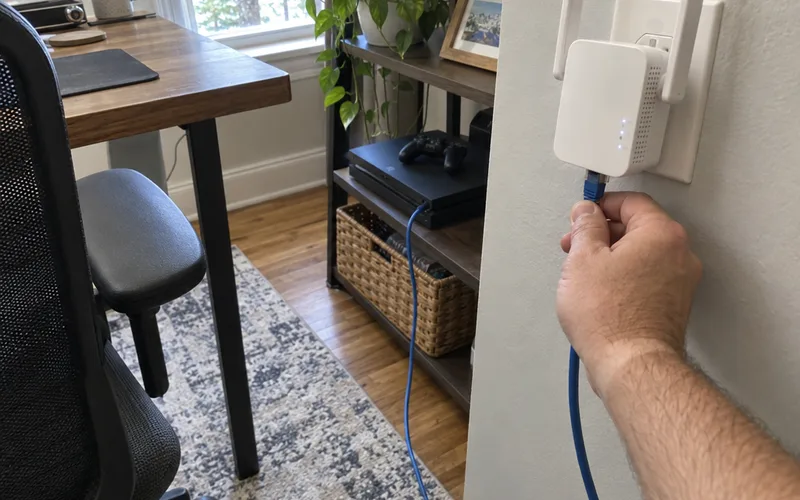
NETGEAR calls wired access points the most reliable way to get good Wi-Fi. Its Orbi mesh satellites use the same idea through wired backhaul, a cable between the router and each node.
Key Takeaway: If you can run one cable to the far room, you get the reach without the relay’s speed cost.
Do WiFi Extenders Actually Work?
Wi-Fi extenders do work for 1 or 2 weak spots in an otherwise good network. TP-Link says whole-home Wi-Fi problems usually call for a mesh Wi-Fi system instead.
TP-Link pitches the extender as the budget-friendly fix, and for one bedroom or office, that’s what it is.
The Downsides of WiFi Extenders
The downsides all trace back to the relay:
- Less speed on single-band models, because one radio does two jobs.
- More delay, since every packet makes an extra hop.
- A second network name on some models.
- Fussy placement, because too close and too far both fail.
- No change to your internet plan’s speed.
None of these sinks an extender for one room, but they add up in a big house with several weak rooms.
WiFi Extender or Mesh WiFi?
A mesh system swaps the single relay for a set of nodes. NETGEAR says those nodes use dedicated backhaul links, so your devices stay on the strongest signal.
So if several rooms or floors are weak, a whole-home mesh setup is the better fit. If one room is weak, an extender costs less and does the job.
Do WiFi Extenders Work With Any Router?
Most current Wi-Fi extenders work with any Wi-Fi router. TP-Link says its RE653BE works with any Wi-Fi router, and NETGEAR says its EXS27 works with any WiFi 5 or WiFi 6 router.
Your router still sets the ceiling for the first hop. TP-Link explains that a Wi-Fi 6 router caps its link to a Wi-Fi 7 extender, while the extender’s link to your devices can still use the newer standard.
That’s the practical side of the gap between Wi-Fi 7 and Wi-Fi 6. The newer extender helps the second hop, not the first.
The Bottom Line
A Wi-Fi extender is a relay: it buys reach and pays for it in speed and delay.
So use one for a single weak room, and give it a strong signal to repeat.
Before you buy, try the free ways to extend Wi-Fi range, starting with where your router sits.
This week, run a speed test by the router and in the weak room, then pick the extender’s spot before you spend a dollar.
Frequently Asked Questions
Does a WiFi extender need to be plugged in?
Yes, a Wi-Fi extender needs power, and most models plug straight into a wall outlet. TP-Link’s setup starts by plugging the extender into an outlet within range of your router.
Do you just plug in a WiFi extender and it works?
A Wi-Fi extender mostly works on its own after a one-time pairing with your router, picking up and rebroadcasting the signal without more setup, TP-Link says. If the room still feels weak, move the extender a bit closer to it before you change any settings.
How do you connect an extender to WiFi?
You connect a Wi-Fi extender to your router with a button press, a companion app or a short guided setup, depending on the model, according to TP-Link. Then join the extender’s network, or the shared network name, on your phone or laptop.
Do WiFi extenders work for gaming?
Wi-Fi extenders can work for gaming, but the extra hop adds delay, and NETGEAR says that delay is especially frustrating during gaming and video calls. For a gaming room, a tri-band extender or a wired connection is the safer choice.