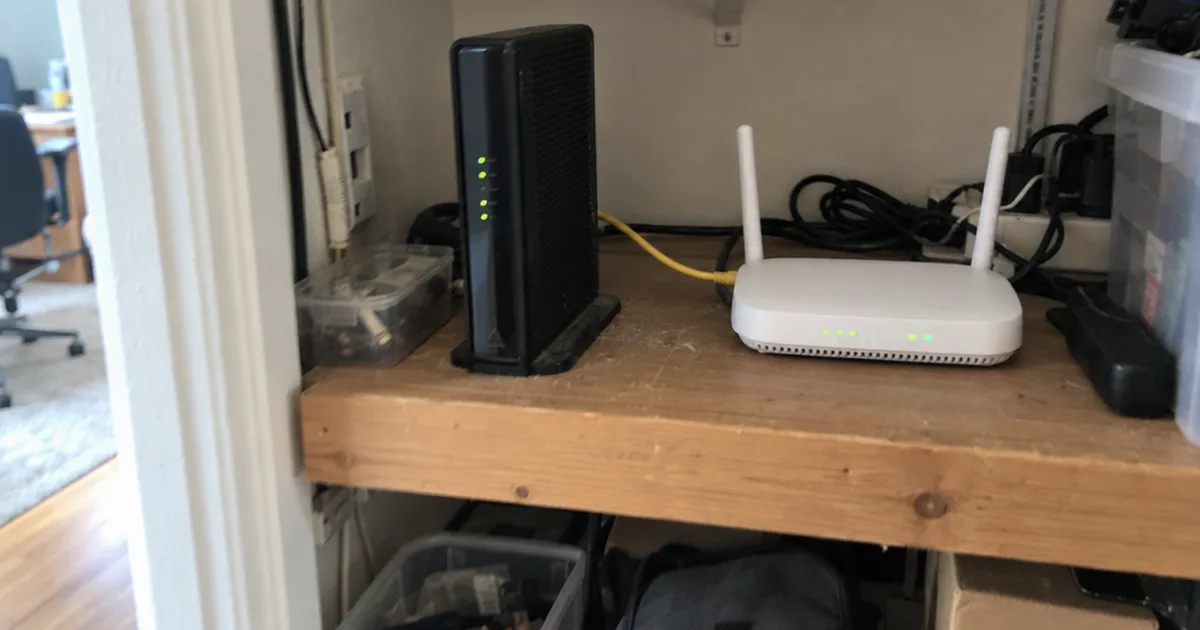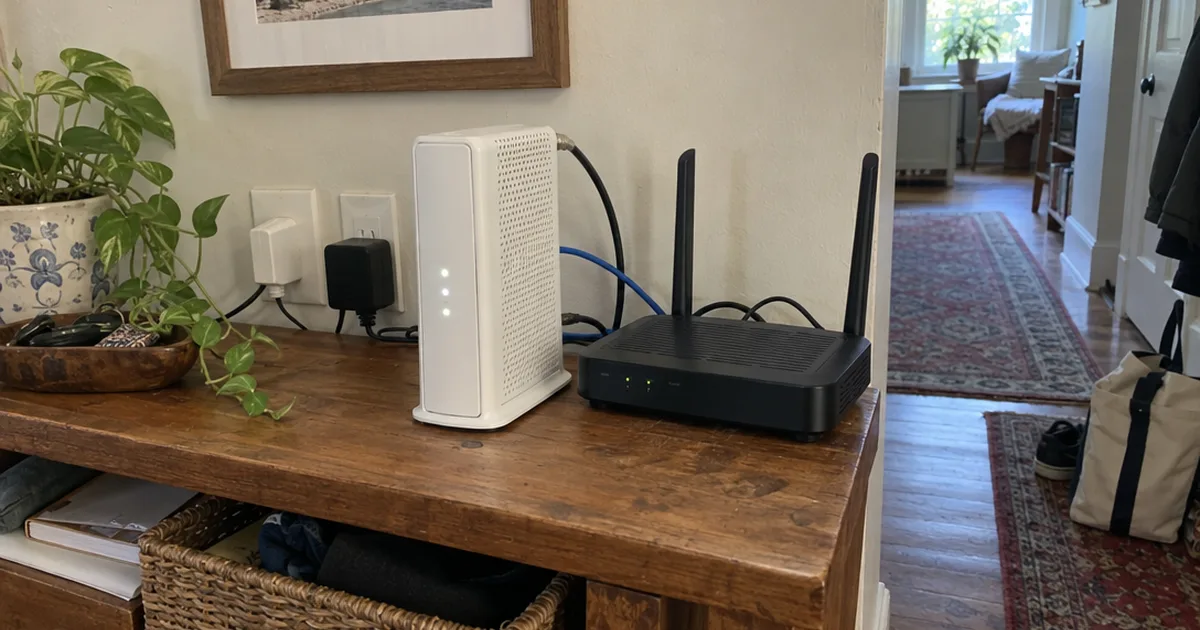

One network consultant logged 600 Mbps at night on T-Mobile Home Internet.
A CNET writer on the same service usually sees about 80 Mbps.
Same service. The biggest reason for a gap like that is 5G reception at each house.
So this T-Mobile Home Internet review sorts out which house you live in before you pay: real owner speed logs, the true monthly cost, the gateway’s limits and who should skip it.
Here’s what the verdict is based on:
- Owner speed logs, including a 30-day wired test and years of one CNET writer’s results
- The plan terms owners report: price, fees, data caps and contract
- The gateway’s hardware, Wi-Fi and settings
- How it handles gaming, streaming and work calls
This is a research-based review, not a hands-on lab test, and every number below comes from a named owner or outlet.
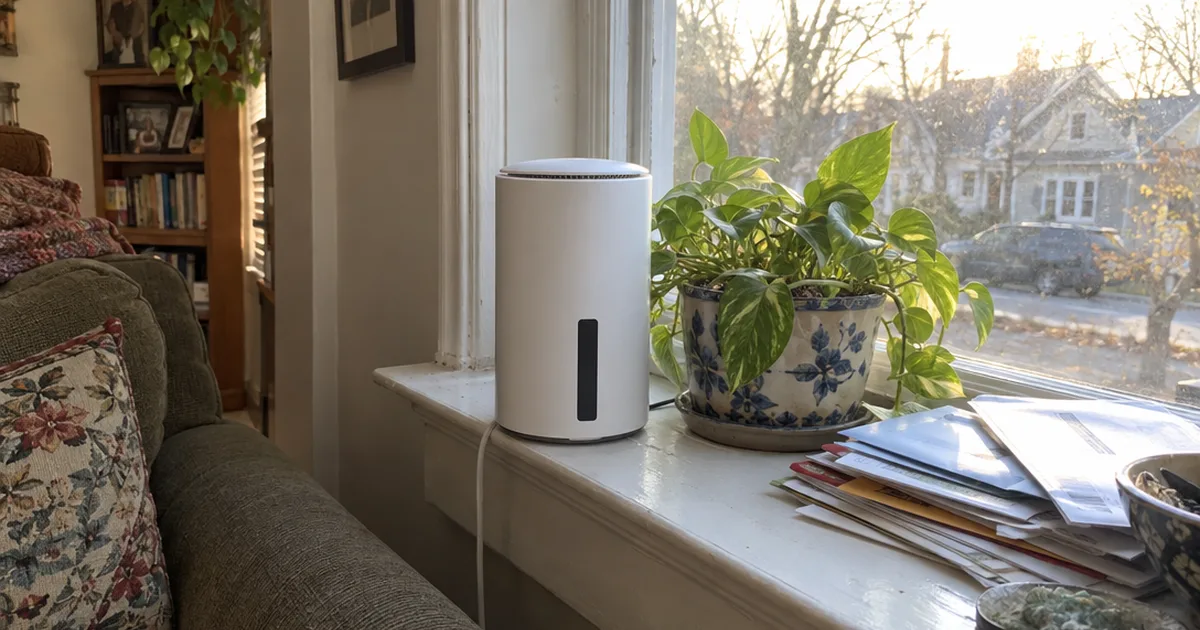
T-Mobile 5G Home Internet
Fixed wireless home internet over a 5G cellular network, with an included gateway, no data caps and no contract. Owner speeds range from 16.7 Mbps on a weak signal to 600 Mbps at night on a strong one.
Pros
- Low flat price, cheaper with an eligible phone line
- Fast on a strong signal, often 250 Mbps or more
- Plug-in setup with an app that finds the best spot
Cons
- Speeds swing with reception and traffic
- Double NAT, no bridge mode or static IP
- Gateway settings are locked down
Key Specifications
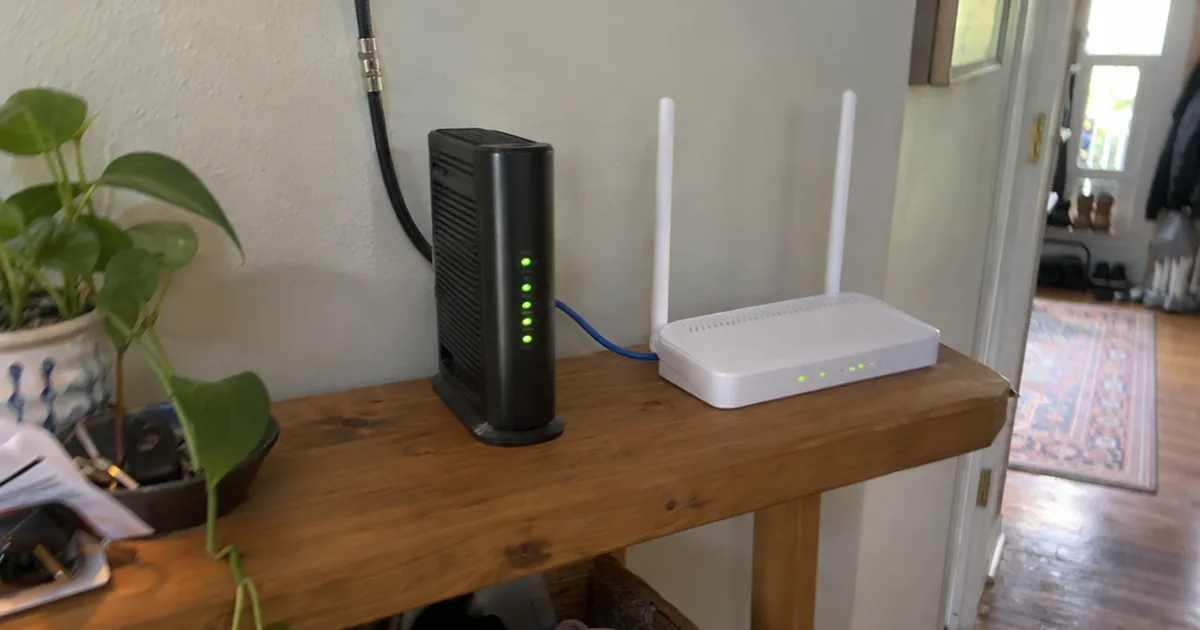
T-Mobile 5G Home Internet is fixed wireless broadband. A gateway in your home picks up T-Mobile’s 5G or 4G LTE signal from a nearby cell tower and turns it into Wi-Fi.
These are the specs that matter most when you compare it with cable or fiber, pulled from the owner reports used in this review:
| Spec | Detail |
|---|---|
| Connection | 5G and 4G LTE fixed wireless |
| Typical download (advertised) | 87-415 Mbps |
| Typical upload (advertised) | 12-55 Mbps |
| Latency (one owner’s tests) | 17-23 ms idle, 31-142 ms loaded |
| Data cap | None |
| Contract | None |
| Equipment fee | None, gateway included |
| Ethernet ports | 2 x 1 Gbps |
| Wi-Fi | Wi-Fi 6 or Wi-Fi 7, by gateway |
| IP setup | Private IP, double NAT |
| Trial | 15-day money-back |
The two lines to watch are latency and IP setup. They decide whether the service works for gaming, video calls and home networking gear far more than the download number does.
Is T-Mobile Home Internet Good?
T-Mobile Home Internet is good for households with a strong T-Mobile 5G signal that want a low, flat price with no data caps or contract. It’s a weaker pick for competitive gamers, home businesses and anyone who wants full control of their router.
That split shows up in every owner account in this review.
CNET’s Amanda Kooser switched from DSL in late 2022 and pays a flat $50 a month, after paying $45 for DSL that topped out at 20 Mbps. Her best tests hit 200 Mbps, 10 times her old line on a good day.
That’s a huge upgrade for a DSL home.
But she’s still on a fair signal, two bars out of five, and her speed tests are all over the map. Reception at your gateway’s spot matters more than any plan you pick, so weigh every pro and con below against your own bars.
Who Should Get It and Who Should Skip It
Get T-Mobile Home Internet if any of these fit you:
- You’re on DSL or another slow line, and T-Mobile 5G is strong at home
- You already pay for a T-Mobile phone line, which cuts the price
- You want a backup internet connection that costs less than a second cable line
- You rent or move often and hate contracts
Skip it, or test hard during the trial, if you play competitive online shooters, run VoIP phones or need a static IP. The same goes if you want port forwarding and bridge mode, or your phone shows only one or two bars indoors.
How Fast Is T-Mobile 5G Home Internet?
T-Mobile 5G Home Internet’s typical download speeds are 87-415 Mbps, CNET’s Kooser reports. Real owner results swing much wider, from 16.7 Mbps on a weak signal to 950 Mbps on a strong one.
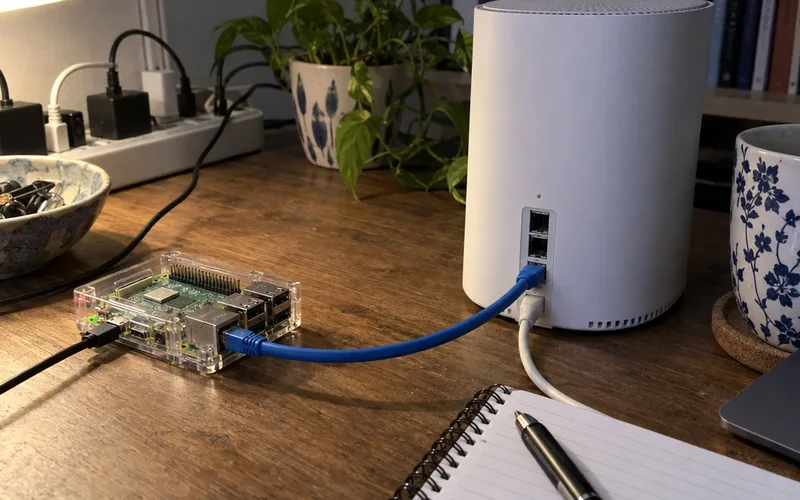
The best data comes from a network consultant at Crosstalk Solutions. They logged a speed test every 30 minutes for over a month, on a Raspberry Pi wired to the gateway.
The results: 250-300 Mbps in the daytime and upwards of 600 Mbps at night.
That’s the cleanest test here, because a wired connection takes Wi-Fi out of the picture.
Here’s how the owner results line up, from fastest to slowest:
| Who measured | Setup | Download result |
|---|---|---|
| Crosstalk consultant | Wired, 30-day log | 250-300 Mbps day, 600+ night |
| Crosstalk consultant | iPhone on gateway Wi-Fi | About 350 Mbps daytime |
| DisableMyCable owner | Two condos, Santa Monica | Mostly 300-440 Mbps, peak 950 |
| Kooser’s mother | Strong signal | 100-200 Mbps |
| CNET’s Kooser | Fair signal, 2 of 5 bars | Usually about 80 Mbps |
The pattern is clear: good reception, fast internet. Fair reception still beats most DSL, but it won’t touch cable.
Uploads hold up better than you’d expect. One subscriber who reviews services at DisableMyCable saw about 60 Mbps typical, with a range of 21-79 Mbps, against T-Mobile’s advertised 12-55 Mbps.
If you’re not sure how much speed your home needs, compare these numbers with a good internet speed for your household before you decide.
What About 4G LTE and Rural Homes?
T-Mobile Home Internet on 4G LTE alone is far slower than on 5G. One commenter on the Crosstalk review lives in rural Michigan, gets only T-Mobile’s 4G LTE service and sees 3-35 Mbps, averaging maybe 10 Mbps.
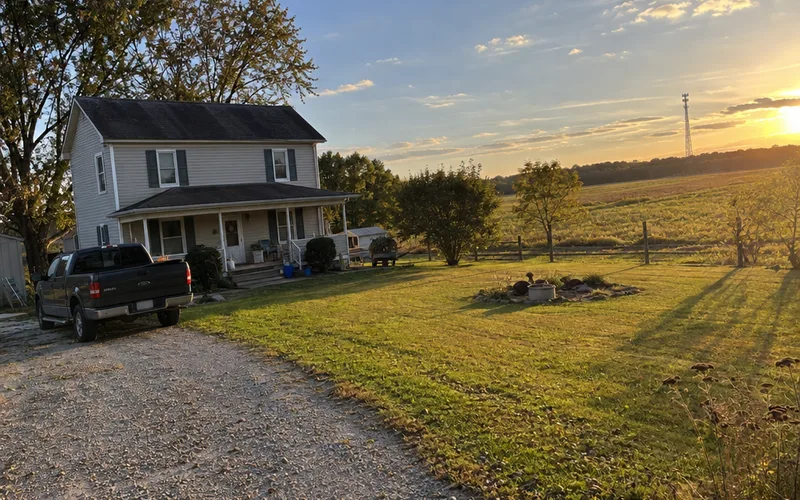
That commenter believes T-Mobile calls this service Home Internet Lite. So if your phone shows 4G LTE but not 5G at home, expect DSL-like speeds, not the numbers in the table above.
Why Is My T-Mobile Home Internet So Slow?
T-Mobile Home Internet is usually slow because the gateway gets a weak 5G signal where it sits, or the cell tower is busy. Moving the gateway to a window or a higher floor is the first fix to try.
Kooser’s results show how big the swing can be. When she started writing her column, a test read 16.7 Mbps; a few minutes later, it read 94.6 Mbps.
T-Mobile recommends placing your gateway “close to a window or high up on an upper floor or bookshelf,” as Kooser notes. Her mother, on a strong signal, regularly gets 100-200 Mbps.
Your house can be part of the problem too. Kooser suspects her home’s 1939 building materials, plus the trouble of finding a good spot for the gateway, explain some of her slow tests.
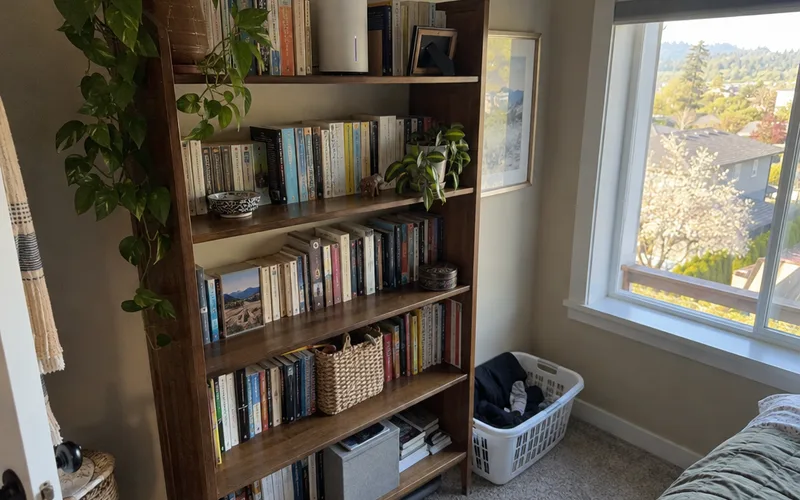
So before you call support, work through these fixes in order:
- Check the bars. Gateways like the G4AR show a five-bar signal meter, so you can see when a spot is weak.
- Use the app’s placement tool. The app shows the best spot for the gateway with your phone’s camera or a map, as one owner describes.
- Move the gateway up and toward the tower. Try each window on the highest floor, then rerun a speed test.
- Wire your devices or a mesh system. That way the gateway can sit in the best window while your Wi-Fi comes from somewhere central.
Some slowdowns aren’t about placement at all. The Crosstalk reviewer saw web pages turn sluggish and images stall now and then, and it usually cleared up in a few minutes.
Pro Tip: Run speed tests in the morning, evening and late night for a few days. One test tells you almost nothing on a service that swings this much.
How Much Does T-Mobile Home Internet Cost?
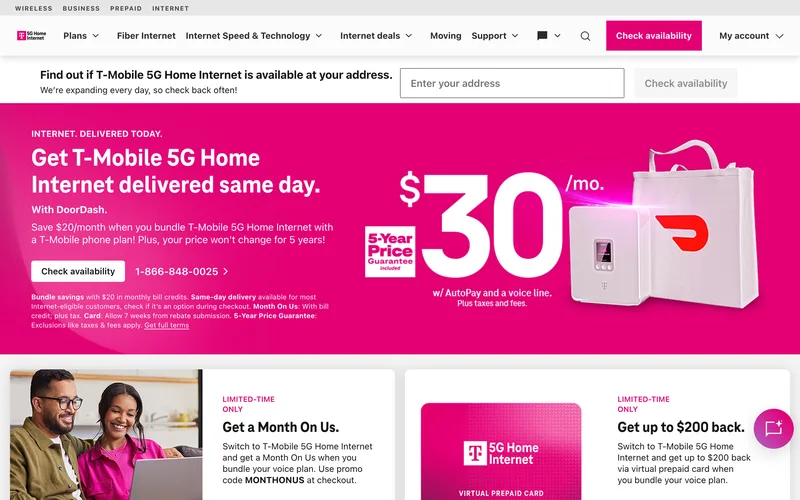
T-Mobile Home Internet costs about $50 a month on its own, based on what owners report paying. With an eligible phone line and AutoPay, it can drop to $30.
Prices vary by plan and address, so check yours on T-Mobile’s home internet page.
Kooser isn’t a T-Mobile phone customer, and her bill is a straight $50. CNET puts the average cost of home internet around $78.
Say you’re paying that $78 average now. Switching to a $50 bill saves $28 a month, or $336 a year, in this hypothetical.
Phone customers pay less. The DisableMyCable subscriber says that with a T-Mobile (or Mint Mobile) phone plan, the service starts as low as $30 a month with AutoPay.
Older sign-ups show the same pattern. When the Crosstalk reviewer signed up, the service was $50 a month, or $25 with a T-Mobile phone account, and one of their readers says plans run from $30 up to $150.
There’s more than one plan. The Amplified plan got the newer Wi-Fi 7 gateway first, and the All-In plan includes a mesh access point.
The Fine Print Before You Sign Up
The DisableMyCable subscriber flagged 4 sign-up details worth knowing:
- T-Mobile runs a credit check on TransUnion, so unfreeze that report first.
- The $5 AutoPay discount doesn’t start until one full billing cycle has passed.
- T-Mobile offered a 5-year price guarantee at that owner’s sign-up.
- A rebate offer showed up after sign-up, and a $210 electronic card arrived 2 months later.
Rebates and guarantees change, so treat that as one owner’s deal, not a promise.
Data Caps, Contract and the 15-Day Trial
T-Mobile Home Internet has no data caps, no contract and no equipment fees, as CNET’s Kooser confirms from her own plan. That means no overage charges and no early termination fee.
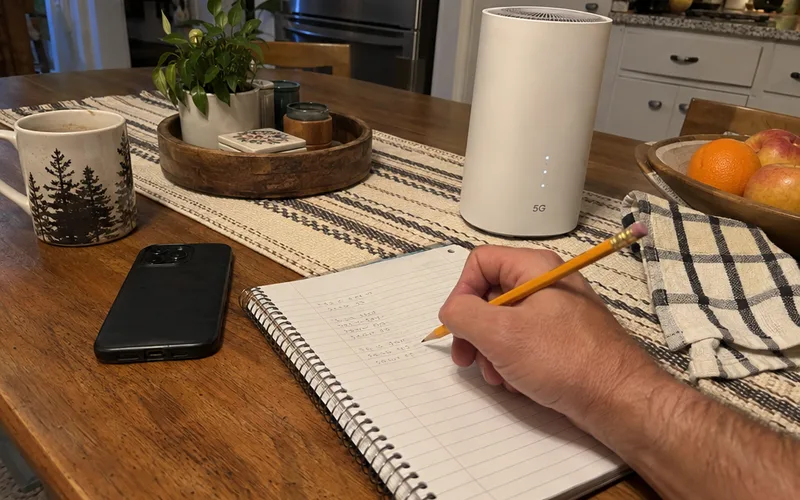
You also get a 15-day money-back trial. Kooser’s advice is to use it, because you don’t know how well 5G works at your address until you try.
Which T-Mobile Home Internet Gateway Will You Get?
The T-Mobile gateway is a modem and Wi-Fi router in one box, included with the plan at no extra charge. Which model you get depends on your plan: the G4AR on many plans, and the newer Wi-Fi 7 G5AR on the Amplified plan since July 2025.
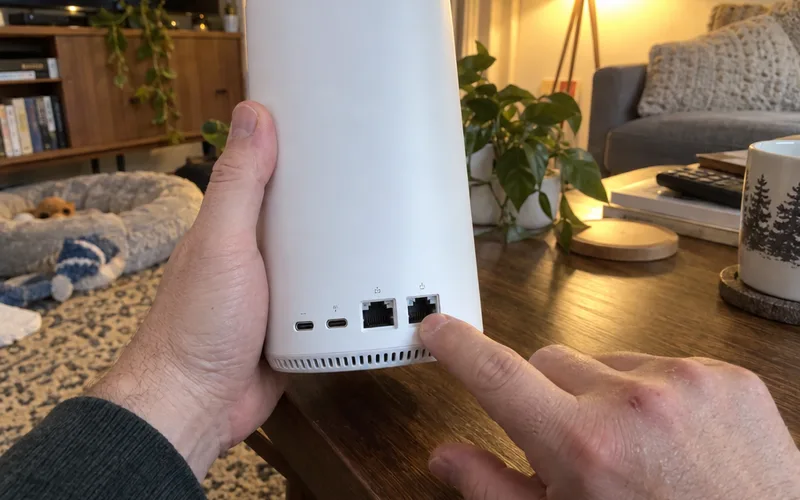
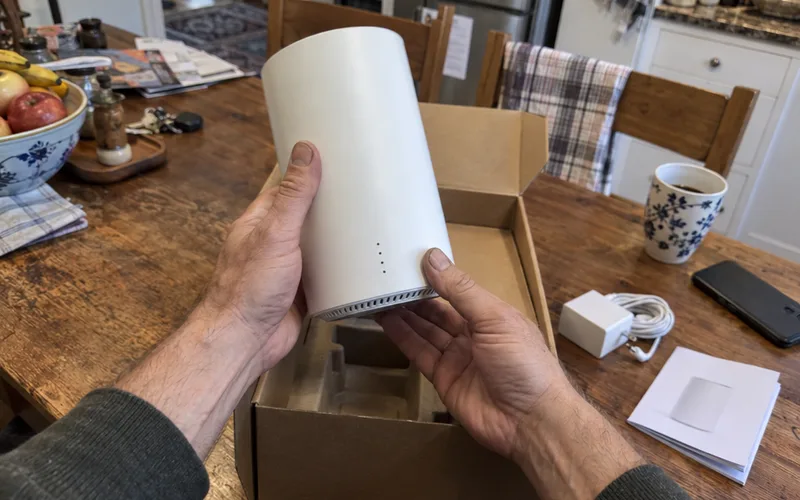
The Crosstalk reviewer’s gateway measured 4.5 x 4.5 x 7.5 inches, with 4x4 MIMO Wi-Fi 6. It has two 1 Gbps Ethernet ports, so you can wire a PC or feed your own router.
The G4AR has a feature tinkerers love.
The DisableMyCable owner points out external cellular antenna connectors on the bottom. So you can attach a MIMO antenna and mount it where reception is better.
The G5AR dropped those connectors. It started rolling out in July 2025 on T-Mobile’s Amplified plan, with Wi-Fi 7 in place of the old ports.
So if your reception is borderline, the older G4AR may be the better box, even though the newer one is faster on paper.
Wi-Fi reach is decent for its size.
The same owner’s gateway sits on the top floor of a three-level condo and barely reaches a camera in the garage. They expect it to fall short in a 3,000-square-foot two-story house.
For a bigger home, the All-In plan’s mesh access point extends coverage up to 2,200 square feet. A mesh Wi-Fi system of your own does the same job on any plan.
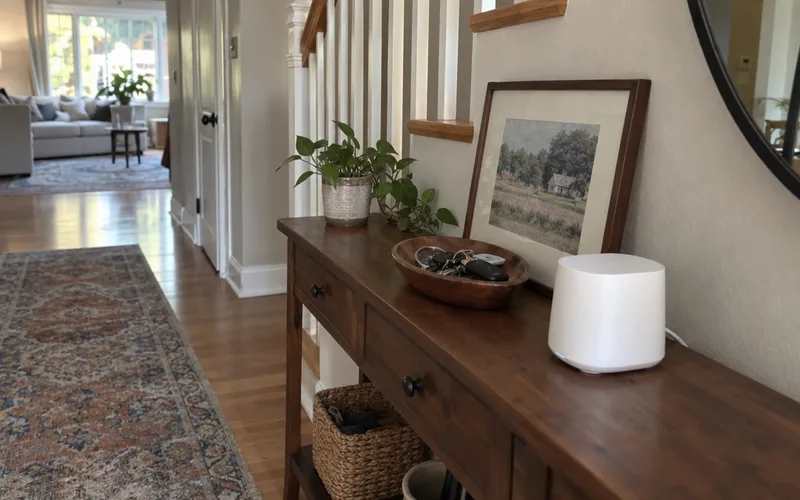
Setup itself is quick. CNET’s Kooser says she and her mother were online within minutes, and found their gateways stable, with no crashes.
Can You Use Your Own Router With T-Mobile Home Internet?
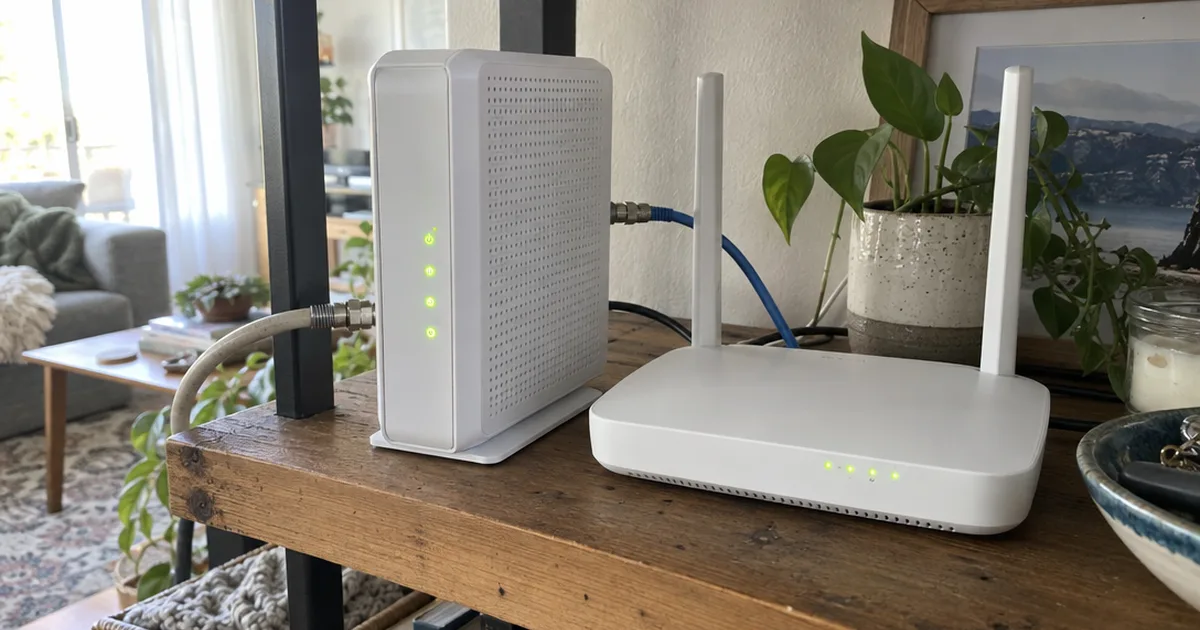
T-Mobile Home Internet works with your own router: you plug the router into one of the gateway’s 1 Gbps Ethernet ports. But the gateway has no bridge mode, so your router sits behind a second layer of NAT, and you can’t turn off the gateway’s Wi-Fi without a third-party app.
The Crosstalk reviewer found that the gateway hands out a private IP address, 192.168.12.x in their case. That means the connection is double-NAT’d, with no bridge mode or static IP option.
In other words, the gateway is always a router, even when you add your own.
The settings are locked down too. The DisableMyCable owner found the gateway’s web page at 192.168.12.1 is a status panel, not a control panel.
Instead, settings live in T-Mobile’s T-Life app, and it only changes basics like your Wi-Fi name and password. That’s also why you need a phone to use the service at all, as the same owner notes.
Here’s what you can’t do from T-Mobile’s own tools:
- Turn on passthrough or bridge mode
- Change firewall settings
- Set up port forwarding
- Turn off the gateway’s Wi-Fi
That last one matters if you bring your own gear. The free third-party HINT app is the only way the owner found to switch the gateway’s Wi-Fi off.
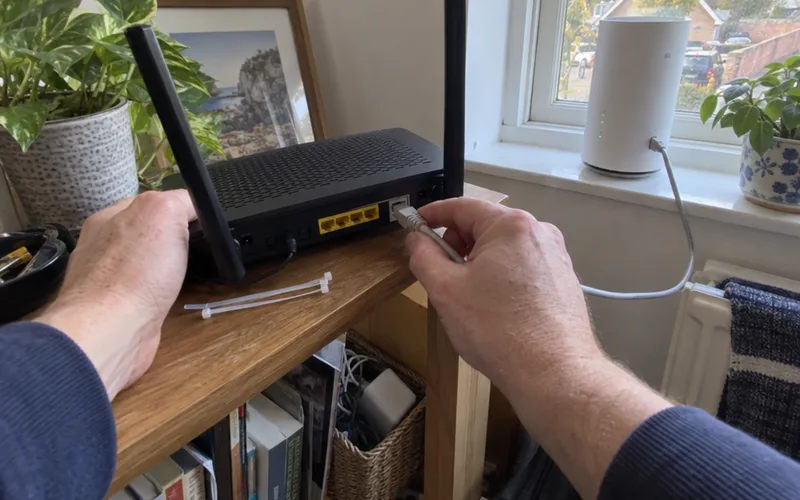
If a game, VoIP phone or app breaks behind it, these double NAT fixes explain what you can and can’t do around it.
How to Add Your Own Router
The Crosstalk reviewer’s reason for adding their own gear is simple: the gateway has to live in the best window, which is rarely the best spot for Wi-Fi. With your own router and access points, they write, you get “much more scalability and control over how you distribute the wireless signal.”
Here’s the setup in 4 steps:
- Put the gateway in the window with the most bars.
- Run an Ethernet cable from one of its 1 Gbps ports to your router’s WAN port.
- Turn off the gateway’s Wi-Fi with the HINT app, so your devices join only your own network.
- Place your router or mesh nodes centrally, then run a speed test from the far rooms.
That way the 5G connection and the Wi-Fi each get their best spot, even though the double NAT stays.
Gaming, Streaming and Working From Home
T-Mobile Home Internet handles streaming and everyday work well on a good signal. Its latency under load and its double NAT make it a weak match for competitive gaming and VoIP phones.
Is T-Mobile Home Internet Good for Gaming?
T-Mobile Home Internet is fine for casual and single-player gaming but a poor fit for competitive shooters. One subscriber measured loaded latency of 31-142 ms, usually 30-40 ms, against 17-23 ms when the line was idle.

That subscriber calls it bad for real-time gaming and fine for nearly everything else. The jump under load is the problem: your ping climbs exactly when someone else in the house starts a download.
So if you game seriously, check a good internet speed for gaming first, then use the trial to play your own games at peak hours. If lag shows up in bursts, these ways to fix ping spikes are the next step.
Is T-Mobile Home Internet Good for Streaming?
T-Mobile Home Internet is good for on-demand streaming such as Netflix, but Hulu with Live TV can show the wrong local channels. The DisableMyCable owner says Hulu with Live TV was the only service they found that didn’t work.
Here’s why that happens: T-Mobile’s IP addresses can change and don’t always match your location. A reader in San Diego commented on the Crosstalk review that Hulu gave them Los Angeles local channels.
If live local TV matters, the owner suggests YouTube TV or a broadcast antenna instead.
Is T-Mobile Home Internet Good for Working From Home?
T-Mobile Home Internet works for most remote jobs on a strong signal. But the Crosstalk reviewer says its occasional slowdowns would frustrate anyone running a business on it.
The same reviewer calls double NAT “terrible for voice over IP and other real-time services.”
The other side? Reliability can be excellent.
The DisableMyCable owner has had zero downtime in over a year on the service.

That’s why the Crosstalk reviewer uses the service as a backup, not a main line.
They call it “an excellent backup Internet option for power users or businesses.” Their setup pairs it with a dual-WAN router that fails over when the Comcast line drops.
If that sounds like you, compare it with other backup internet options before you pick one.
What Is the Downside of T-Mobile Home Internet?
The main downside of T-Mobile Home Internet is inconsistency: speeds rise and fall with your 5G signal and tower traffic, sometimes within minutes. Owners also report a locked gateway, double NAT and placement headaches.
These are the complaints that come up most in owner reports:
- Speed swings. Kooser saw 16.7 Mbps and 94.6 Mbps minutes apart.
- Window duty. The gateway works best in a window or up high, which may not be where you want a box.
- Locked settings. No port forwarding, bridge mode or firewall controls, as covered above.
- Double NAT. Hard on VoIP phones and other real-time services.
- Live TV location errors. Hulu with Live TV can show another city’s channels.
- Signal can change. A rural commenter on the Crosstalk review lost service after tower upgrades, a little over a year in.
None of these show up on a sign-up page. That’s exactly why the 15-day trial is the most valuable part of the deal.
T-Mobile Home Internet vs Xfinity, Verizon and Starlink
T-Mobile Home Internet is usually the cheapest of these four, Xfinity cable is the fastest and steadiest, and Starlink works where no 5G reaches. Verizon 5G Home Internet is T-Mobile’s closest match.
Here’s how each internet service compares on the numbers owners and outlets in this review report:
| Service | Price reported | Speed reported | Best for |
|---|---|---|---|
| T-Mobile 5G Home Internet | $50, or $30 with a phone line | 87-415 Mbps typical | Strong-signal homes |
| Verizon 5G Home Internet | $35 lowest tier, with Verizon phone | Lowest tier capped at 100 Mbps | Verizon phone customers |
| Xfinity cable | Varies by address | Up to 1,300 Mbps | Gamers and heavy users |
| Starlink | $110 | 80-150 Mbps typical | Remote homes with no 5G |
The Verizon row comes from the DisableMyCable owner, who says Verizon’s lowest tier is limited to 100 Mbps. That’s why they think you can get more speed per dollar at T-Mobile, and the Verizon Home Internet review covers its plans in full.
Xfinity offers cable speeds up to 1,300 Mbps where Kooser lives.
The Crosstalk reviewer keeps a Comcast Business cable line as the main connection, at almost $350 a month.
Why pay that much? That line never has the sluggish moments of the 5G service.
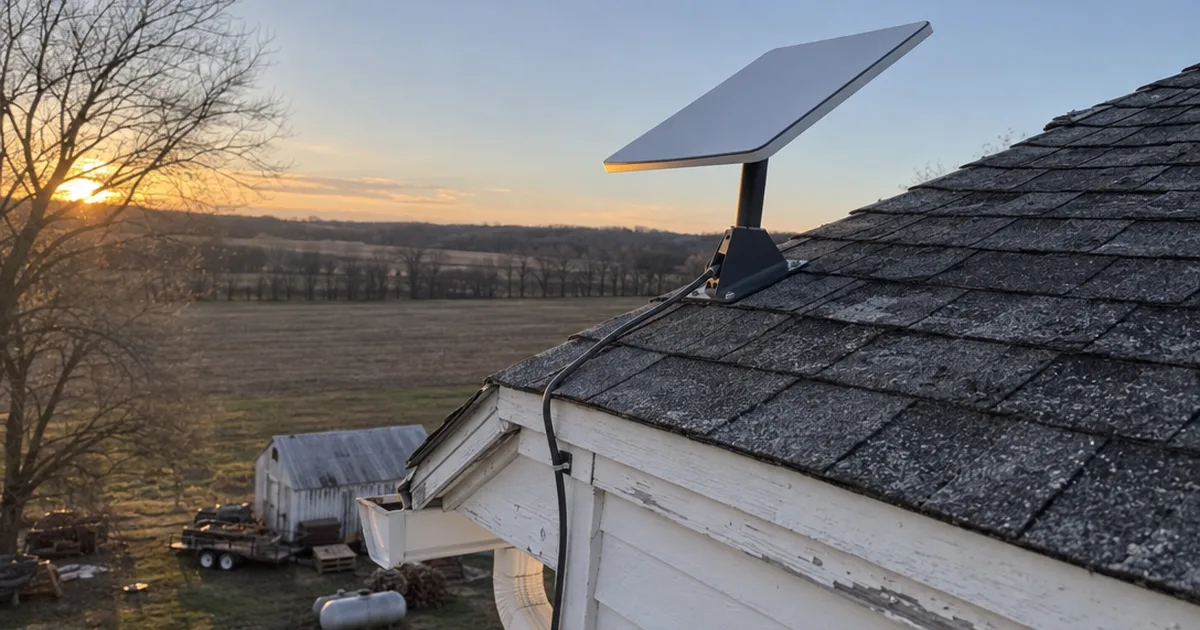
Starlink loses on price where 5G is strong. The same reviewer pays $110 a month for Starlink speeds of 80-150 Mbps, or more than twice T-Mobile’s price for less speed.
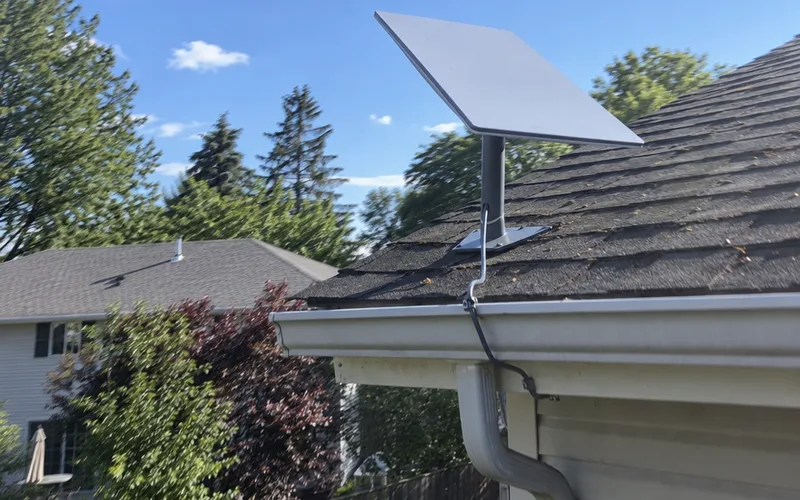
If you’re weighing a Verizon plan against cable, the Verizon 5G vs Xfinity breakdown goes deeper. And if Starlink is your only other option, check Starlink for gaming before you commit.
How to Test T-Mobile Home Internet During the Free Trial
T-Mobile Home Internet’s 15-day money-back trial is enough time to find out if it works at your address, as long as you test on purpose. Use this plan from the day the gateway arrives.
- Day 1: Set up and place it. Plug in, let the firmware update, then follow the app’s placement tool to the best window.
- Days 1-7: Log your speeds. Test morning, evening and late night, and write each result down with the bars showing.
- Days 3-10: Test your deal-breakers. Play your online games at peak hours, take a work video call and try any live TV app.
- Days 7-12: Try a better spot if needed. Move the gateway up a floor or to another window, and wire in a mesh system if Wi-Fi is the weak link.
- Day 13: Decide. If your evening numbers and your deal-breaker tests passed, keep it; if not, cancel before day 15.
That log is the same idea as the Crosstalk reviewer’s 30-day test, just shorter. It tells you which of the two houses from the top of this review you live in.
The Bottom Line
T-Mobile Home Internet is a strong deal when your signal is strong, and a frustrating one when it isn’t.
This week, check your phone’s T-Mobile bars in the room where the gateway would sit, then start the 15-day trial if they look good.
For how 5G home service works across every carrier, the 5G home internet guide has the full picture, and the home internet hub covers cable, fiber and every other internet service.
Frequently Asked Questions
Is T-Mobile internet better than Xfinity?
T-Mobile Home Internet is usually cheaper and simpler than Xfinity, while Xfinity cable is usually faster and steadier: CNET’s Amanda Kooser pays a flat $50 for T-Mobile, while Xfinity offers up to 1,300 Mbps in her area. Pick T-Mobile for price and no contract, and Xfinity for top speed, gaming or a home business.
Does T-Mobile Home Internet have a free trial?
T-Mobile Home Internet comes with a 15-day money-back trial, which CNET’s Kooser recommends using because you can’t know how well 5G works at your address until you try it. Run speed tests at different times of day during those 15 days, and cancel before the window closes if the results disappoint.
Is T-Mobile Home Internet worth it?
T-Mobile Home Internet is worth it if you’re stuck on slow DSL or want a cheap, contract-free plan and your home gets strong 5G reception. Kooser’s best results were 10 times her old DSL speed, but a weak signal can drop you to double digits.
Is T-Mobile Home Internet better than Starlink?
T-Mobile Home Internet beats Starlink on price and speed wherever its 5G reception is strong: one network consultant pays $110 a month for Starlink at 80-150 Mbps, against $50 for T-Mobile at 250-300 Mbps in the daytime. Starlink still wins in remote spots with no usable 5G.
Does T-Mobile run a credit check for home internet?
T-Mobile runs a credit check on TransUnion when you sign up for Home Internet, according to one subscriber who reviews services at DisableMyCable. If you’ve frozen your TransUnion report, unfreeze it before you order.
How long does T-Mobile Home Internet take to set up?
T-Mobile Home Internet setup takes minutes: one owner plugged in the gateway, waited about 7 minutes for firmware updates, then followed the app to place it and name the Wi-Fi. Plan extra time to try a few windows, since placement decides your speed.
Do you need a phone to use T-Mobile Home Internet?
T-Mobile Home Internet needs a smartphone for setup and settings, because most controls live in the T-Life app rather than on the gateway, as one DisableMyCable subscriber notes. You don’t need a T-Mobile phone plan, though a plan lowers the monthly price.