
Spectrum bills you for only 1 of the 2 boxes in your home.
The modem comes at no extra cost, while the WiFi router ran about $5 a month in a March 2026 NETGEAR guide.
So the Spectrum router vs modem question comes down to money and speed.
Below, you’ll see what each box does, how to spot which is which and which one to replace first.
- Two boxes and no idea which is which: follow the cables.
- Slow WiFi in a far room usually points at the router, not the modem.
- Paying a WiFi charge every month? Your own router can remove it.
- A Spectrum home phone line changes the modem rules.
Spectrum Router vs Modem at a Glance
A Spectrum modem connects your home to the Spectrum network, while a Spectrum router creates your WiFi and shares that connection with every device. They’re partners, not rivals, so the winner column shows which box comes out ahead on each point:
| Category | Spectrum Router | Spectrum Modem | Winner |
|---|---|---|---|
| Main job | Shares your connection | Brings the internet in | Tie |
| Plugs into | The modem, by Ethernet | The wall, by coaxial cable | Tie |
| Creates WiFi | Yes | No | Router |
| Devices it serves | Many | Usually 1 wired | Router |
| Spectrum cost | About $5/mo (March 2026) | No extra cost | Modem |
| Using your own | Your choice of router | Approved models only | Router |
| Best move | Replace if WiFi is weak | Keep it | Modem |
The scores above rate each box as Spectrum supplies it, based on research rather than hands-on lab tests.
Keep the modem, and if you spend money at all, spend it on the router. The wider modem vs router picture applies to every provider, but the fees and rules below are specific to Spectrum.
What a Spectrum Modem Does
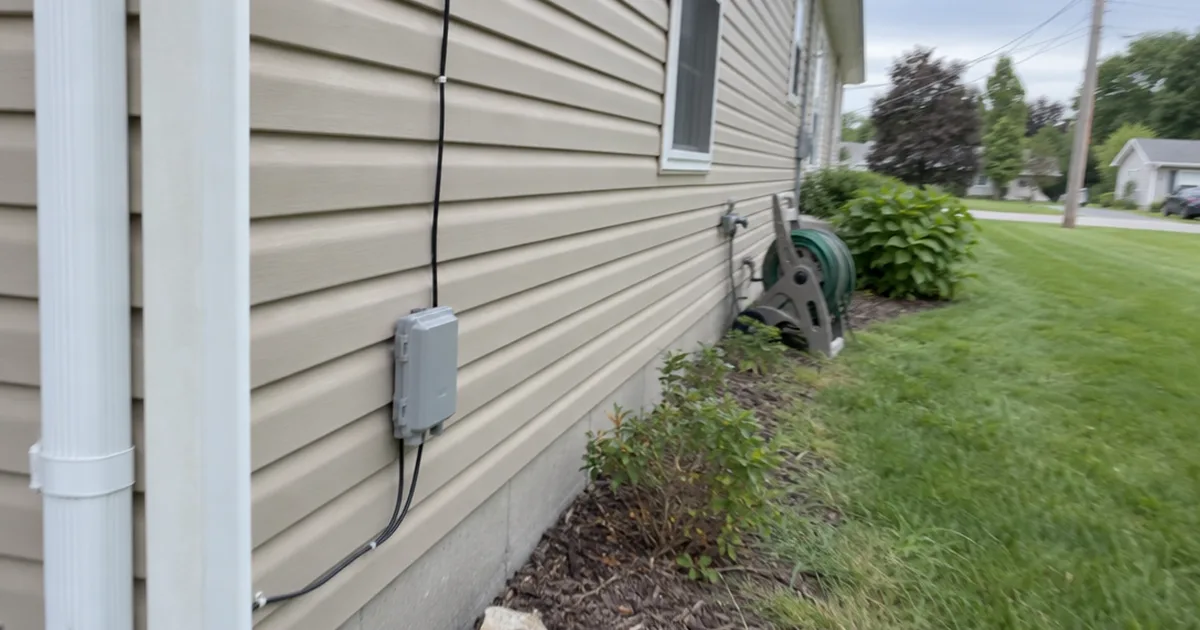
A Spectrum modem is the box that connects your home to the Spectrum broadband network through the coaxial cable from your wall. Spectrum runs on a hybrid fiber-coaxial network, according to a NETGEAR guide, which is why that round cable shows up in so many homes.
The cable carries signals, and the modem turns them into data your devices can use. So your Internet Service Provider ends at the modem, and your home network starts just after it.
To do that job on a cable line, the modem follows a standard called DOCSIS. That number matters: an older DOCSIS 3.0 modem may keep you from the actual speeds of a 500 Mbps or 1 Gbps plan, the same guide warns.
So check the label against the common Spectrum modem models. If you pay for a fast plan and yours says 3.0, ask Spectrum about a newer one.
What a Spectrum Router Does
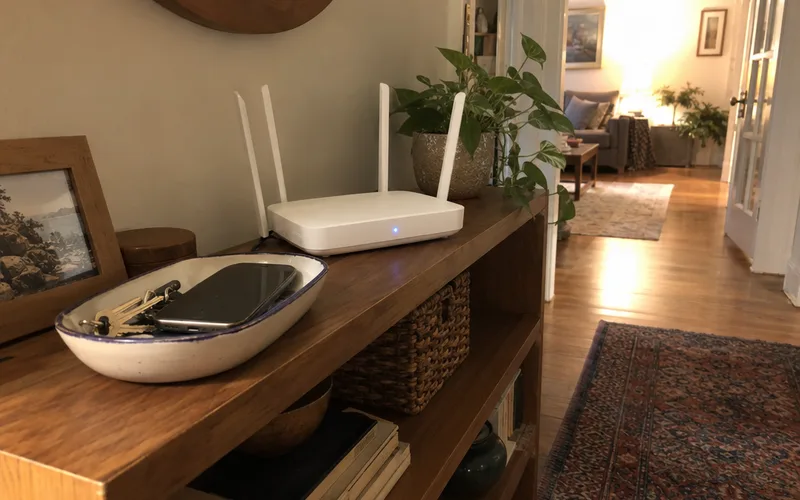
A Spectrum router takes the single connection from your modem and shares it with every device in your home over WiFi and Ethernet. It also runs your home network: it holds your WiFi name and password and gives each device a local address, so information reaches the right screen.
So your WiFi speed and coverage live here, not in the modem. Your speed depends on your plan, modem, router and devices, the modem maker says, but only the router decides how far your WiFi reaches.
If only one far room struggles, moving the router or extending your WiFi range may solve it for less than a new box.
How to Tell Which Box Is Which
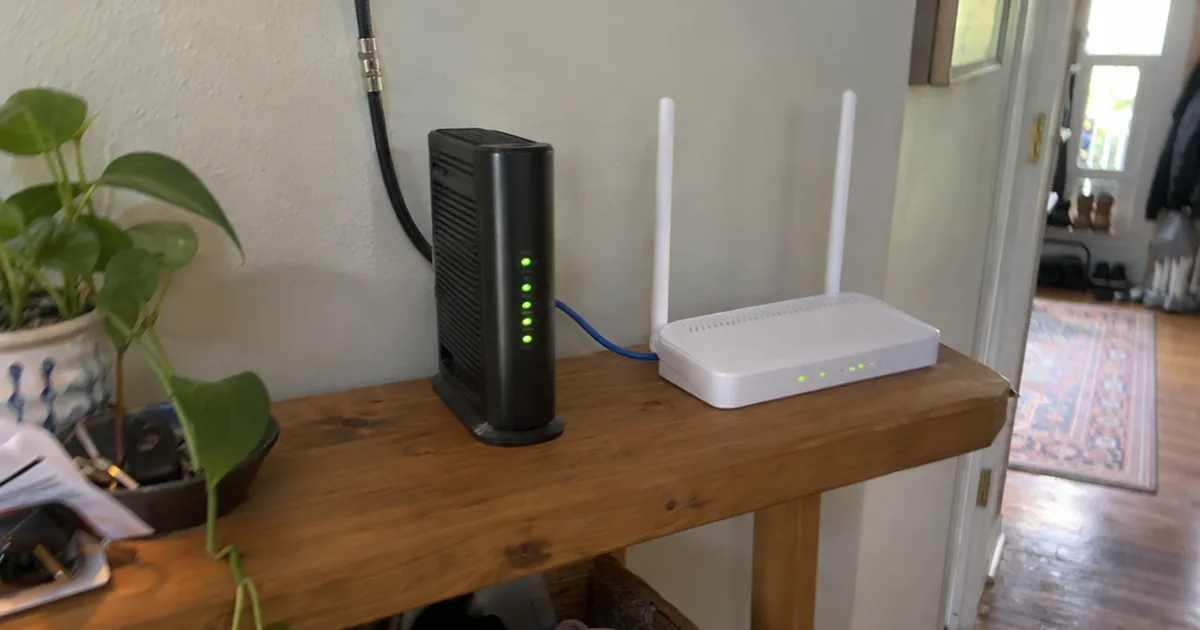
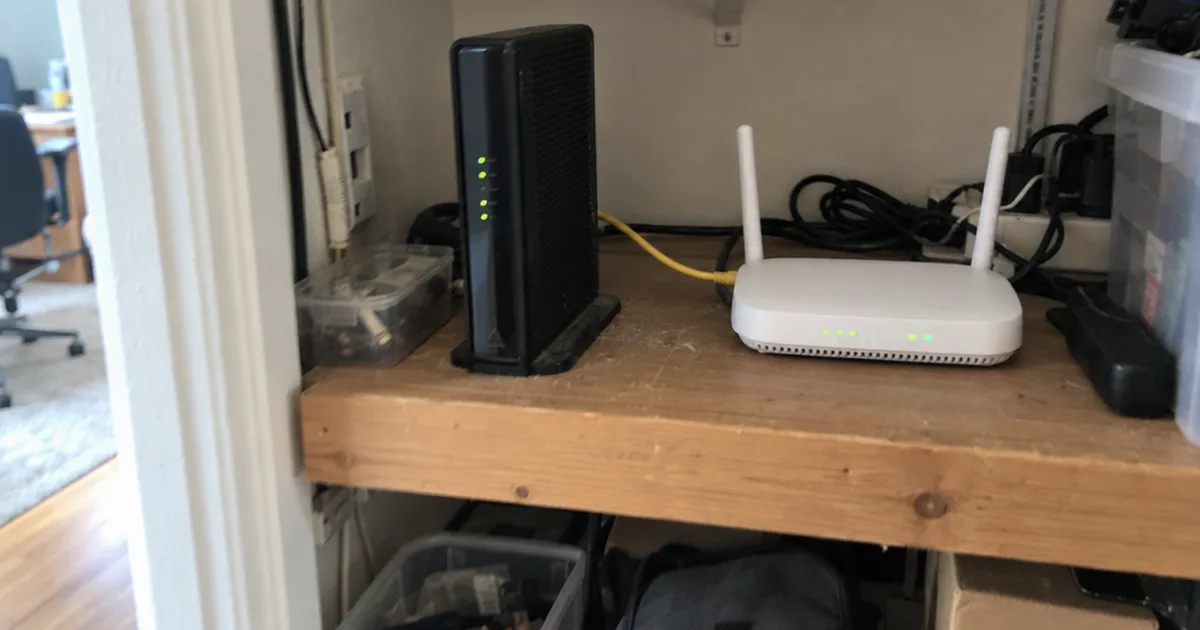
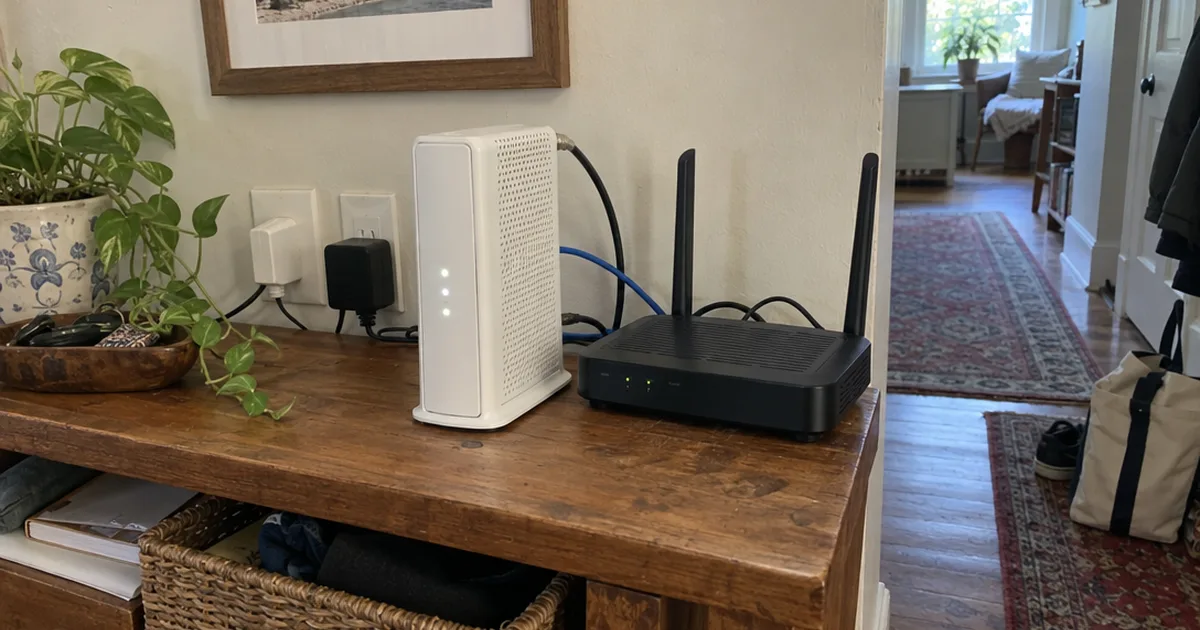
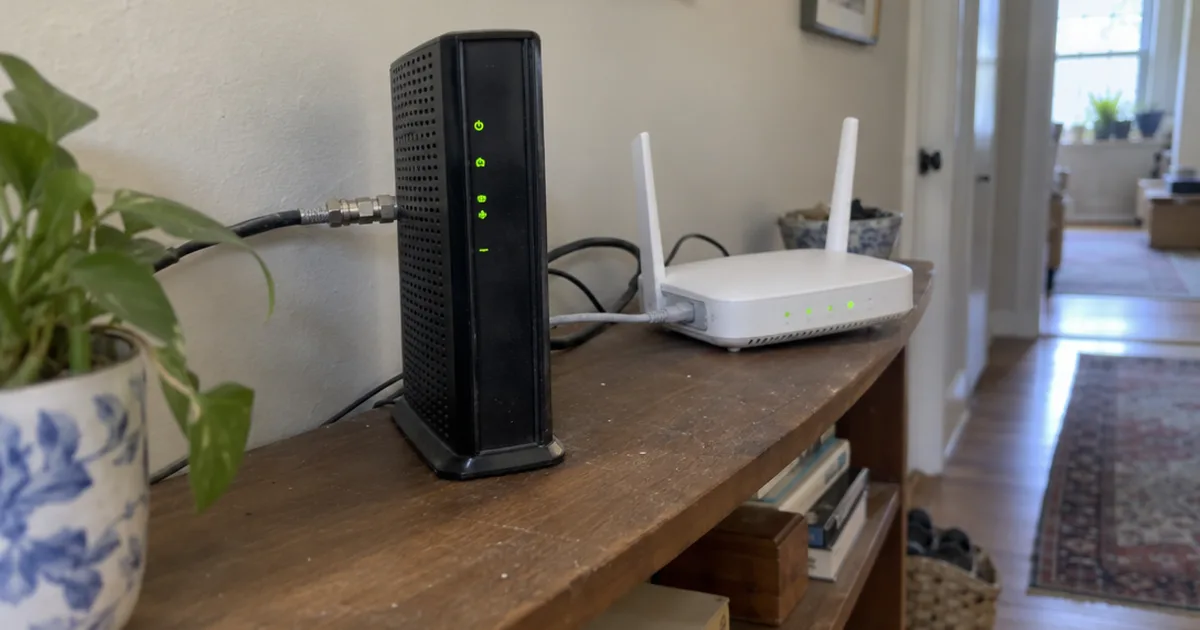
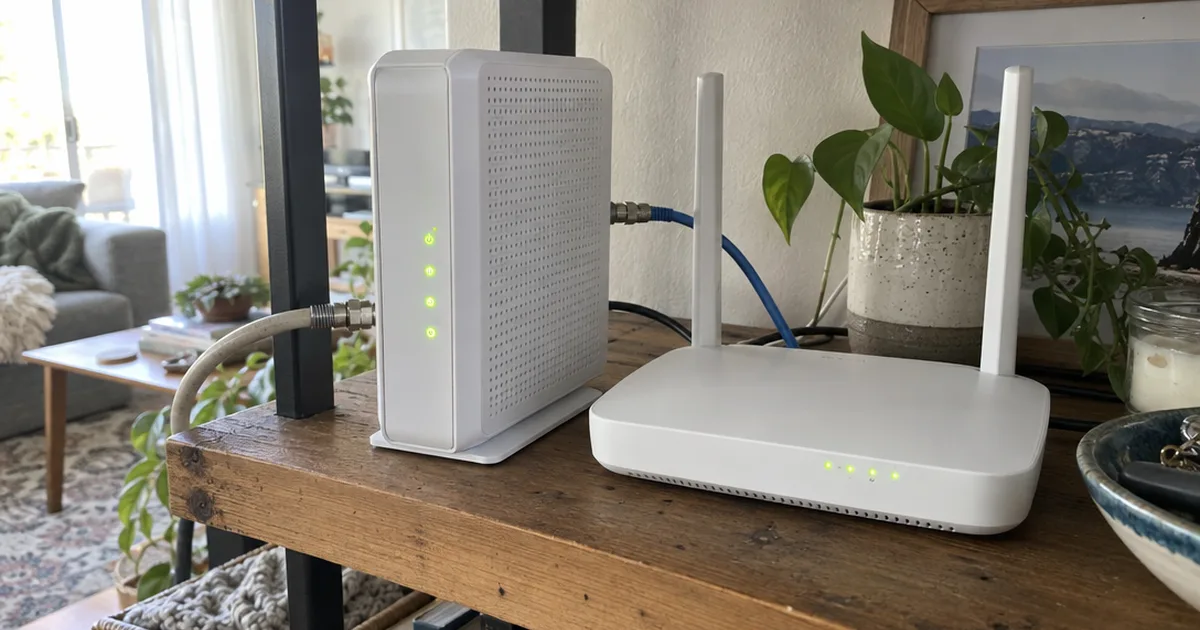
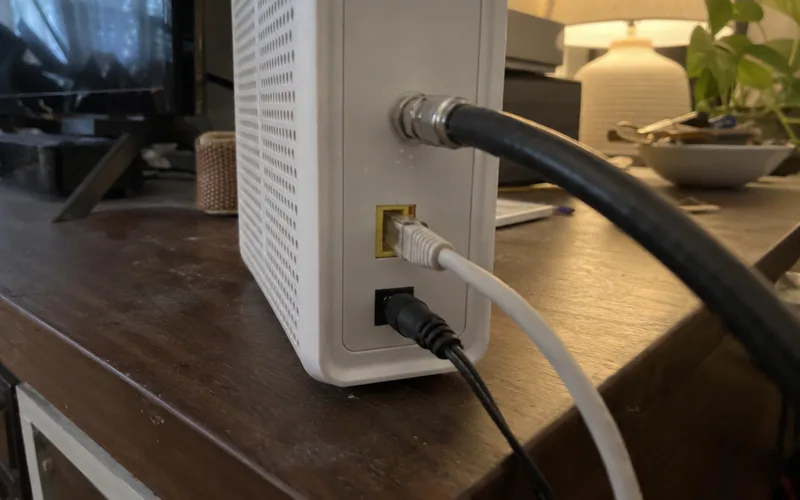
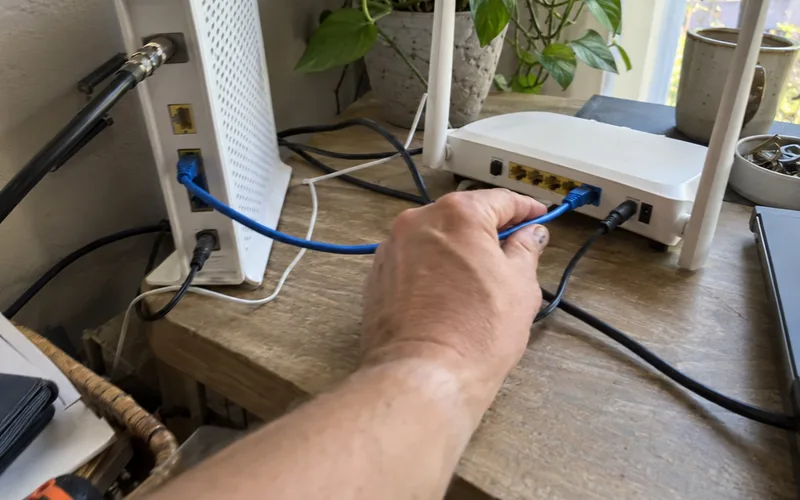
The Spectrum modem is the box with the round coaxial cable screwed into it, and the Spectrum router is the box joined to it by Ethernet.
Here’s the check:
- Find the coaxial cable coming from your wall. The box it screws into is the modem.
- Follow the Ethernet cable out of that box. It ends at the Internet or WAN port on the router.
- Look for a sticker with a WiFi name and password. That sticker usually marks the router.
Only one box, with a coaxial cable and a WiFi sticker? You have a gateway, which is a modem and router in one case.
Now you know which box to restart, return or replace.
Do You Need Both for Spectrum?
Yes, you need both jobs done to get WiFi on Spectrum, whether that takes 2 boxes or 1 gateway. The only exception is a single computer plugged straight into the modem with Ethernet, and that setup gives you no WiFi at all.
A NETGEAR guide calls gateways convenient but says they often fall short on performance and flexibility, compared with a separate modem and router. Separate boxes also let you upgrade each piece on your own schedule.
That’s the real case for 2 boxes over a combo unit, and it holds on any provider. If the terms still blur together, see how modems, routers and gateways line up.
What Each Box Costs on Spectrum
The Spectrum modem comes at no extra cost, and the Spectrum router is the one with a monthly fee, about $5 in a March 2026 NETGEAR guide. At that rate, the same guide puts the savings from dropping it at roughly $60 a year.
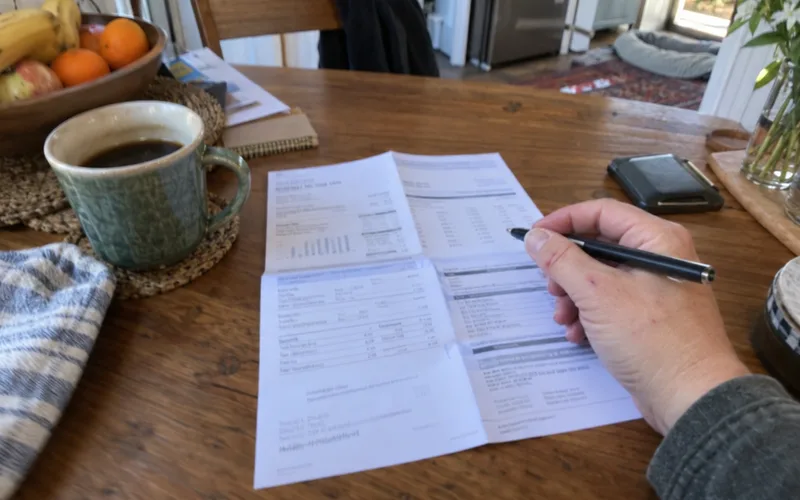
As a subscriber, your bill may not match, though, and the guide itself tells you to confirm your current equipment fees there. So find that line before you do any math, because no WiFi charge means a new router saves you nothing.
Say you buy a $120 router, a made-up price, to replace a $5 monthly fee: it pays for itself in 24 months, and a higher fee shortens that.
A modem is a different story. The Hitron store lists modems at sale prices from $149.99 to $249.99, and that purchase never pays for itself, because the Spectrum modem costs nothing extra.
So buy a modem for speed or control, never for savings.
Can You Use Your Own Router With Spectrum?
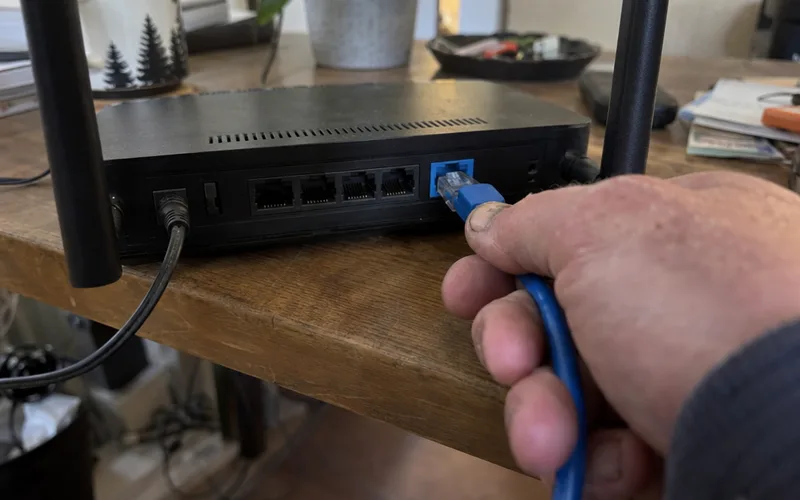
Yes, you can use your own router with Spectrum, and that’s how you drop a monthly WiFi fee. Setup takes 3 steps:
- Run an Ethernet cable from the modem to the Internet or WAN port on your router.
- Give the router a WiFi name and password, then reconnect your devices.
- Ask Spectrum to remove the router from your account and return it.
Here’s what to say: “I’m using my own router now. Please remove the WiFi router charge from my account and tell me how to return your equipment.”
Check your next bill to confirm the charge is gone.
One warning if you have a gateway: a new router behind it can create double NAT, meaning 2 boxes are both routing your traffic. Turning on bridge mode fixes that, and then you can pick from the best routers for Spectrum.
Can You Use Your Own Modem With Spectrum?
Yes, you can use your own modem with Spectrum, but only a model on the Spectrum approved list for your speed tier. For example, NETGEAR says its CM3000 modem is listed for non-symmetrical Spectrum Internet tiers up to 1G.
Setup is simple: connect the modem to power and the coaxial cable, then activate it at spectrum.net/selfinstall or by calling Spectrum, the modem maker says.
The catch is your router. A multi-gig modem needs a router with a 2.5G or faster WAN port, because an older router with a slower port limits your speed.
Home phone customers need one more check, because Spectrum Voice needs an eMTA modem, a modem with phone ports built in, and the data-only CM3000 won’t work for that. Keep that in mind before you shop the best modem for Spectrum.
Which One to Replace for Faster WiFi
Replace the router first if your WiFi is slow but your wired speed is fine, because the router creates your WiFi. A 2-minute test tells you which case you’re in.
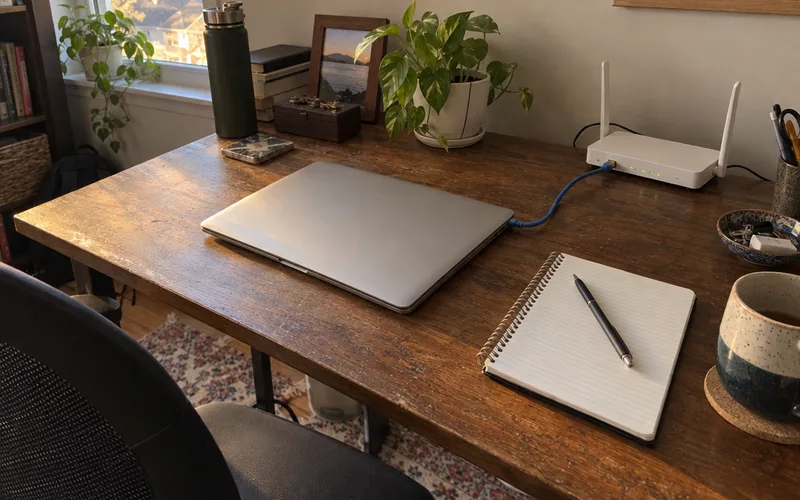
Plug a computer into the router with Ethernet and run a speed test, then repeat it over WiFi in the same room. Compare both results with your plan speed:
- Wired is fast and WiFi is slow: the router or its placement is the problem.
- Both are slow: look at the modem, or call Spectrum about your line.
- WiFi shows connected but nothing loads: try the fixes for Spectrum connected without internet.
That test can save you from buying the wrong box.
Who Should Keep the Spectrum Router
Keep the Spectrum router if your WiFi already reaches every room and you’d rather let Spectrum handle the gear.
- Best for: Short stays, or anyone who wants one company to call.
- Cost: About $5 a month, as of March 2026.
- Payoff: No money up front.
- First step: Find the WiFi line on your bill.
Who Should Buy Their Own Router
Buy your own router if your WiFi falls short or you’re paying a monthly WiFi charge.
- Best for: Long-term subscribers and anyone with dead zones.
- Cost: One payment, no monthly fee.
- Payoff: Roughly $60 a year at that $5 fee.
- First step: Run the wired and WiFi test.
Frequently Asked Questions
How much does a Spectrum modem cost?
A Spectrum modem costs nothing extra on your plan, NETGEAR says. Buying one of your own is different: the Hitron store lists modems at sale prices from $149.99 to $249.99.
Does Spectrum give you a free router?
Don’t count on a free router: a March 2026 NETGEAR guide says Spectrum charges about $5 a month for its WiFi router. Check the equipment lines on your bill to see what you actually pay.
Do I need a router if I have a Spectrum modem?
Yes, you need a router if you want WiFi, because a standalone Spectrum modem doesn’t create a wireless network. You can skip the router only if a single computer plugs straight into the modem with an Ethernet cable.
What router is recommended for Spectrum?
NETGEAR recommends its own Nighthawk WiFi 7 Router, or an Orbi WiFi Mesh System for larger homes, and it’s a router maker, so weigh that. Match any router to your plan speed and your floor plan.
Do I need a Spectrum modem if I have Spectrum Voice home phone service?
You need an eMTA modem for Spectrum Voice, which is a modem with phone ports built in, NETGEAR says. A data-only model such as the NETGEAR CM3000 won’t keep your phone line working, so ask Spectrum before you swap.
Final Thoughts
For most Spectrum homes, the modem stays and the router is the only box worth changing.
This week, look for the WiFi or equipment line on your bill, then run the wired and WiFi test above.
Those 2 checks tell you whether to buy a router, buy nothing or call Spectrum.