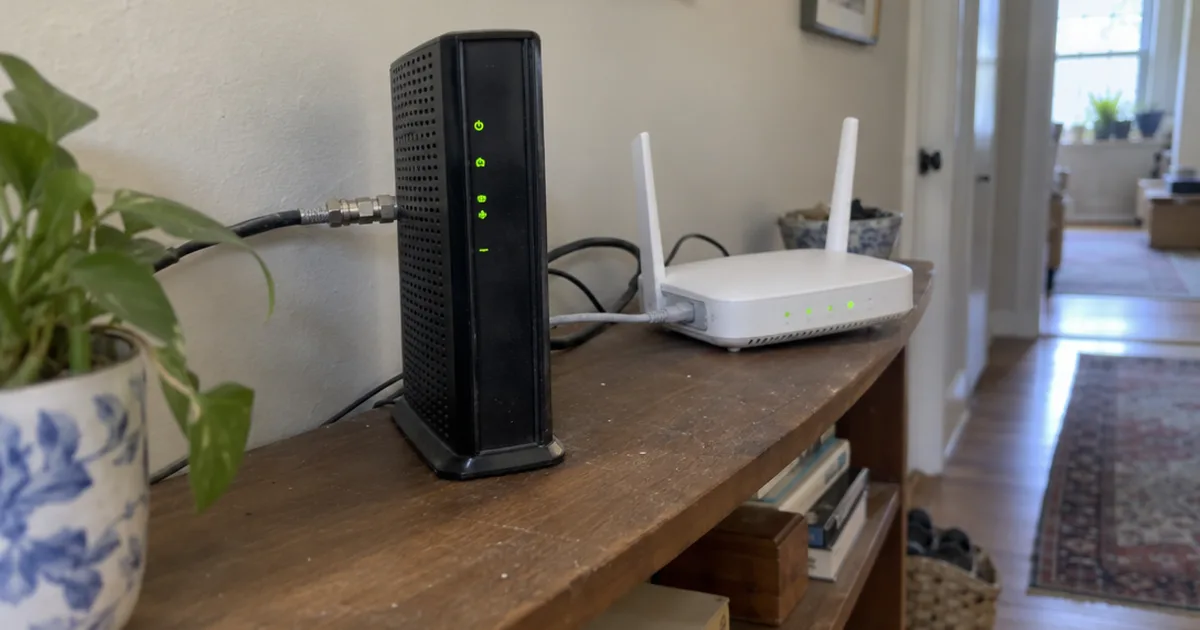

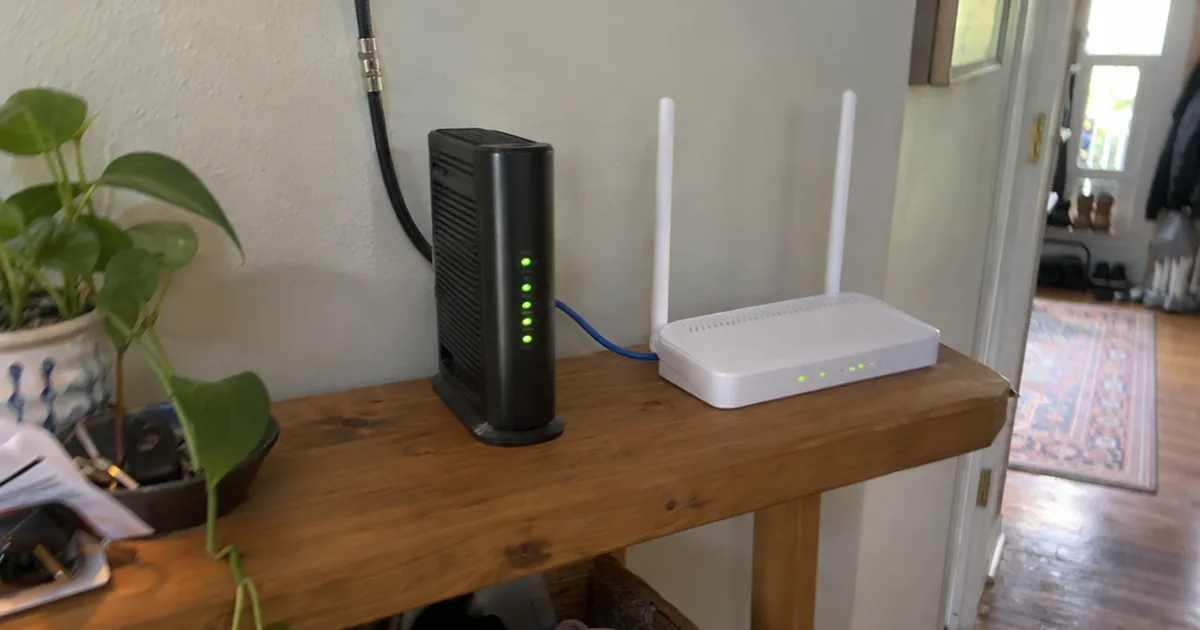
Your whole home reaches the internet through 1 public IP address.
The modem holds that address, Xfinity says, and the router gives every phone and laptop its own local one.
That’s the real modem vs router split: one box faces the outside world, and the other runs everything inside your house.
By the end, you’ll know which box you have and which one deserves your money.
- One box with the wall cable and a WiFi label is probably a gateway.
- Slow WiFi in a far room usually points at the router.
- When every device drops at once, start on the modem side.
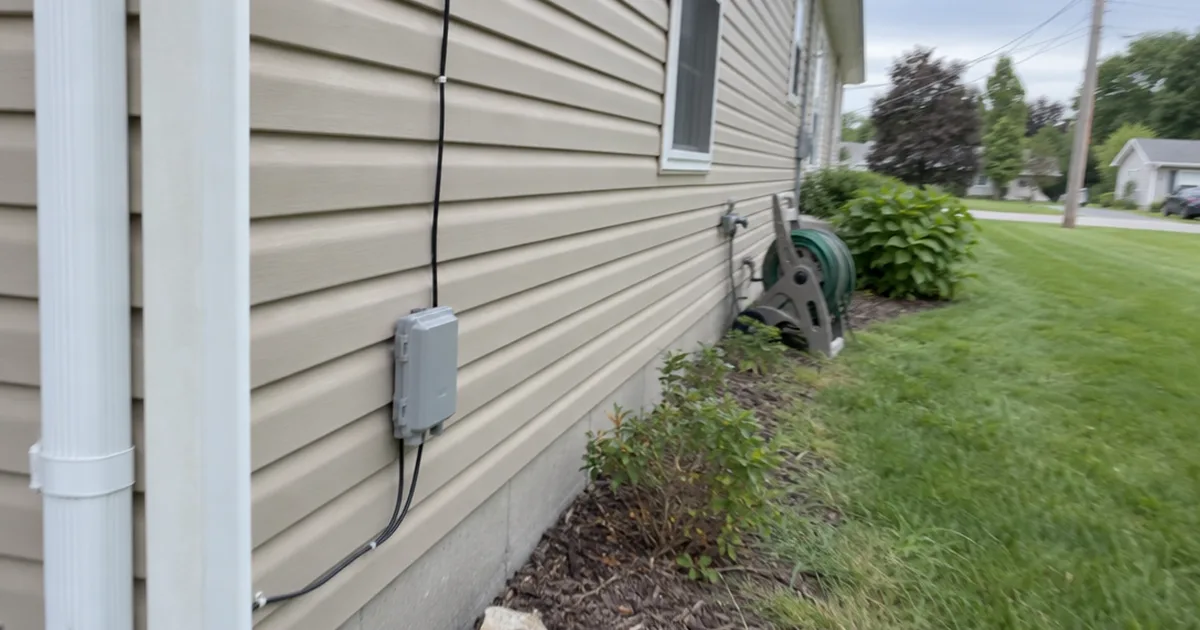
- Fiber homes hand the modem job to an ONT.
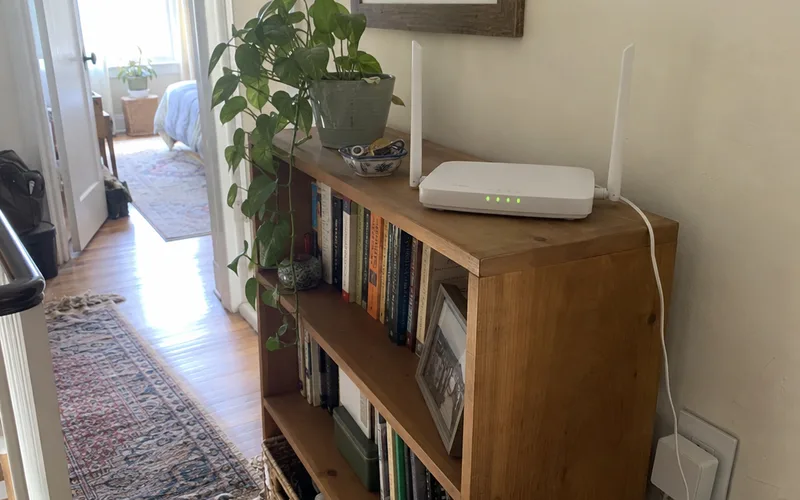
Modem vs Router at a Glance
A modem connects your home to your internet provider, while a router creates the network inside your house and shares that connection with your devices. They’re partners, not rivals, so the winner column shows which box comes out ahead on each point:
| Category | Modem | Router | Winner |
|---|---|---|---|
| Main job | Brings internet to your home | Brings internet to your devices | Tie |
| Network | Wide area network (WAN) | Local area network (LAN) | Tie |
| IP address | Public | Assigns local ones | Tie |
| Plugs into | The wall line | The modem, by Ethernet | Tie |
| Creates WiFi | No | Yes | Router |
| Devices it serves | Usually 1 wired | Many | Router |
| Firewall | No | Yes | Router |
| Reaches the internet alone | Yes | No | Modem |
| Upgrade first | Only if too slow for your plan | Yes, for WiFi problems | Router |
The scores above rate how much each box deserves your attention, based on research rather than hands-on lab tests.
So think of the chain as provider, modem, router, devices, and fix the first link that’s weak. If any link breaks, everything after it goes offline, which is why the rest of your home internet setup depends on knowing which box is which.
What Is a Modem?
A modem is the device that connects your home network to your internet service provider, usually over a coaxial cable or a phone line. According to Xfinity, it takes signals from your provider and translates them into signals your local devices can use, and the reverse.
The name gives that job away: modem is short for modulator-demodulator, so it can demodulate the analog signals on a line into digital signals and back again.
The modem also marks the edge of your home network. That link between your house and the internet is a wide area network, or WAN, and each modem has an assigned public IP address that identifies it online.
Types of Modems
The modem you need depends on how the internet reaches your house:
- Cable modem: Connects to the same coaxial cable that delivers cable television. This broadband service uses a standard called DOCSIS, and DOCSIS 3.1 suits gigabit plans better than DOCSIS 3.0.
- DSL modem: Connects to your telephone line. Digital Subscriber Line service runs over those phone lines, so a cable modem won’t work on it.
So match the modem to your line first, then to your plan speed. For cable, compare the best cable modem picks or the common Spectrum modem models.
What Is a Router?
A router is the device that takes the single connection from your modem and shares it with your laptops, smartphones, smart TVs and printers over WiFi or Ethernet cables. It creates a local area network, a provider guide explains, which lets your devices share files and printers with each other.
Here’s what it handles for you:
- Local IP addresses: Each device gets its own address, so data reaches the right screen.
- WiFi: A wireless router creates a wireless network with the name (SSID) and password your devices join.
- Traffic: It manages the data transfer between each device and the modem.
- Security: It adds a firewall plus extras such as encryption, guest networks and parental controls.
Some providers put these controls in an app. The Go Kinetic app page, for example, lists changing your Wi-Fi name or password and turning on guest networks.
A router isn’t a network switch, a simpler piece of networking hardware that only adds Ethernet ports. The modem vs router vs switch breakdown shows when you’d want one.
In other words, everything you notice about your WiFi lives in the router, not the modem.
Do I Need Both a Modem and a Router?
Yes, you need both jobs done to get several devices online over WiFi, but those jobs don’t always need 2 boxes. One provider guide puts the split simply: the modem connects your home to the internet, and the router creates the network inside your house.

Here’s how that plays out at home:
- Phones, laptops and smart home gear on WiFi: A modem plus a router, or 1 gateway.
- One desktop computer on a cable: A modem alone can work, but you lose the router firewall.
- A printer and laptops with no internet: A router alone will do.
- Fiber internet: An ONT plus a router, or a gateway that does both.
- 5G home internet: The provider gateway receives a wireless signal, so there’s usually no separate modem.
For most homes, then, the answer is 2 jobs and either 1 or 2 boxes.
Can a Router Work Without a Modem?
Yes, a router works without a modem, but only as a local network with no internet access. Xfinity says you can create a LAN that way, so your devices can still see each other, share files and print.
That’s why a phone can show full WiFi bars and still fail to load a page. The router is doing its job, but nothing is translating the provider signal.
Can a Modem Give You WiFi Without a Router?
No, a standalone modem can’t give you WiFi, because it has no wireless radio inside. A gateway can, since it has a router built in, and that’s all a “WiFi modem” is.
A modem alone still gets 1 wired computer online through its Ethernet port. If you try that, keep the computer firewall on, since nothing else sits between that machine and the internet.
How Do I Tell If I Have a Modem or a Router?
A modem is the box your provider’s line plugs into, and a router is the box with your WiFi name on its label. If one box does both, it’s a gateway.
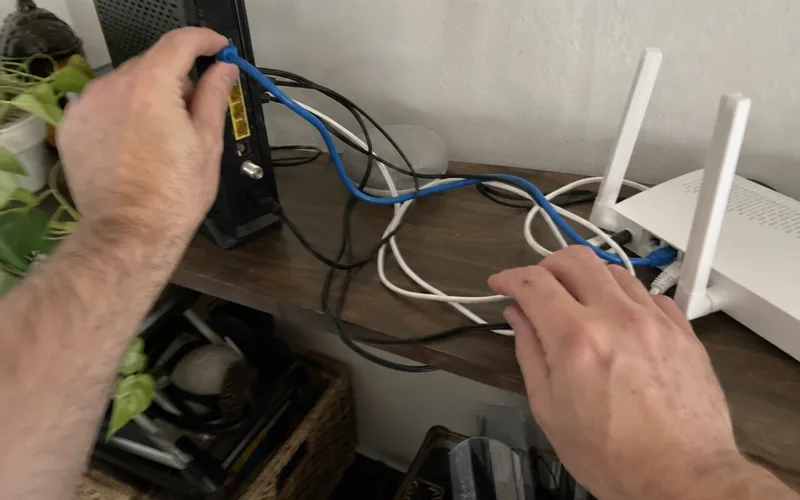
Here’s the order I’d check:
- Find the wall cable. A coaxial cable, phone line or fiber line plugs into the modem, ONT or gateway.
- Read the label. A WiFi name and password mean a router or gateway, never a standalone modem.
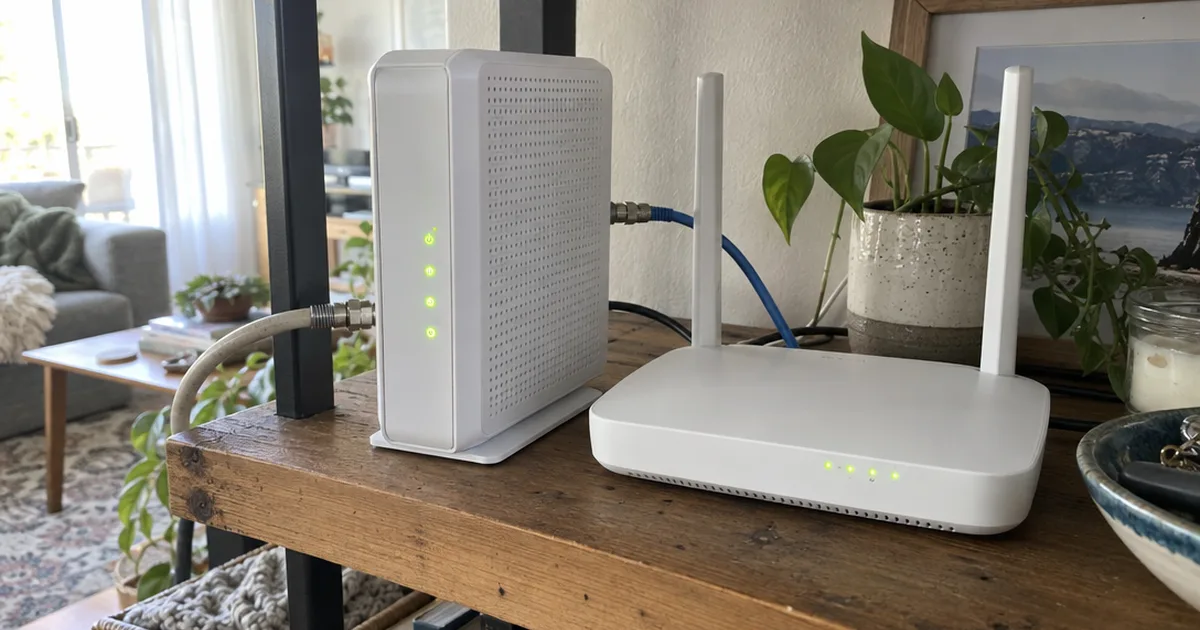
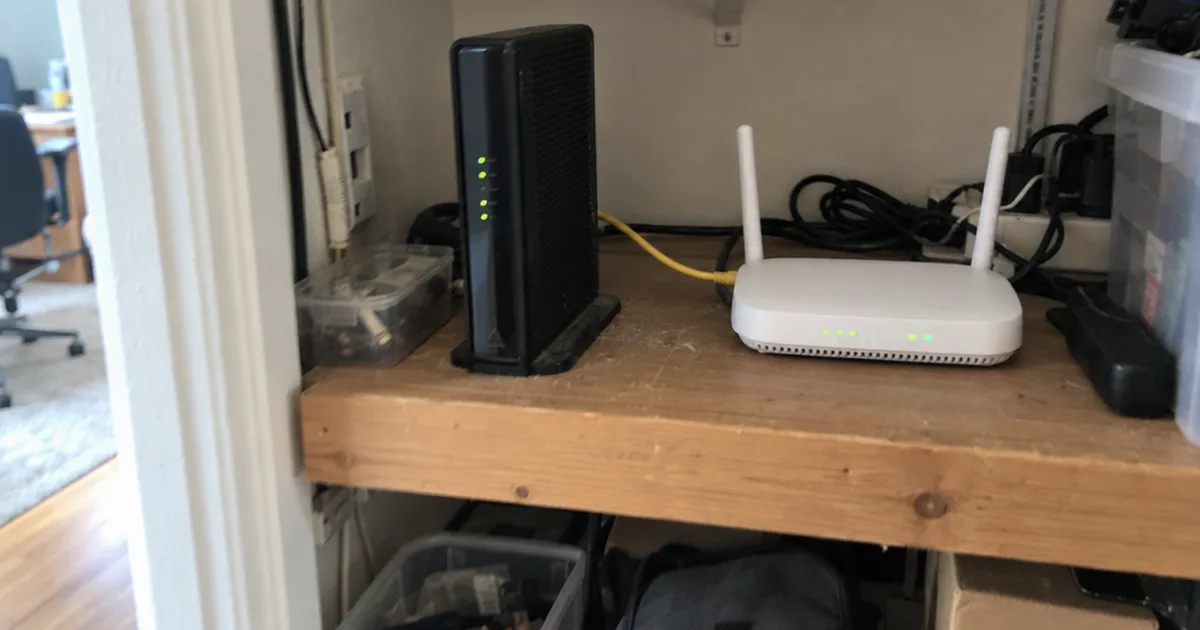
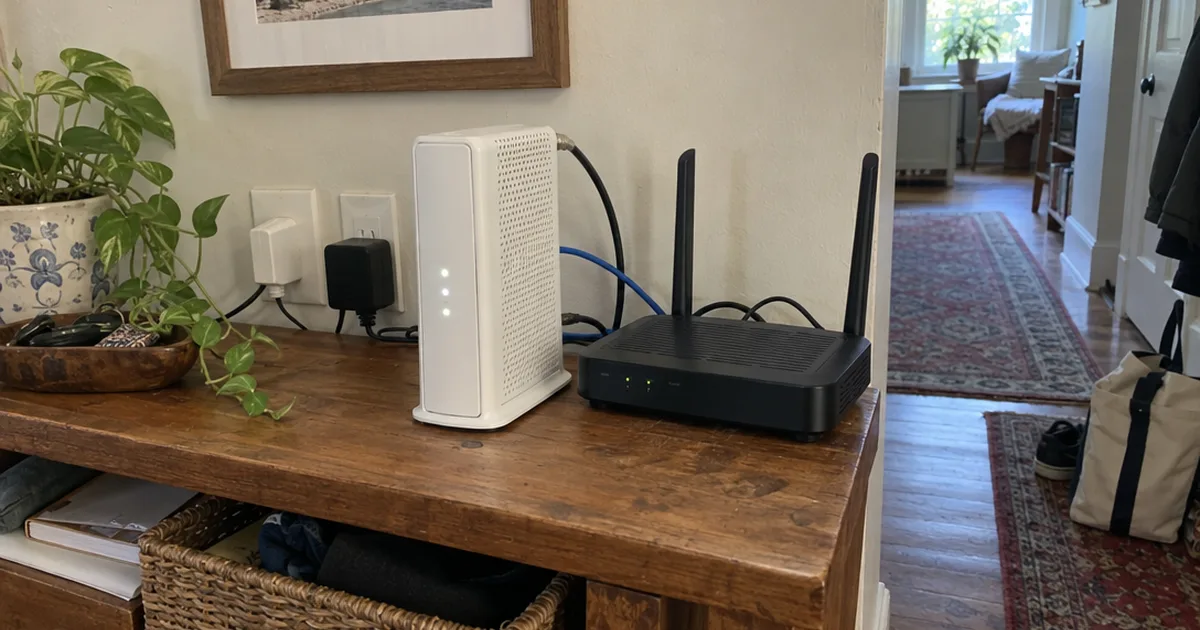
- Count the boxes. 2 boxes joined by an Ethernet cable usually mean a modem plus a router.
- Search the model number. The maker or provider support page will say modem, router or gateway.
Fiber homes get a twist at step 3. One small box on the wall plus a router is an ONT and a router, not a modem at all.
What Does a Modem Look Like Compared to a Router?
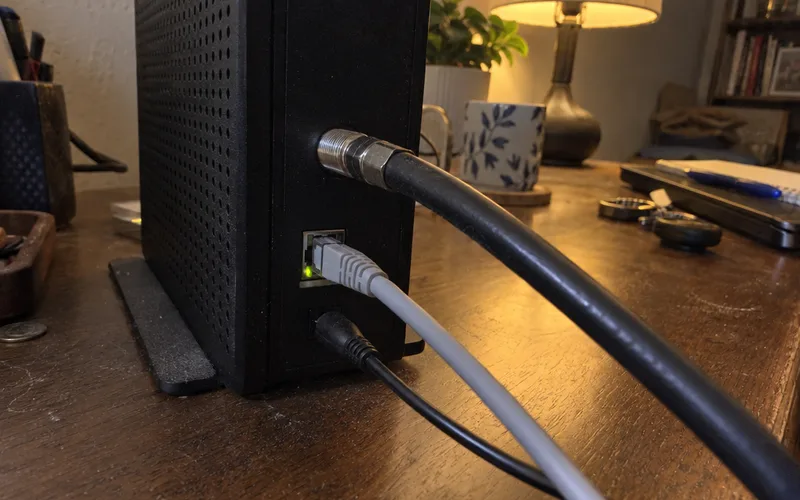
A modem usually looks like a small, plain box with a provider connection and 1 Ethernet port, while a router has several Ethernet ports and may have antennas. They can look identical from the front, so check the back.
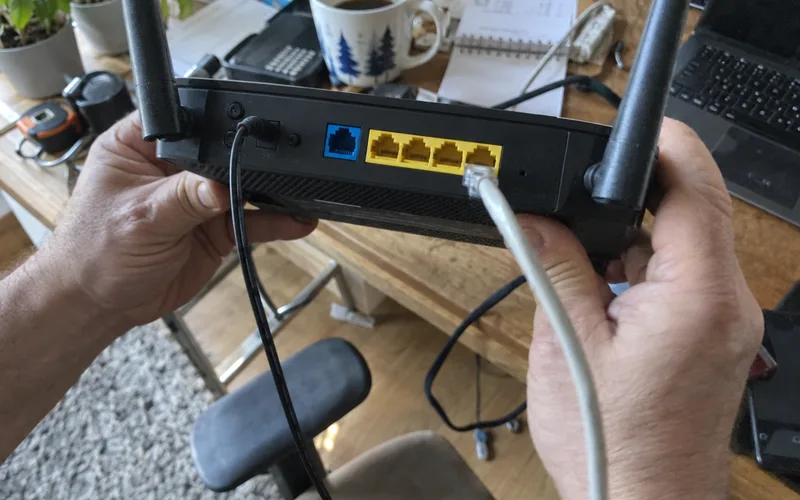
A cable modem has a round, threaded connector where the coaxial cable screws on, and a DSL modem takes a phone cord. A router has 1 port labeled WAN or Internet, set apart from a row of LAN ports.
Those ports tell you more than the shape of the box ever will.
Is a Modem Router Combo Better Than Separate Devices?
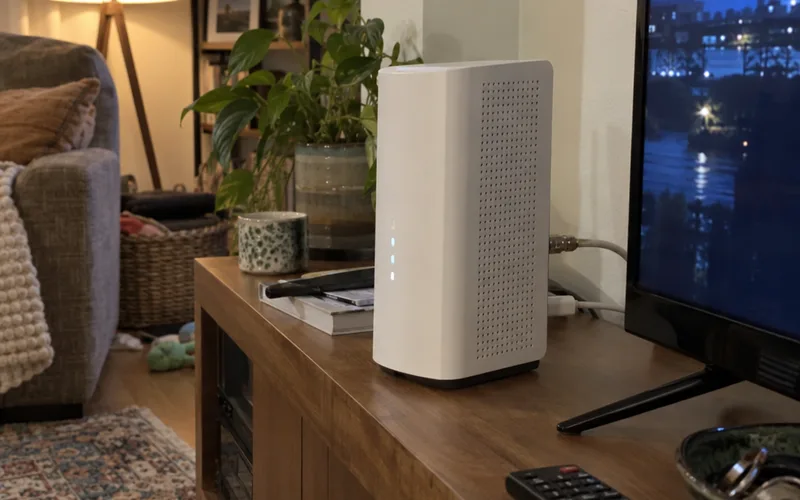
A modem router combo is better for simple setups, while separate devices are better when you want to upgrade your WiFi without touching your modem. Xfinity says a combo merges both devices’ functions into one unit, usually called a gateway.
The trade-off comes down to 3 things:
- Setup: A gateway means 1 box, 1 power outlet and fewer wires.
- Support: Your provider supports its gateway, while a router you bought is yours to look after.
- Upgrades: With separate boxes you replace only the router, but a gateway may mean replacing the whole unit.
A combo isn’t automatically slower, either.
That same provider reports a median of 13 milliseconds or below of lag for gigabit customers on its Gateway. Its own speed test measured that, so treat it as a provider number.
The combo vs separate comparison goes deeper, and modem vs router vs gateway sorts out the names.
Ready for one box? Compare the best modem router combo picks or the combos for Cox.
For most small homes, a gateway is the easy default until the WiFi lets you down.
Can I Use Any Router With My Modem?
Most routers work with most modems, because a standalone router connects by a plain Ethernet cable to the modem from its WAN port. The brands don’t need to match.
Modems are the fussy half, since yours must match your service and your provider. Check the Xfinity compatible modems list, or compare the best modem for Spectrum and the best modem for Optimum.
The real catch is a gateway. Plug a new router into one, and you’ve got 2 routers on 1 network, which causes double NAT.
So turn off the routing side of the gateway with bridge mode, then work through your new router settings.
Should I Rent or Buy My Modem and Router?
Buying your own modem and router pays off if you’ll stay with your provider long enough to recover the cost, and renting wins if your plan includes the equipment or you expect to move soon. Renting also guarantees compatibility.
Your own bill holds the deciding number, so look for an equipment or WiFi line. Then divide the purchase price by that monthly fee to get your break-even in months.
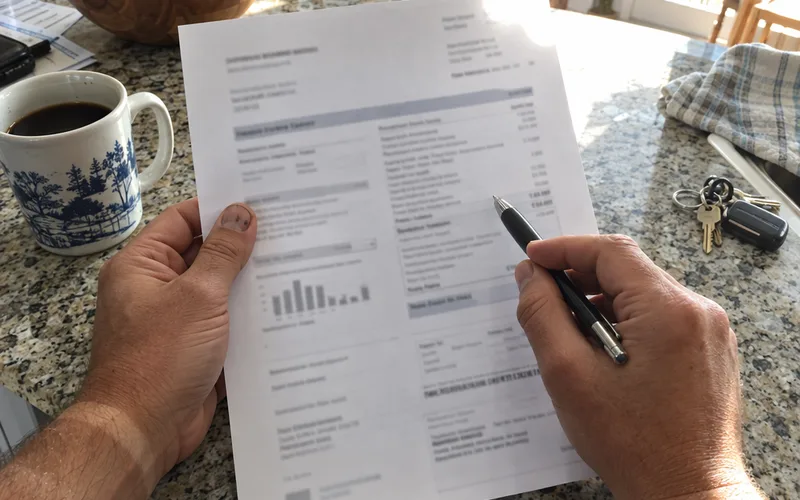
Say your bill shows a made-up $12 fee and the gear costs $180. You’d break even in 15 months, and everything after that is savings.
But check what’s bundled first. Xfinity says its 5 Year Price Guarantee for new WiFi members includes its Gateway at one monthly price, so buying may save you nothing there.
Rules differ between providers, as the Spectrum router vs modem comparison shows, so read the bill before you shop.
Which One Should I Upgrade for Faster Internet?
A router is the upgrade to make first if wired speeds are fine and WiFi is slow, and a modem is the upgrade only when a wired connection can’t reach your plan speed. One quick test tells you which you’ve got:
- Connect a laptop or desktop computer to your router with an Ethernet cable.
- Run a speed test and write down the Mbps number.
- Unplug the cable, stand in your problem room and run the same test over WiFi.
- Compare both numbers with the speed on your plan.
Say you pay for 500 Mbps in this made-up example. A wired result of 480 Mbps with 90 Mbps in the bedroom means the modem is fine and the WiFi is the weak spot, so a better router is the fix.
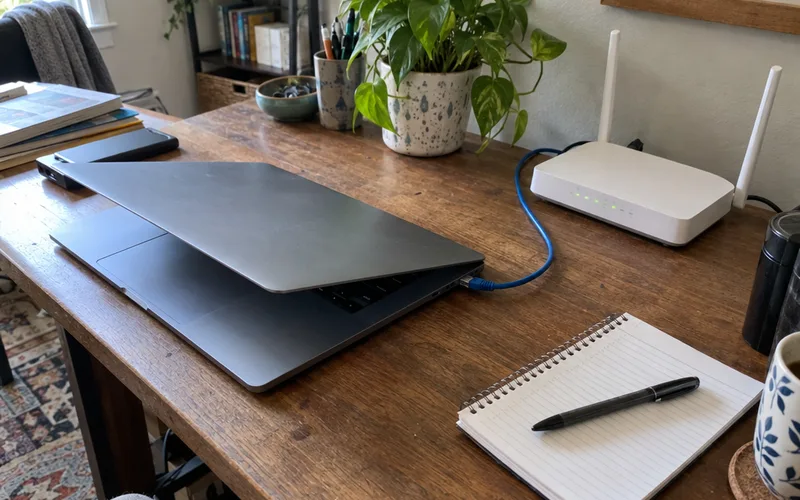
But if that wired test shows 150 Mbps, a new router won’t help much. Check the DOCSIS version on your modem label and call your provider.
Gateway owners read the test the same way. Slow WiFi with a fast wired result means you can add a router or mesh setup behind the gateway, and a slow wired result means your provider needs to look at it.
A gaming modem won’t fix WiFi lag on its own. For one weak room, try extending your WiFi range first, and in a larger home look at mesh WiFi.
So let the wired number pick the box.
Do I Need a Modem With Fiber Internet?
No, you don’t need a traditional modem with fiber internet, because an Optical Network Terminal (ONT) does that job. It converts the light signal on the fiber optic cable into a connection your router can use.
You’ll still need a router, or a gateway that does both jobs, and your old cable modem won’t work on fiber optic cables. The cable from the ONT goes to the ONT port on your router.
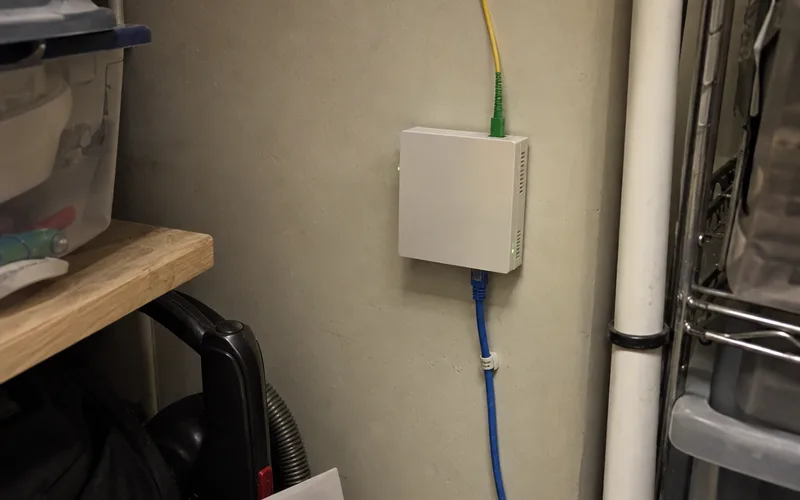
So on fiber, the modem vs router question becomes ONT vs router, with the same split of jobs.
How Do I Know If My Modem or Router Is the Problem?
A modem or provider problem takes every device offline at once, while a router problem usually leaves wired devices working and WiFi down. Check your provider’s outage page on mobile data before you touch anything.
Use what you see to pick your next step:
- Everything’s offline and the modem’s online light is out: Check the cable into the modem, then call your internet service provider.
- Everything’s offline but the modem looks normal: Reseat the Ethernet cable, then restart the router.
- WiFi fails but a wired computer works: Restart the router, then check its WiFi settings.
- One phone is offline: Restart that device, because the boxes are fine.
Still stuck?
Connect a computer straight to the modem by Ethernet. If it gets online, the router is the likely problem, so go back to the router right after the test.
When both boxes need a restart, do the modem first. The no-internet fixes walk through the rest in order.
Who Should Focus on the Modem
A modem upgrade makes sense if:
- Wired speed tests can’t reach your plan speed
- You moved to a faster cable plan and still have a DOCSIS 3.0 modem
- Your internet service provider says the modem isn’t approved for your plan
- You’re switching from DSL to cable, or the other way around
Who Should Focus on the Router
A router upgrade makes sense if:
- Wired speeds are fine, but WiFi is slow in the rooms you use
- Streaming, video conferencing, VoIP calls and remote work need Quality of Service controls
- Tablets, smartphones and a gaming console crowd your network, and a WiFi 7 or Wi-Fi 6 model appeals
- You want guest networks, parental controls or a VPN your current box can’t run
- You’re on fiber, where the ONT stays and the router is the box you can choose
A modem connects your home to your provider, and a router shares that connection with your devices. Most homes need both jobs done, and when WiFi is the complaint, the router is the box to change.
Frequently Asked Questions
Are a modem and a router the same thing?
No, a modem and a router do different jobs, even when one box does both. The modem talks to your provider, and the router runs the network inside your home.
Do modems have routers built in?
Some modems do, and those are called gateways or modem router combos. A standalone modem has no router inside, so look for a WiFi name and password on the label to tell which you have.
Does a router provide WiFi?
Yes, a wireless router provides WiFi, and your WiFi name and password live on it rather than on a standalone modem. A router alone gives you a local network, so you still need a modem or gateway to get online.
What does ONT stand for?
ONT stands for Optical Network Terminal, the box that does a modem’s job on fiber internet. It converts the light signal on the fiber line into a connection your router can use.
What is a mesh router system?
A mesh router system is a set of router units, called nodes, placed around your home to create one WiFi network. It still needs a modem, ONT or gateway to reach the internet.
Is a new router worth it for one weak room?
A new router usually isn’t worth it for one weak room, because moving your current router or adding coverage may fix it for less. Buy one when wired speeds are fine and WiFi is slow across the home.
How do I restart a modem?
Unplug the modem, plug it back in and wait for its status lights to settle before you touch anything else. With two boxes, restart the modem first and the router second.
Final Thoughts
A modem brings the internet in, and a router shares it out, so neither one replaces the other.
This week, find the box your provider’s line plugs into and read its label.
Then run the wired and WiFi speed test from this page, and let that result decide what you buy.