
A 5G home internet plan can cost as little as $35 a month.
That’s the starting price Verizon advertises, and it only applies if you also pay for a Verizon phone line.
Fine print like that decides whether 5G home internet saves you money or just moves your bill around.
The good news? Once you know where that fine print hides, you can size up any 5G plan at your own address before you pay for a second month.
What Is 5G Home Internet?
5G home internet is a home broadband service that reaches your house over a cellular 5G network instead of a cable, phone line or fiber. Carriers such as T-Mobile, Verizon and AT&T sell it as a plan tied to one street address.
The industry name for it is fixed wireless access. “Fixed” means the equipment stays at your address, unlike a mobile hotspot you carry around.
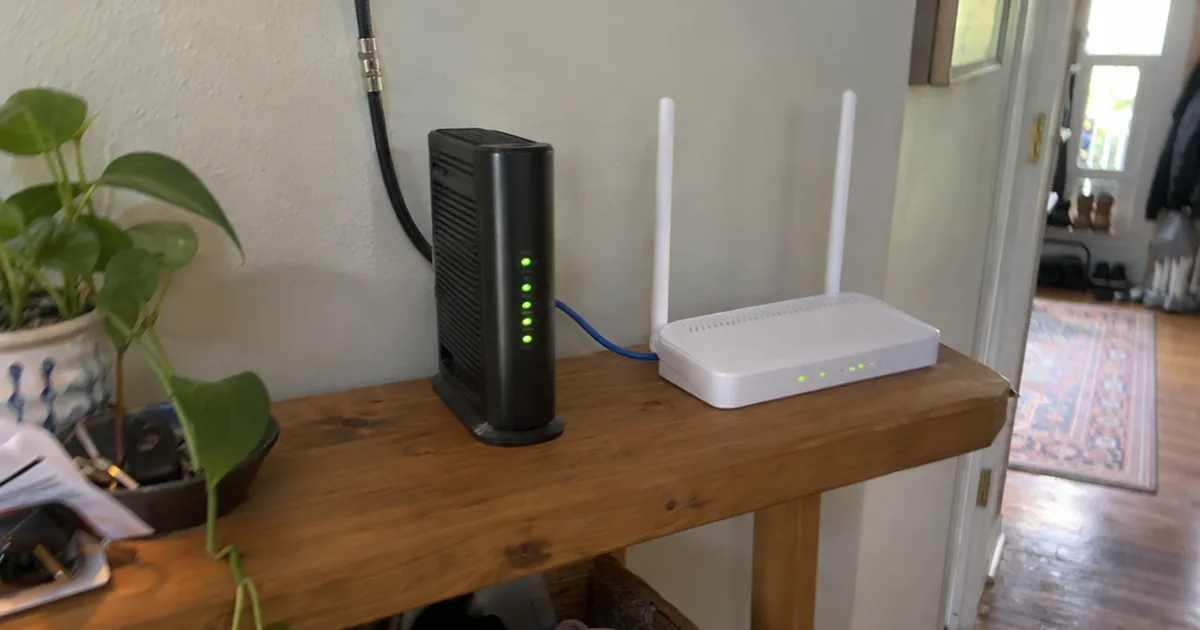
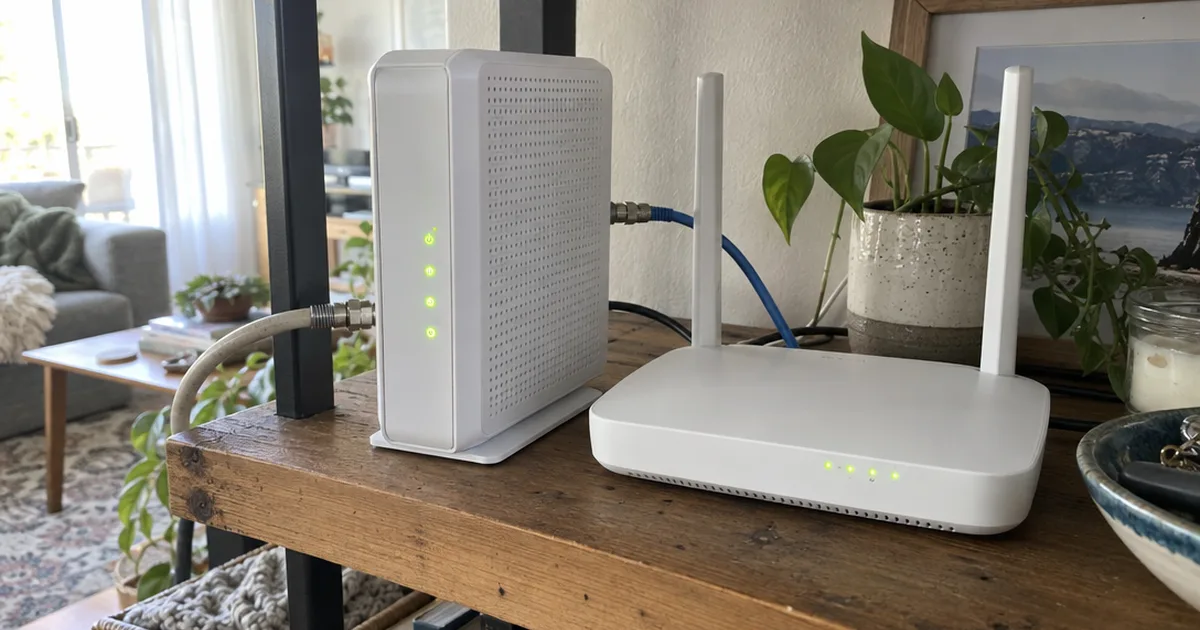
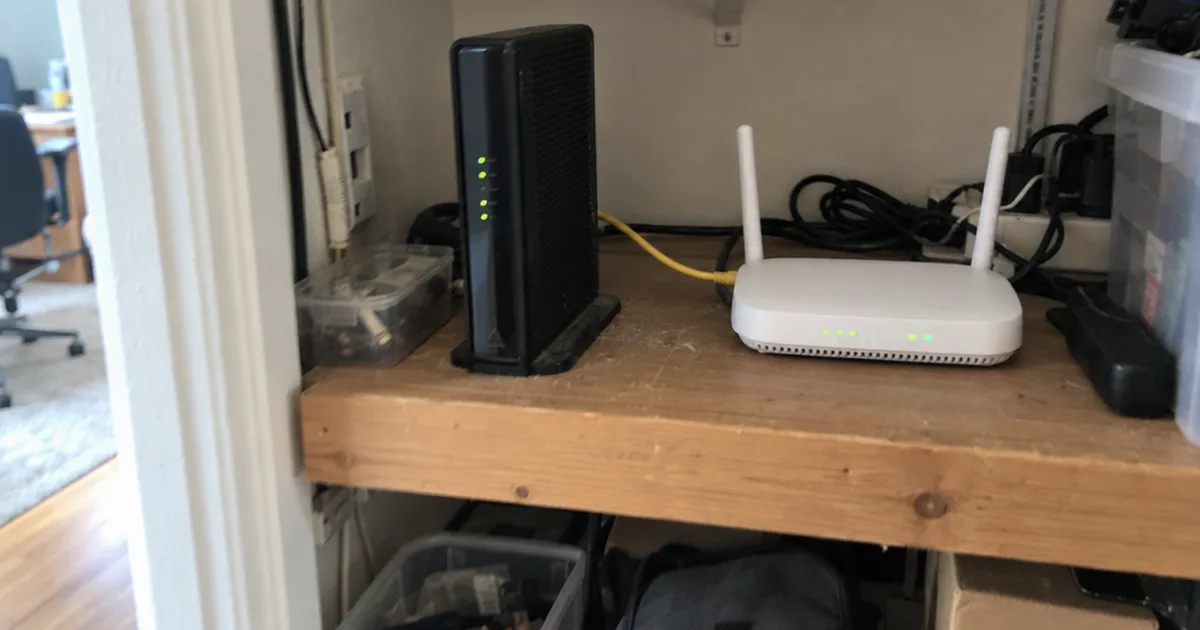
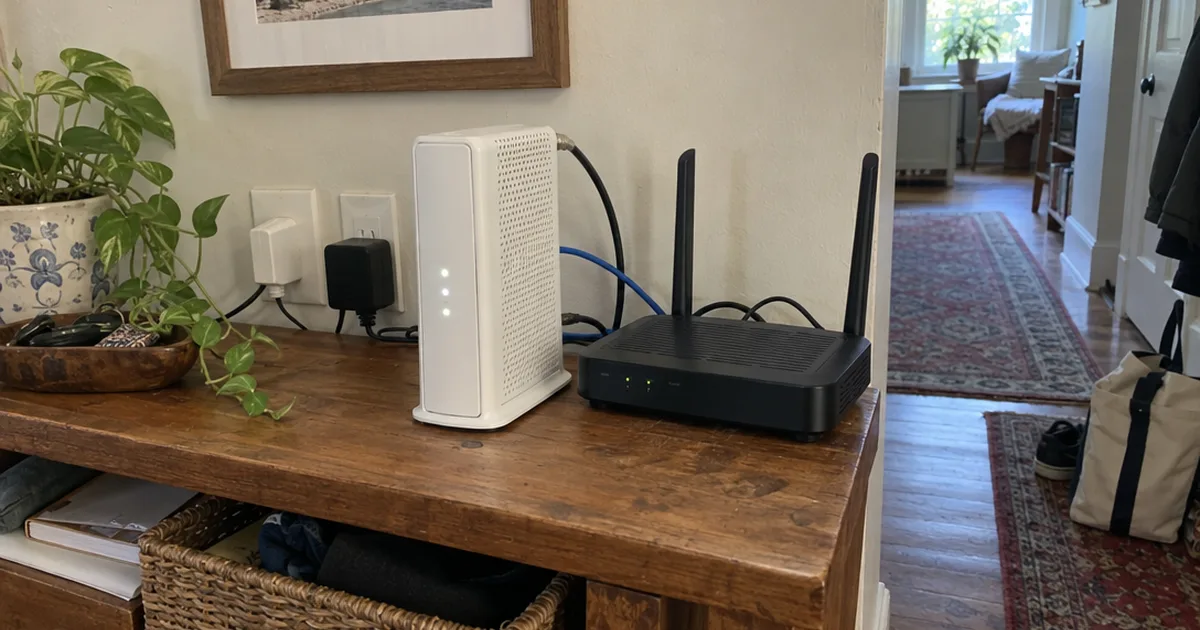
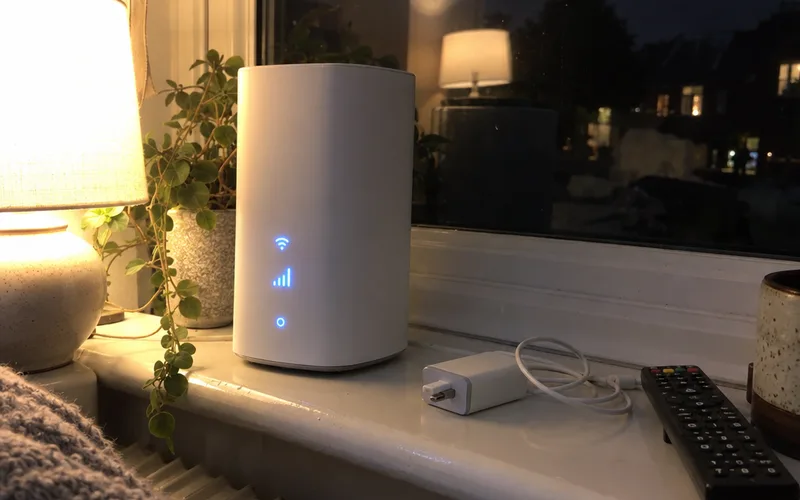
That equipment is a gateway router, a modem and router in one box. It catches the 5G signal from the tower and turns it into Wi-Fi for your computers, TV and tablets.

Your devices can’t tell the difference. They join a Wi-Fi network like any other, and only the wireless internet link outside your walls changes.
Many gateways also fall back to the older 4G LTE network where 5G coverage is thin. So the “5G” in a plan’s name is what the carrier hopes to deliver, not a promise for your address.
That’s the key point for your home internet setup: 5G replaces the wire coming into your house, not the Wi-Fi inside it.
How Does 5G Home Internet Work?
5G home internet works by sending data over radio waves between a cell tower and a gateway in your home. The gateway then shares that connection with your devices over Wi-Fi or Ethernet.
Here’s the catch: your gateway shares that tower with every phone and home plan nearby.
When the tower gets busy, carriers manage the load, and home internet traffic can slow down at peak hours. That’s why the same plan can feel fast at 10 a.m. and sluggish at 9 p.m.
Distance and walls matter too. Faster mmWave bands fade quickly through walls, coated windows and trees, while C-band and low-band 5G reach farther.
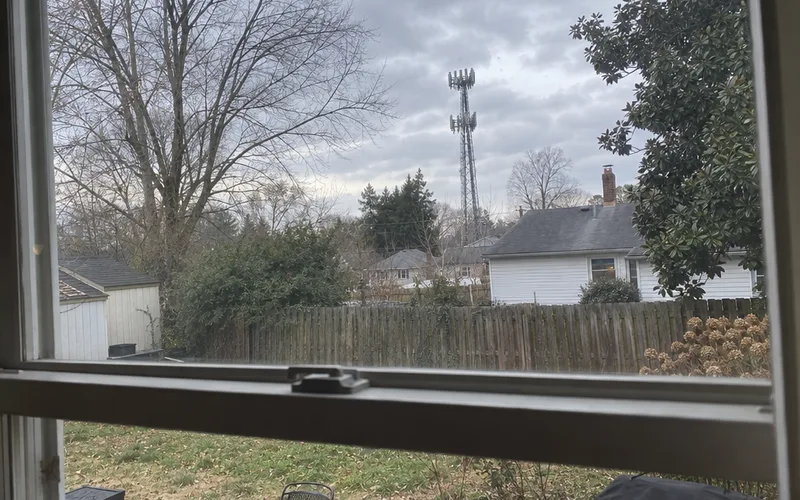
In other words, where you put the gateway matters almost as much as which plan you buy.
How to Set Up a 5G Gateway
Setup is mostly plug-and-play, and doing it in this order saves you from moving furniture twice:
- Check your exact address. Use the carrier’s availability page, since coverage maps show neighborhoods, not houses.
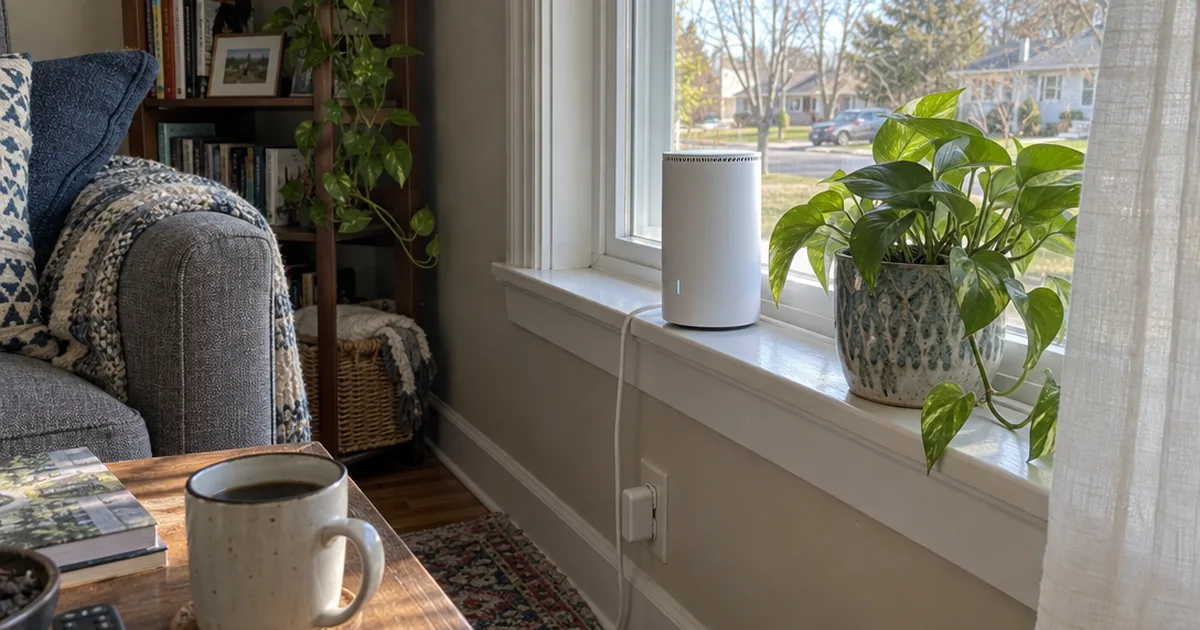
- Start near a window. Face the nearest tower, keep the box off the floor and away from metal shelves.
- Use the carrier’s app. Move the gateway a few feet at a time and watch the signal reading.
- Test at different hours. Run a speed test in the morning and again in the evening.
- Wire what you can. Plug a desktop, TV or console into the gateway’s Ethernet port.
A window spot is great for signal but often bad for Wi-Fi, since it pushes the gateway to one edge of the house. If far rooms go weak, the usual fixes for extending your Wi-Fi range work just as they would with any router.
How Much Does 5G Home Internet Cost?
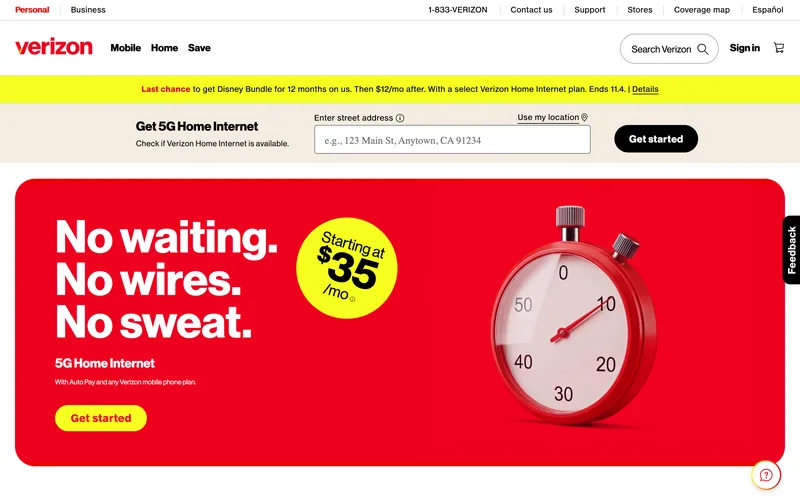
5G home internet plans start at $35 a month at Verizon and $59.95 a month at EarthLink, based on each provider’s sales page in October 2026. The lowest prices usually depend on bundling with that carrier’s phone service.
Verizon’s listing spells out the condition: its discounted pricing requires Auto Pay and any Verizon mobile phone plan. Without both, you pay more than the headline price.
EarthLink takes the opposite approach. Its plans start at $59.95 a month with no phone line needed, and the same page advertises no contracts, overage fees or credit checks.
What does that mean for you?
Compare the monthly cost you’d really pay, not the one in the ad. Here’s what to ask before you order: “What’s my monthly price without a phone line or AutoPay, and does it include taxes, equipment and setup fees?”
T-Mobile and AT&T also discount their home plans for mobile customers. Enter your address on each carrier’s home internet page and note the price with and without a phone line.
Key Takeaway: If you already pay one carrier for phone service, check its home plan first, because the bundle discount is where 5G gets cheap.
How Fast Is 5G Home Internet?
5G home internet speed depends on your signal and how busy the local tower is. Providers don’t promise a number: EarthLink’s listing says its 5G plans do not guarantee upload or download speeds.
Budget wireless plans can be much slower. Verizon’s Home Internet Lite plan lists typical speeds of 10-25 Mbps for the first 150 GB of data each bill cycle, then up to 10 Mbps for the rest of it.
That works for email and browsing, but a family streaming on three TVs will feel it.
Upload speed is the other number to watch. Wireless plans usually upload far slower than they download, which hurts video calls and cloud backups.
So how much speed do you need?
Size your household’s internet usage with this guide to good internet speed. Then judge any 5G plan by your evening speed test, not the number in the ad.
5G Home Internet Providers
The main 5G home internet providers in the US are T-Mobile, Verizon and AT&T, which run their own cell networks. EarthLink and prepaid brands such as Visible, Straight Talk and Metro by T-Mobile sell plans too.
Here’s who each one tends to suit:
- T-Mobile 5G Home Internet: T-Mobile wireless customers; see the T-Mobile Home Internet review.
- Verizon 5G Home Internet: Verizon customers outside its Fios fiber areas, since the $35 price needs a Verizon line; the Verizon Home Internet review covers each tier.
- AT&T Internet Air: AT&T wireless customers at addresses without AT&T Fiber.
- EarthLink 5G Home Internet: homes that want no contract or credit check.
- Prepaid brands: people who want a prepaid plan and can live with fewer perks.
The best internet service is usually the one whose network is already strong inside your home. Run a speed test on your phone in the room where the gateway would sit.
Weighing Verizon against a cable company instead? The head-to-head breakdowns of Verizon 5G against Spectrum and against Xfinity show where each one wins.
5G Home Internet vs Cable, Fiber, DSL and Satellite
5G home internet usually beats DSL and traditional satellite on speed and setup. Cable and fiber stay steadier, because nearby phones don’t share their wire.
Here’s how the five connection types compare day to day:
| Connection | How it reaches you | Installation | Speed consistency |
|---|---|---|---|
| 5G home internet | Cell tower to gateway | Self-install | Varies with signal and traffic |
| Cable | Coaxial cable | Technician or kit | Steady, dips at busy times |
| Fiber | Fiber-optic line | Technician | Most consistent |
| DSL | Phone line | Technician or kit | Weakens with distance |
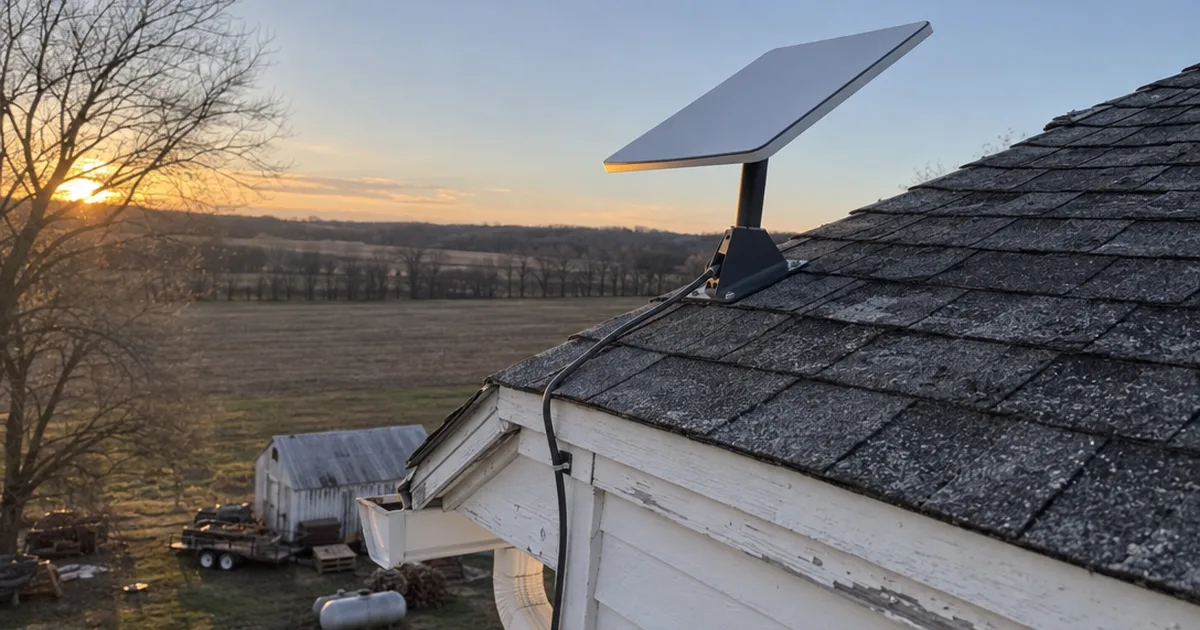
| Satellite | Dish to satellite | Dish mount | Sensitive to weather |
The pattern is simple: the more of the path that runs over a wire you don’t share, the steadier your connection.
That’s why 5G makes the most sense when your wired choices are weak or overpriced. If fiber reaches your street, see how fiber compares with cable internet before you trade a wire for a wireless signal.
Is 5G Home Internet Good for Gaming?
5G home internet is good enough for most casual online gaming when your signal is strong. Its ping can jump when the tower gets busy, though, and players in fast shooters will notice.
Many 5G home services also use carrier-grade NAT, which means customers share a public IP address. That can block port forwarding and give consoles a strict NAT type, and this walkthrough on port forwarding and NAT explains what still works.
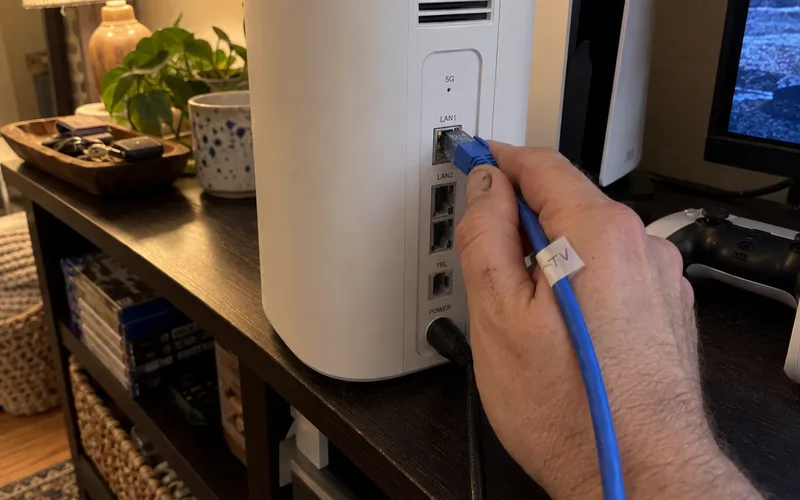
So plug your console into the gateway with Ethernet and test your latency at the hours you play. This guide to internet speed for gaming shows which numbers matter most.
Rural gamers often weigh satellite too. Before you choose between a dish and a tower, see how Starlink handles online gaming.
Disadvantages of 5G Home Internet
The main disadvantages of 5G home internet are patchy coverage, busy-hour slowdowns, slow uploads and locked-down equipment. None of them show up in the ad, so check each one before you switch.
Here’s what to watch for:
- Coverage by address: a neighbor can qualify while your house doesn’t.
- Busy towers: home traffic can be slowed when the tower is crowded.
- Slow uploads: sending files and video takes longer than on cable or fiber.
- Locked gateways: carrier boxes often limit settings such as bridge mode.
That last one surprises a lot of people who own a good router. If you plan to keep yours, learn how gateway setup and bridge mode work on carrier equipment first.
Is 5G Home Internet Worth It?
5G home internet is worth it if your other choices are slow DSL, satellite or overpriced cable, and your phone gets strong 5G indoors. It’s a poor fit for heavy uploaders, competitive gamers and homes with one bar inside.
The good news? You can test it at your own address with little risk.
Verizon’s listing offers a 30-day money-back guarantee: cancel within 30 days and get a refund of the service charge. Use that window for evening speed tests, video calls and streaming in the rooms you use most.
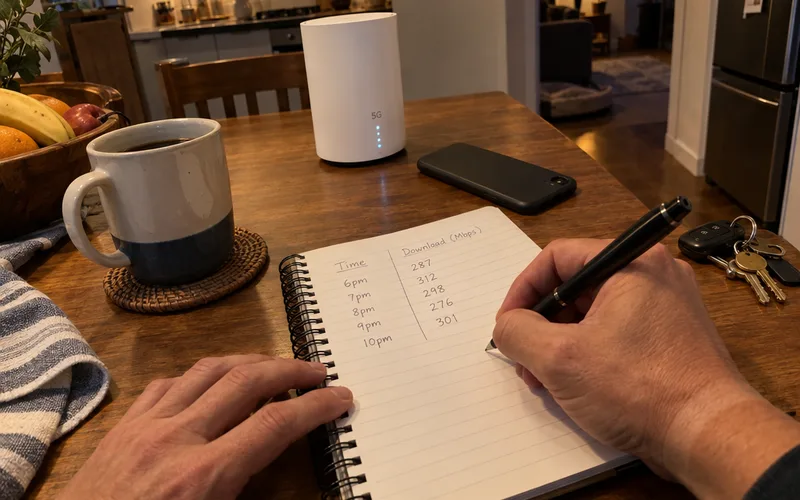
5G also makes a solid second line. If you work from home, a 5G plan can serve as backup internet for home when your cable or fiber goes down.
Where to Start With 5G Home Internet
The first step toward 5G home internet is checking your exact street address on each carrier’s availability page. Then compare the price you’d pay without a phone bundle.
Pick the carrier whose network is strongest inside your home.
Then set the gateway by a window and run night-time speed tests before your trial ends.
Frequently Asked Questions
Does 5G home internet require a contract?
Many 5G home internet plans skip contracts: EarthLink’s 5G listing advertises no contracts, overage fees or credit checks as of October 2026. Verizon adds a 30-day money-back window, so read each provider’s cancellation terms before you order.
Does 5G home internet have data caps?
5G home internet plans don’t always cap your data, and EarthLink’s listing advertises no overage fees. Budget plans can slow down instead: Verizon’s Home Internet Lite drops to up to 10 Mbps after 150 GB in a bill cycle.
How good is Verizon Home Internet Lite?
Verizon Home Internet Lite is a basic plan for light use, with typical speeds of 10-25 Mbps for the first 150 GB each bill cycle, according to Verizon’s plan page. After that it drops to up to 10 Mbps, so it fits email and browsing better than a busy streaming household.
Which is the best 5G home internet?
The best 5G home internet is the carrier whose network is strongest inside your home, which is usually the one your cell service already gets good bars on. If you’re a Verizon mobile customer, Verizon’s $35 starting price makes it the first plan to check.
What is the difference between WiFi and internet?
Wi-Fi is the wireless network inside your home that connects devices to your router, while the internet is the outside connection your provider brings to that router. With 5G home internet, the gateway handles both jobs in one box.